7
Levels of water heater protection:
• protection against overheating;
• protection against excessive hydraulic
pressure.
• RCD (Ground Fault Interrupter).
The steel inner tanks with a special protective
coating are made using the advanced
electrostatic dry enameling method. Enamel
properties:
• increased adhesive ability and high ductility
(hardened at 850 °C);
• expands or contracts with temperature
changes in the same proportion as the walls
of the inner tank, without creating micro-
cracks that could lead to corrosion.
As additional protection against corrosion of
the internal tank, the water heater is equipped
with a magnesium anode and electronic
titanium anode. The dry heating element (PHE)
is placed in protective metal covers, which
exclude direct contact of the heating elements
with water, respectively, no scaling is formed
on the heating elements, which increases their
service life and prolongs their service life.
The water heater has three heating power
modes:
• LOW (700 W)
• MID (1300 W)
• TURBO (2000 W).
Depending on the water temperature, the
background image is displayed as follows:
• From 5 to 35 °C — calm smooth water;
• From 36 to 55 °C — agitated water;
• 56 to 75 °C — boiling water, bubbles.
Depending on the water temperature, the
heating indicator is displayed as follows:
• From 5 to 30 °C — indication in blue;
• 31 to 50 °C — orange display;
• 51 to 55 °C — indication is green;
• 56 to 75 °C — indication in red.
Control of the device using a
mobile app
The device can be controlled by the ClimatOn
app provided by CladSwiss AG. Supported
app is not provided by Electrolux. Please read
more about the ClimatOn app on
www.climaton.app.
For the device to work correctly on a Wi-Fi
network, you should use a ClimatOn plug-in
module, unless a device is supplied with a
built-in control module. See the ”User’s manual"
to find out if your device has a pre-installed
control module.
For the initial Wi-Fi connection setup, the
mobile device must be on the same Wi-Fi
network to which the device is planned to be
configured.
Initial connection setup
To connect the device to a mobile application:
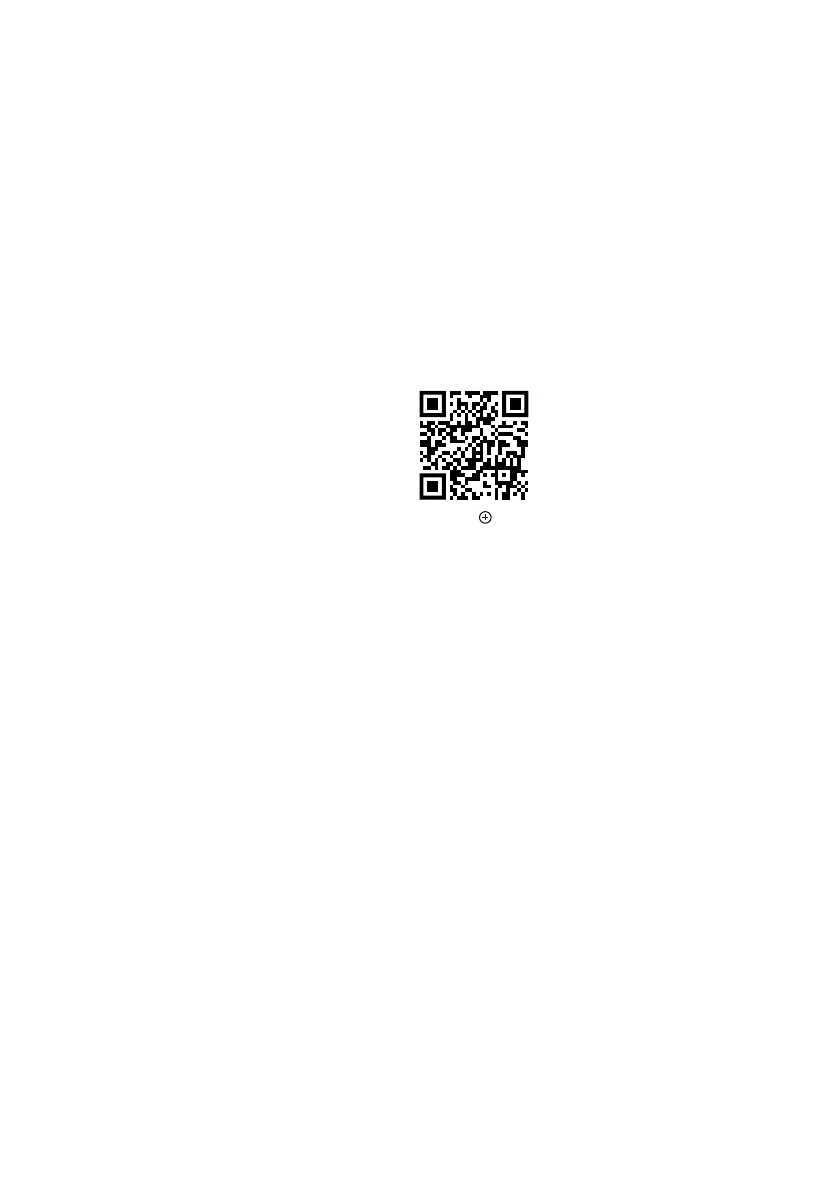
Install the mobile application on your
smartphone by scanning the QR code.
Register in the app.
Click on ”Add device” in the upper right
corner of the main page of the application.
Next, click “Show all devices”, find the SI water
heater and click on it.
Then follow the step-by-step instructions in the
application.
To enable the “Pairing” mode in the water
heater, select Wi-Fi in the menu and click OK.
The message “Connection” will appear on the
display.
The water heater is ready to be connected
to the application. Continue to follow the
instructions in the app.
Attention!
After a while, the device exits the “Pairing”
mode. If you have not managed to connect
during this time, you need to start the “Pairing”
mode again.
After successfully establishing a connection
to the network, the Wi-Fi indicator will be
constantly lit.
Important!
If the device was previously connected to other
users' mobile devices, and you do not want
them to control your device further, reset the
settings: enter the menu, select “Reset Settings”,
click OK.
Reset Settings
To reset the device to factory settings in this
section, select the answer Yes and press button
2.
ENGLISH



 To Next Page