14
CUSTOMIZING TV SETTINGS
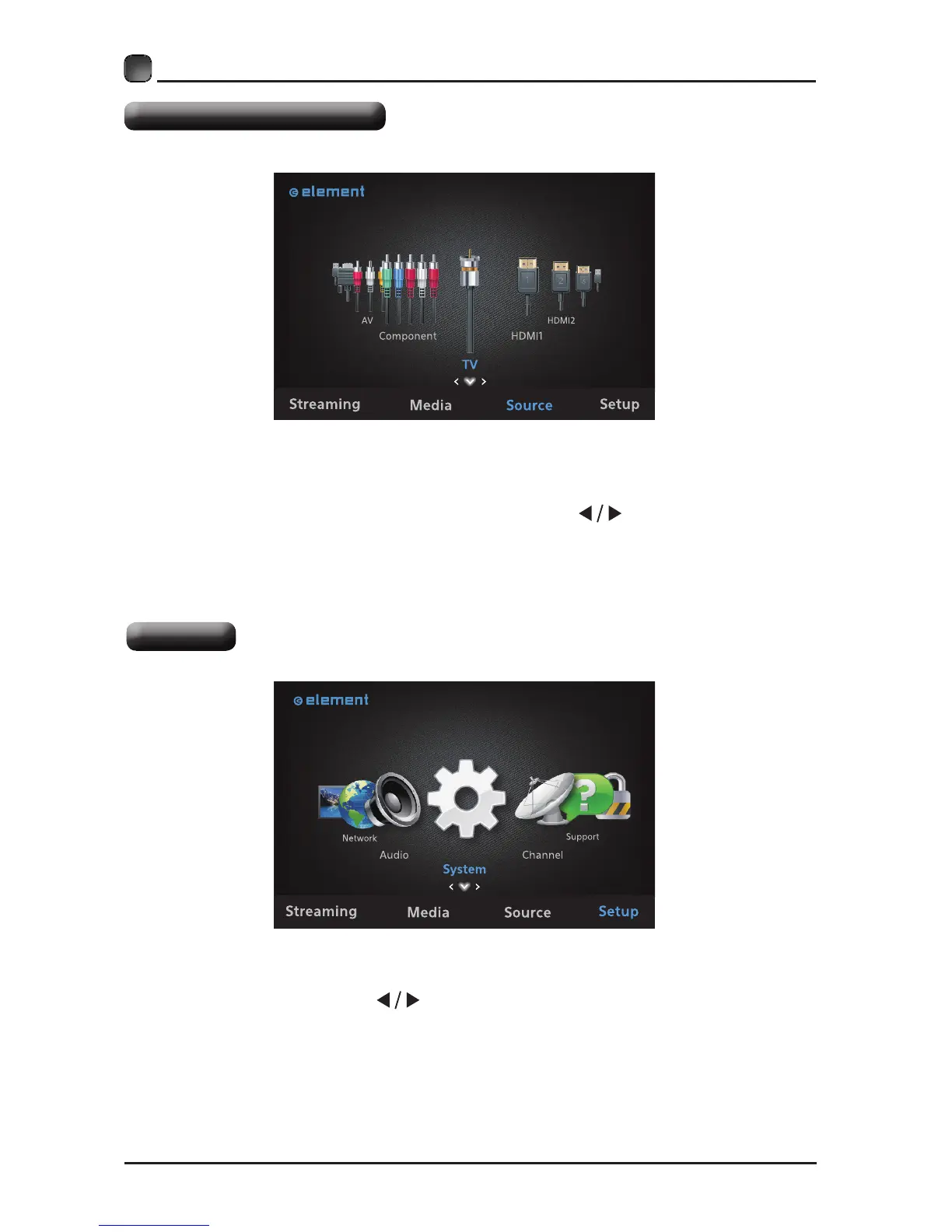
Selecting The Input Source
• Press the Source button on the main unit or on the remote control to display the
Input Source list.
• Press the OK button to enter and then press the
buttons to select your
desired input source among: TV/AV/Component/HDMI1/HDMI2/HDMI3/VGA/USB
and then press OKbuttontoconrm.
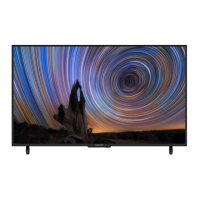
System
• Press the MENU button on the main unit or on the remote control to display the
main interface. Then press
buttons to select System menu and press OK
button to select the desired option.


 To Next Page