18
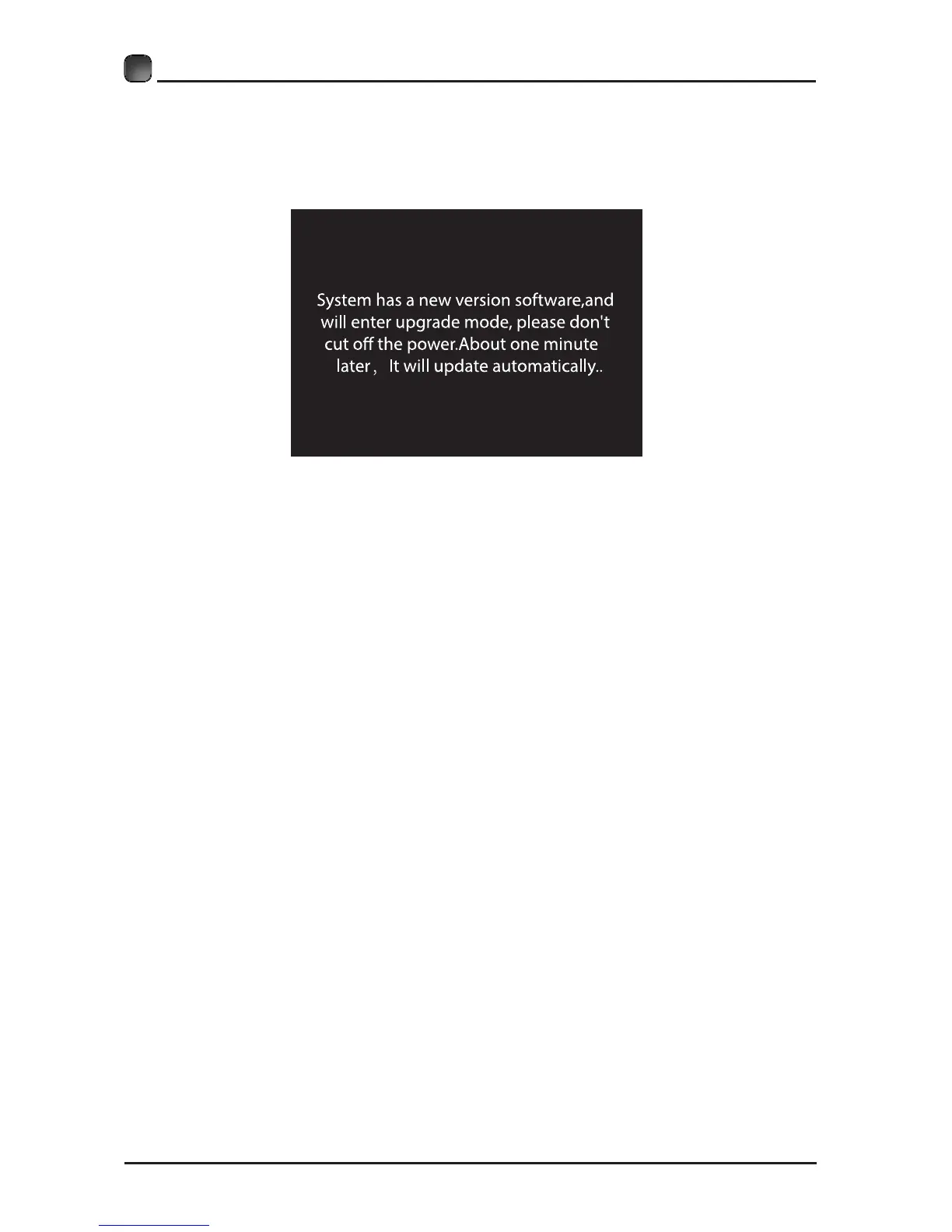
• If there is a new version, it will be downloaded in the background. When you want
to enter the app, a menu bar will pop up reminding you that upgrade software is
downloading. Please try later...
CUSTOMIZING TV SETTINGS
• After the download completed, it can upgrade automatically after users press the
standby button.
Note: This procedure is fully automatic, and remember not to cut off the power.
Manual Upgrade
• After the TV connects to network, users can detect whether there is a new version
through network manual option.


 To Next Page