EasyManua.ls Logo

Element ELEFW401A - User Manual

Element ELEFW401A
28 pages
Print Icon
To Next Page IconTo Next Page
Loading...
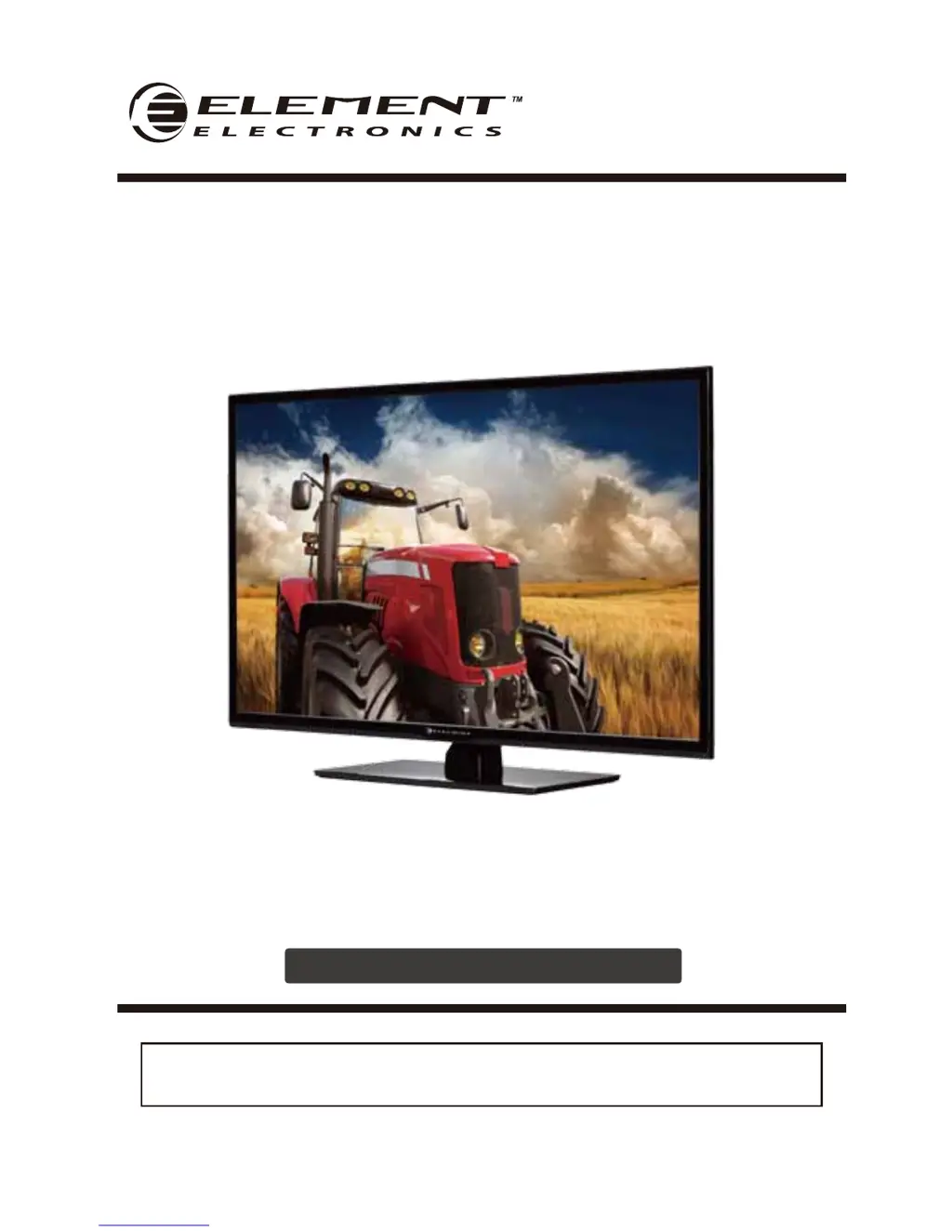
ELEFW401A
INSTRUCTION MANUAL
Please read all the instructions carefully before using this TV,
and keep the munual for future reference.
40" FHD Digital LED TV

Questions and Answers

  • D
    Daniel GarciaSep 12, 2025
    What to do if Element ELEFW401A says the signal is out of range?
    • S
      shieldsalecSep 12, 2025
      If your Element LED TV indicates that the signal is out of range, try adjusting the resolution, horizontal, or vertical frequency. Check whether the signal cable is connected or loose. Also, check the input source.
  • M
    Matthew MooreSep 12, 2025
    What does it mean when the red LED indicator lights on Element ELEFW401A LED TV are on?
    • J
      James ChoiSep 12, 2025
      If the red LED indicator lights are on on your Element LED TV, the set is likely in standby mode. Press either the Power button or the Standby button on the remote control.
  • M
    Michael LunaSep 9, 2025
    How to fix horizontal/vertical bars or picture shaking on Element ELEFW401A?
    • M
      martinaprilSep 9, 2025
      If you are experiencing horizontal or vertical bars or picture shaking on your Element LED TV, check for local interference from electrical appliances or power tools.
  • J
    Justin WiseSep 8, 2025
    How to fix poor color or picture on Element LED TV?
    • D
      Diane RobertsSep 8, 2025
      To fix poor color or picture quality on your Element LED TV, start by adjusting the color in the Menu option. Ensure there is sufficient distance between the TV and any VCR. Try another channel to see if the issue is with the broadcast. Also, check that the VIDEO cables are properly installed and activate any function to restore the brightness of the picture.
  • P
    Paula FrenchSep 7, 2025
    Why is there normal picture but no sound on my Element ELEFW401A?
    • B
      Brandy JohnsonSep 7, 2025
      If you have a normal picture but no sound on your Element LED TV, check the volume and ensure that the sound is not muted by pressing the MUTE button. You might also try another channel to rule out a broadcast issue and ensure that the audio cables are installed properly.
  • D
    Denise AllenAug 23, 2025
    What to do if the Element ELEFW401A LED TV remote control does not work?
    • D
      danielstarkAug 23, 2025
      If your Element LED TV remote control isn't working, first check for obstructions between the remote and the TV. Then, ensure the batteries are installed with the correct polarity (+/-). Also, verify that the correct remote operating mode is set (TV, VCR, etc.). If these steps don't resolve the issue, try installing new batteries.
  • C
    coxdylanSep 5, 2025
    What to do if my Element ELEFW401A LED TV remote control does not work?
    • C
      Caitlin MooreSep 5, 2025
      If your Element LED TV remote control isn't working, consider these possible solutions: * Check for obstructions between the remote and the TV. * Ensure batteries are installed with the correct polarity (+/-). * Verify the correct remote operating mode is set (TV, VCR, etc.). * Try installing new batteries.
  • D
    dhartmanSep 4, 2025
    Why is there no sound on my Element ELEFW401A?
    • C
      Carrie ParkerSep 4, 2025
      If there is no sound on your Element LED TV, there might be several reasons. First, check if the sound is muted and turn mute off. Second, the volume might be set too low, so check the volume settings. Finally, if you are using external leads, verify that all external leads are connected properly.
  • J
    James HoustonSep 3, 2025
    How to fix unstable or single color screen on Element LED TV?
    • J
      Jordan FoxSep 3, 2025
      To fix an unstable or single color screen on your Element LED TV, check the signal cable. If the issue persists, try reinstalling the PC video card.
  • C
    Carla MaddoxSep 2, 2025
    How to troubleshoot no output from one speaker on Element ELEFW401A LED TV?
    • B
      Brian BauerSep 2, 2025
      If there is no output from one of the speakers on your Element LED TV, adjust the balance in the Menu option.

Summary

Important Safety Instructions

Additional Safety Information

Electrical Safety

Details electrical safety precautions for the TV, including power supply, wiring, and protection against water.

Physical Safety

Outlines physical safety measures, such as ventilation, avoiding impacts, cleaning, and installation near heat sources.

Preparations

Remote Control Overview

Introduces the remote control, detailing the function of each button for TV operation and multimedia playback.

Connecting External Devices

Connection Types Overview

Illustrates how to connect external devices like PCs, HDMI sources, and DVD players to the TV using various ports.

Operating Your TV

Powering On and Initial Setup

Guides users on powering the TV on/off and configuring initial settings via the Setup Wizard for optimal performance.

Customizing TV Settings

Parental Control

Guides users on setting up parental controls to block programming based on age ratings and content restrictions.

Troubleshooting

Element ELEFW401A Specifications

General IconGeneral
BrandElement
ModelELEFW401A
CategoryLED TV
LanguageEnglish

Related product manuals