RW60 User Manual
● Long Beeping After Cutting:
① Disable: there is no sound after cutting.
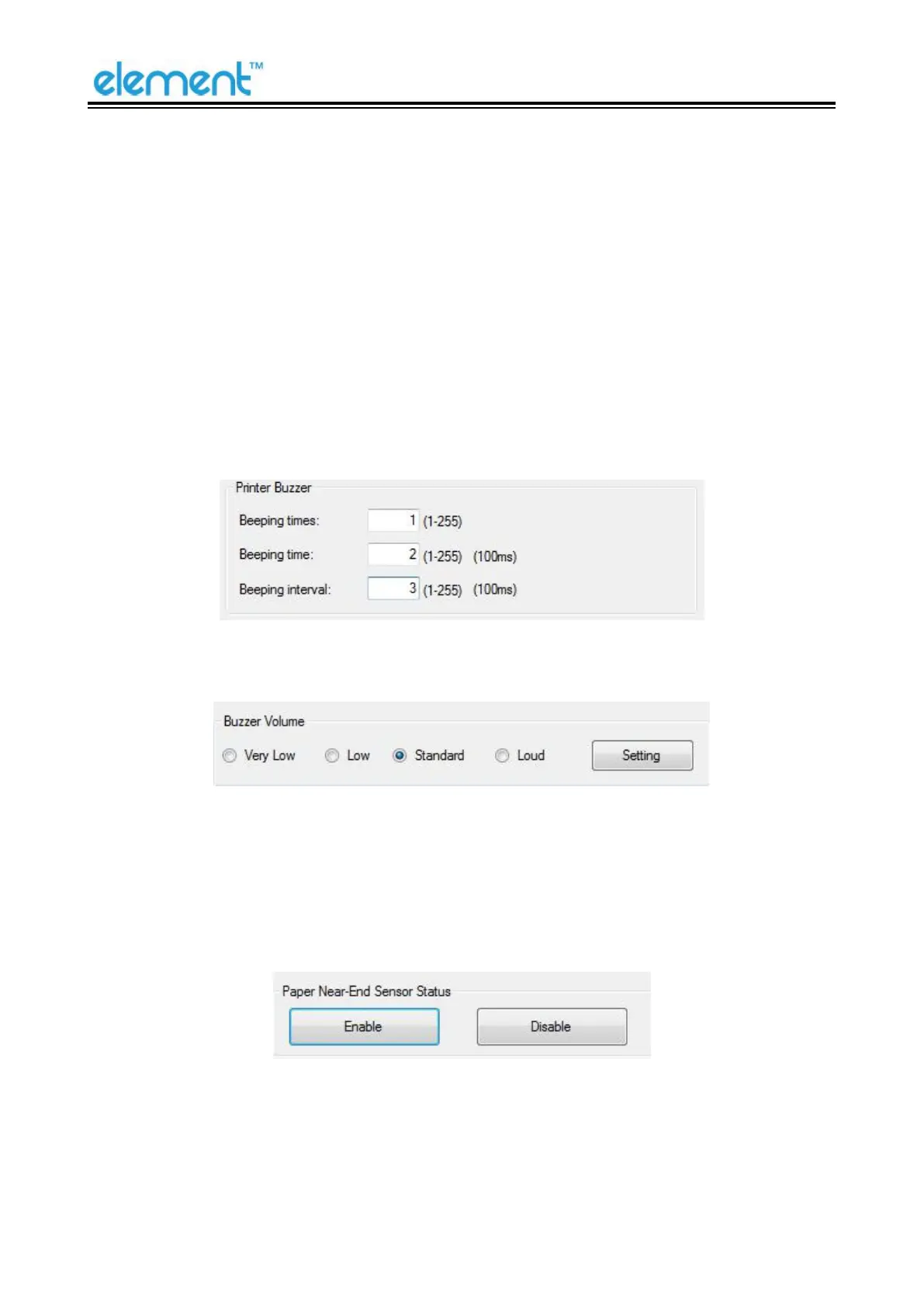
② Use printer buzzer (The beeping time, times and interval time can be set for what you want,
such as 1 milliseconds, 2 milliseconds or 3 milliseconds, etc.):
The following setting is set as an example:
When cutting one piece of paper each time, the printer will emit the “Beep” for one time, and
the beeping time is two milliseconds and beeping interval is three milliseconds.
●
Buzzer Volume:
The “Very Low” is the minimum sound, and the “Loud” the maximum sound. You can select a
volume level and click "Setting" to print (Default: "Standard" level).
●
Paper Near-End Sensor Status:



 To Next Page