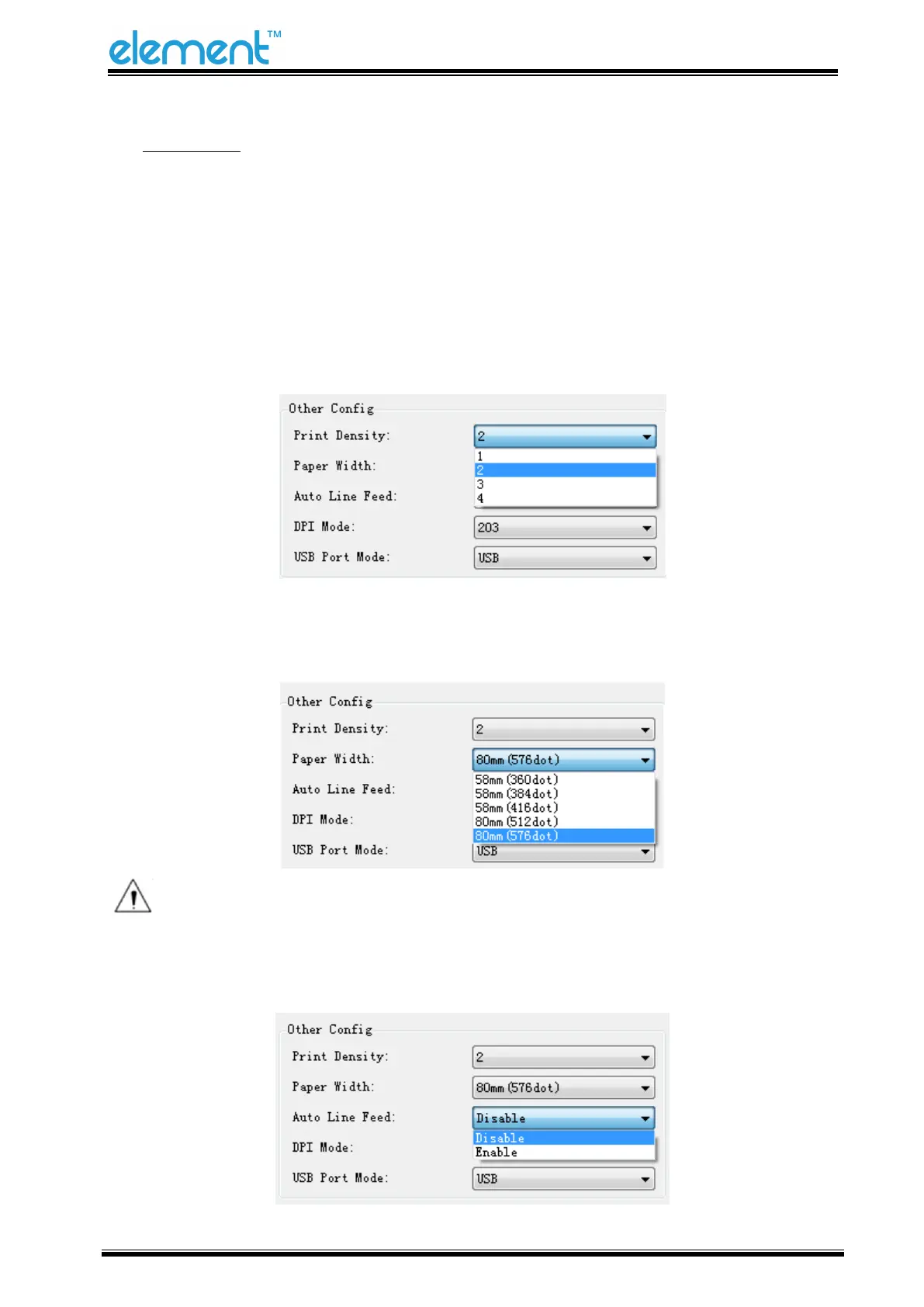
◆ Other Config
Click the items to set “Print Density”, Paper Width”, “Auto Line Feed”, “DPI Mode”, and “USB
Port Mode”
• Print Density (default “level 2”)
The print density value varies according to the paper material and it can be adjusted to suit
your needs.
• Paper Width Setting
Note: Select the paper width above according to the paper print width.
• Auto Line Feed



 To Next Page