RW973 MkⅡ User Manual
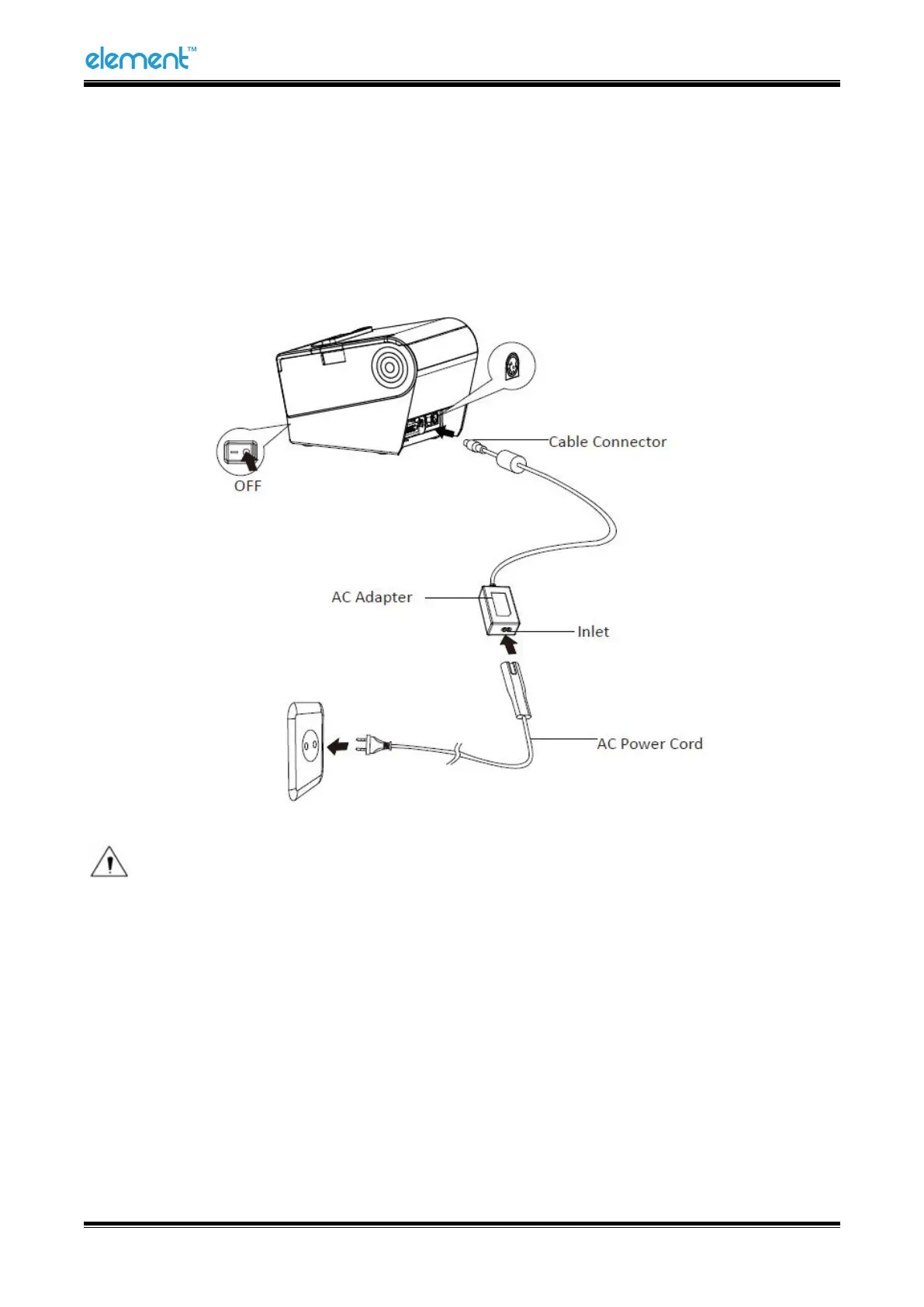
4.5 Power Connection
1) Make sure the printer's power switch is turned off.
2) Connect the AC adapter to printer.
3) Connect the power cord to AC adapter.
4) Connect the other end of power cord to the outlet.
Note: The Power adapter and power cord vary by local and region.
When pulling out the adapter, please pinch the shell of power adapter and pull the switch up, when
the switch is fully opened then pull out the power adapter.
Don’t put forth your strength to pull the plug by squeezing any place of power adapter. Because it is
more difficult to pull it out and easy to damage the cable.



 To Next Page