RW973 MkⅡ User Manual
Notes:
1) Please only use the power adapter recommended by supplier or equivalent products.
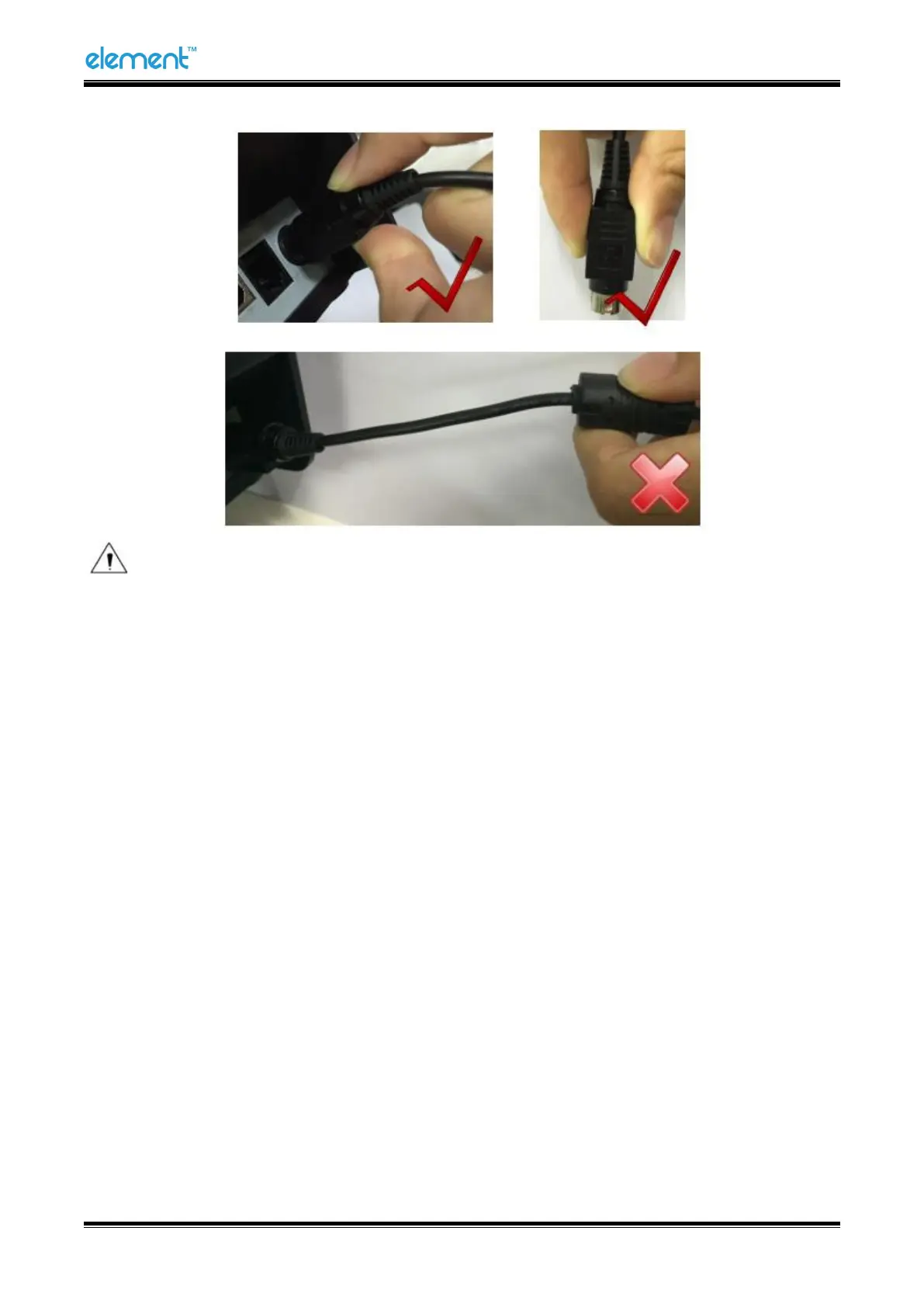
2) When disconnecting the power adapter plug, handhold plug connector housing to avoid the
pulling on the cable in force.
3) Avoid dragging the power adapter cable, otherwise it will damage the cables, causing fire and
shock.
4) Avoid putting power adapter around a heating device, otherwise the cable may melt, causing
fire and shock.
5) If you do not use the printer in a long time, disconnect the power supply of printer power
adapter.
4.6 Interface Cable Connection
1) Make sure the printer's power switch is turned off;
2) Connect the interface cable to the matched interface and fixed with screws (or spring) on the
plug;
3) Connect the other end of the interface cable to the host.



 To Next Page