EasyManua.ls Logo

Element RW973 Mk2 - Page 22

Element RW973 Mk2
110 pages
Print Icon
To Next Page IconTo Next Page
To Previous Page IconTo Previous Page
Loading...
RW973 MkⅡ User Manual
19
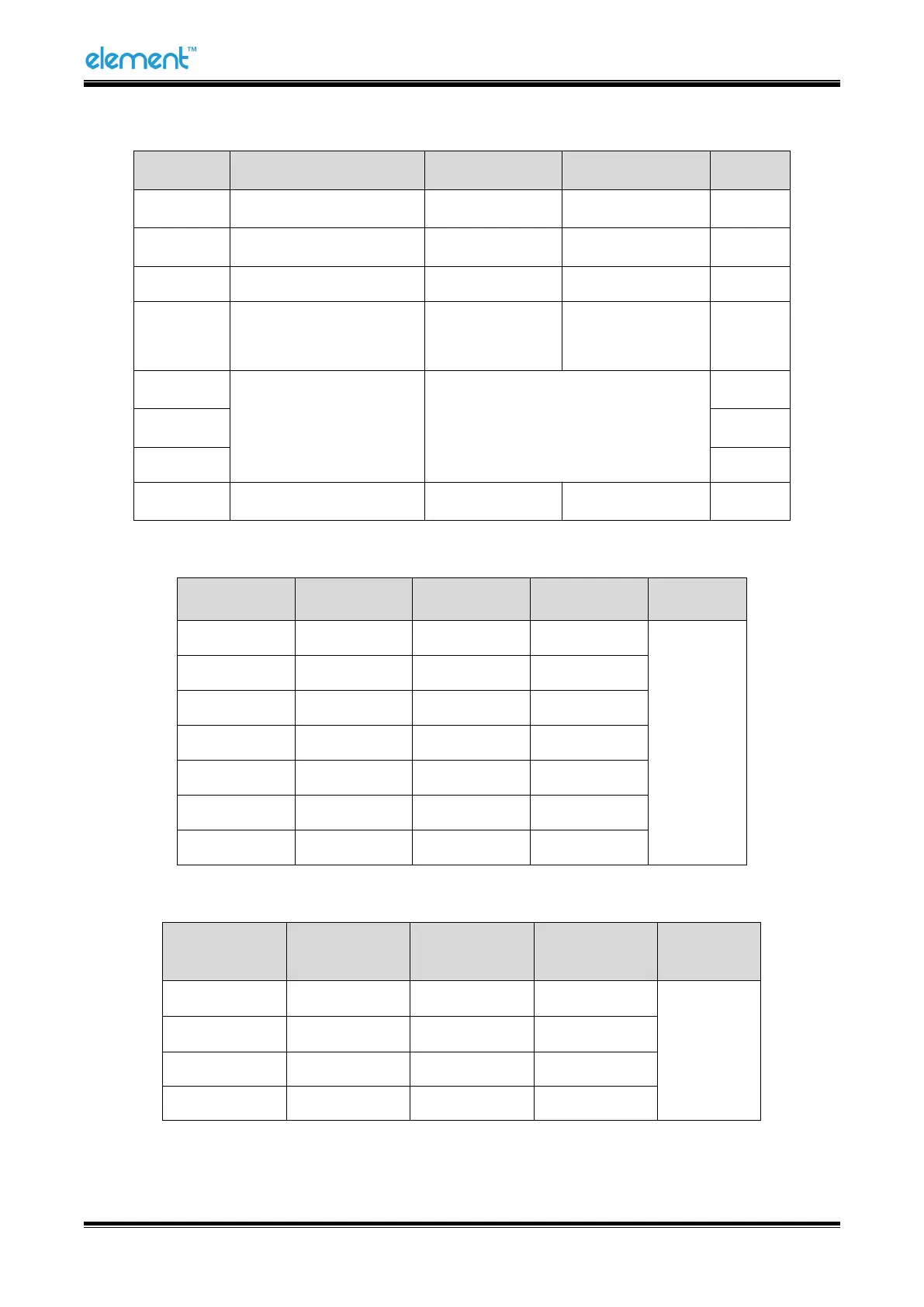
DIP Switch 2
Switches
Functions
ON
OFF
Default
2-1
Multi-byte characters
English
Chinese
ON
2-2
Bell control
Disable
Enable
OFF
2-3
Auto cutter
Disable
Enable
OFF
2-4
Busy conditions
Receive buffer
full
Printer off-line
Receive buffer
full
OFF
2-5
Printer density
Reference form 2
OFF
2-6
OFF
2-7
OFF
2-8
Printing dots quantity
512
576
OFF
Form 1—Baud Rate Selection
Baud rate
1-6
1-7
1-8
Default
2400
ON
OFF
OFF
9600
4800
ON
OFF
ON
9600
OFF
ON
OFF
19200
OFF
OFF
OFF
38400
OFF
ON
ON
57600
OFF
OFF
ON
115200
ON
ON
ON
Form 2—Print Density Selection
2-5
2-6
2-7
Printer
density
Default
ON
ON
Reserve
1 (light)
2
OFF
OFF
Reserve
2 (standard)
ON
OFF
Reserve
3 (medium)
OFF
ON
Reserve
4 (dark)

Table of Contents

Related product manuals