RW973 MkⅡ User Manual
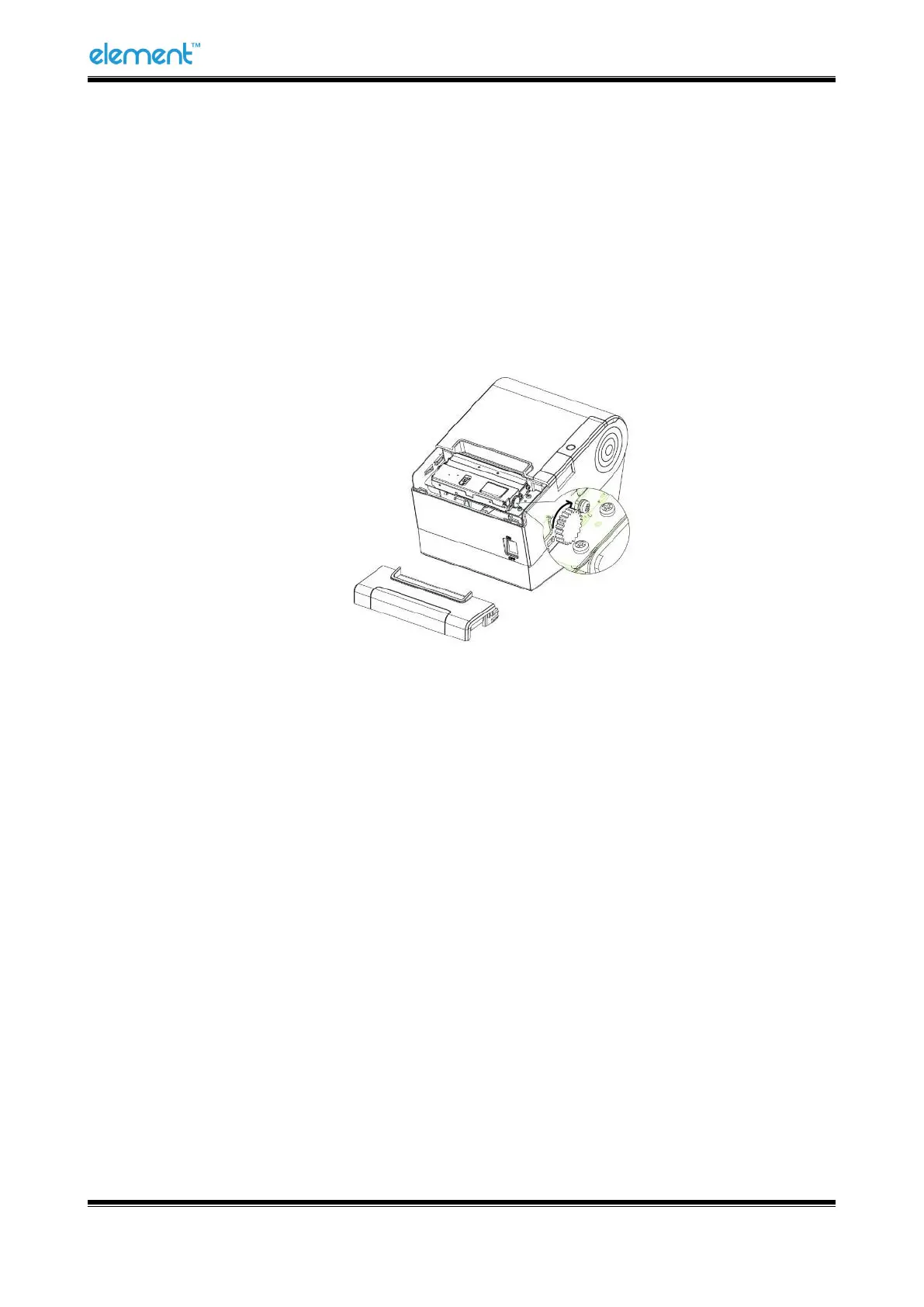
If the auto cutter jam occurs on printer and you cannot open the printer cover, please open the
cutter cover as shown below.
1) Turn the printer off and open the front cover.
2) Turn the knob until the cutter returns to the normal position (tip tag).
3) Close the front cover.
4) Open the top cover and remove jammed paper.



 To Next Page