57
SYSTEM CONNECTIONS
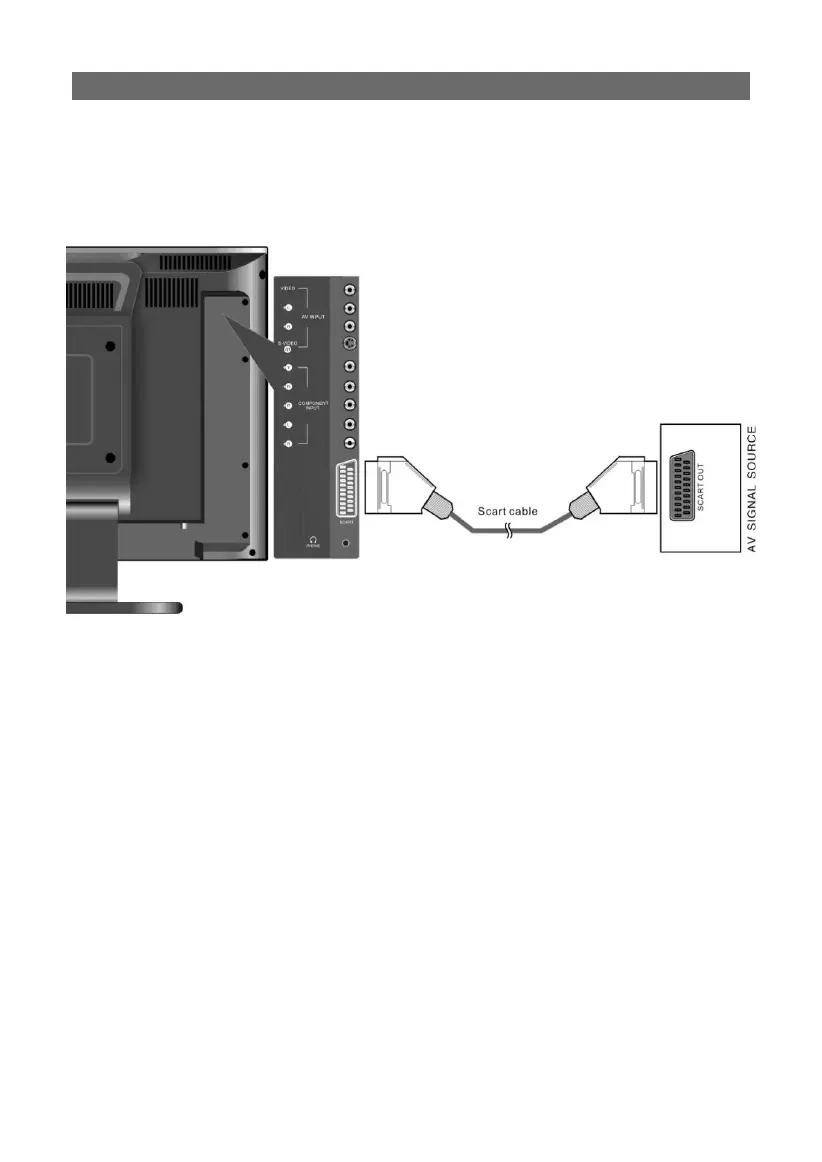
connecting to external A/V sources (SCART):
connecting to external A/V sources (SCART):
• Use SCART cables to connect SCART input Jack on the rear panel of the unit to SCART
compatible external A/V sources.
• Following connection, turn on the main power of both this unit and your source de-
vice; press the “SOURCE” button to shift to SCART mode. Your SCART source material
should now be displayed.



 To Next Page