59
SYSTEM CONNECTIONS
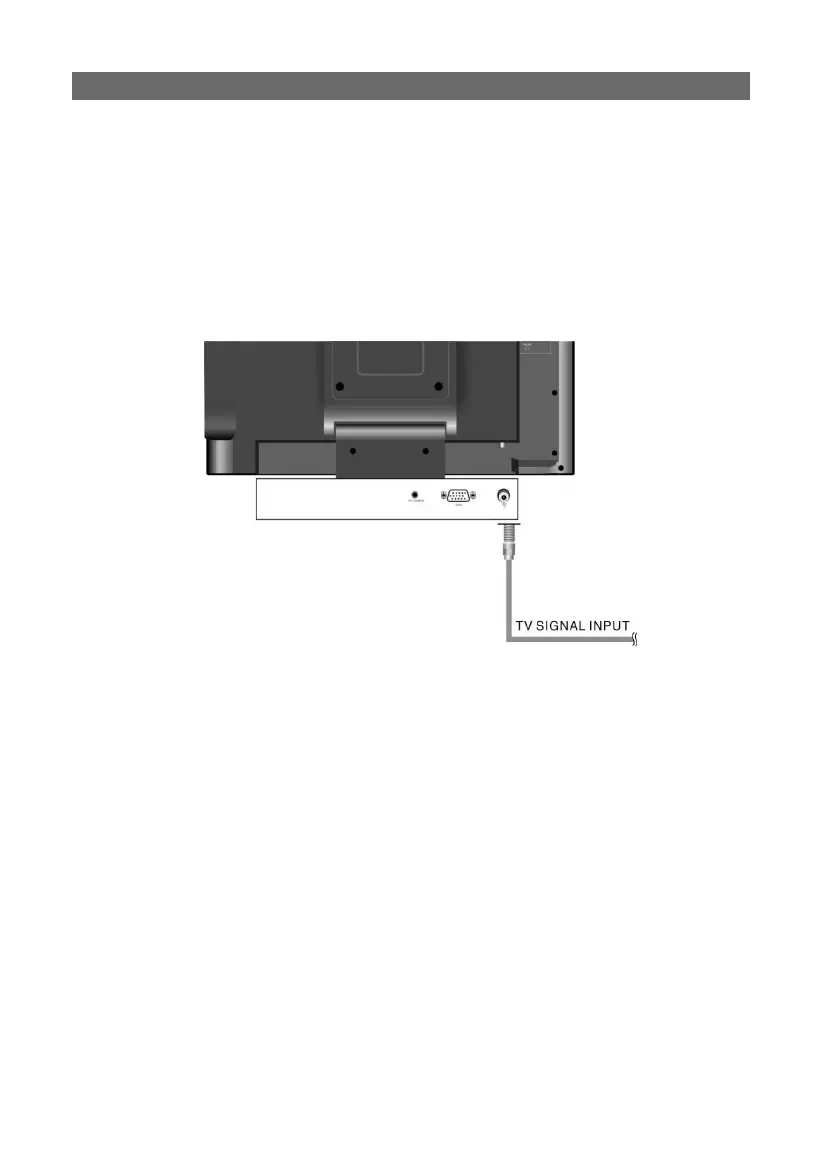
connecting to a broadcast TV signal:
connecting to a broadcast TV signal:
• This unit can be connected to a broadcast signal source using the supplied RF jack on
the rear panel (as shown).
• Following connection, turn on the main power of this product; press the “SOURCE”
button to shift to TV mode. Your broadcast TV image should now appear. Use the
channel up/down button to view various local broadcast channels.
PLEASE NOTE:
Broadcast quality and reception availability vary widely by region and weather condi-
tions. Poor picture quality is typically not a problem of this device. Please thoroughly
check your antenna, the connections and position, etc.



 To Next Page