76
setup menu:
You can change this product’s default settings to suit your own preferences. Press the
“SETUP” button on the remote control to display the settings menu shown below. Press the
“◀▶” direction buttons on the remote control to select the desired page to set up.
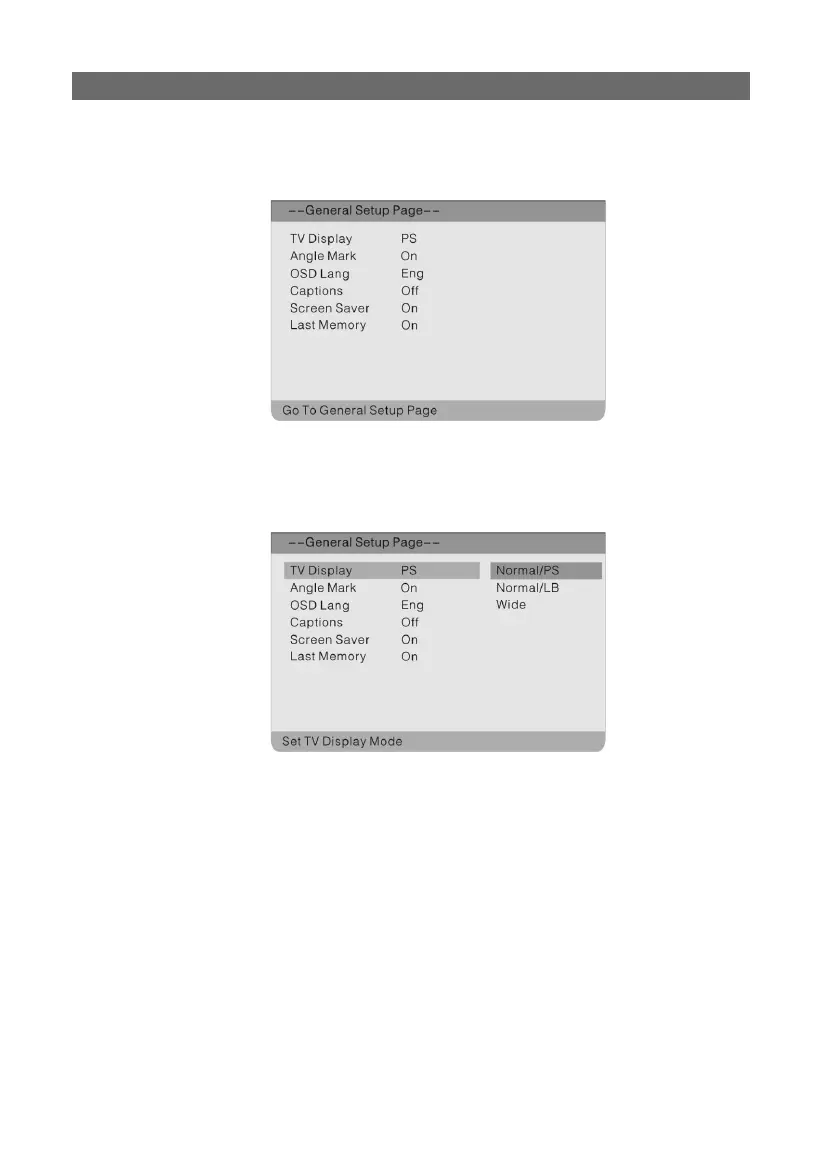
general setup page:
Press the “SETUP” button to enter the General Setup Page. Press the “▲▼” direction buttons
to select a folder and press the “ENTER” button to activate. The screen will display as follows.
Press the “◀” direction button to return to the previous menu.
In the General Setup Page, use the “▲▼” direction buttons to select the desired item. Press
the “ENTER” button to confi rm your selection and return to the previous menu.
SETTING UP YOUR DVD PLAYER



 To Next Page