All functions of the coded lock (opening the lock / relay with a code or tag) operate independently
from the currently established connections from other panels.
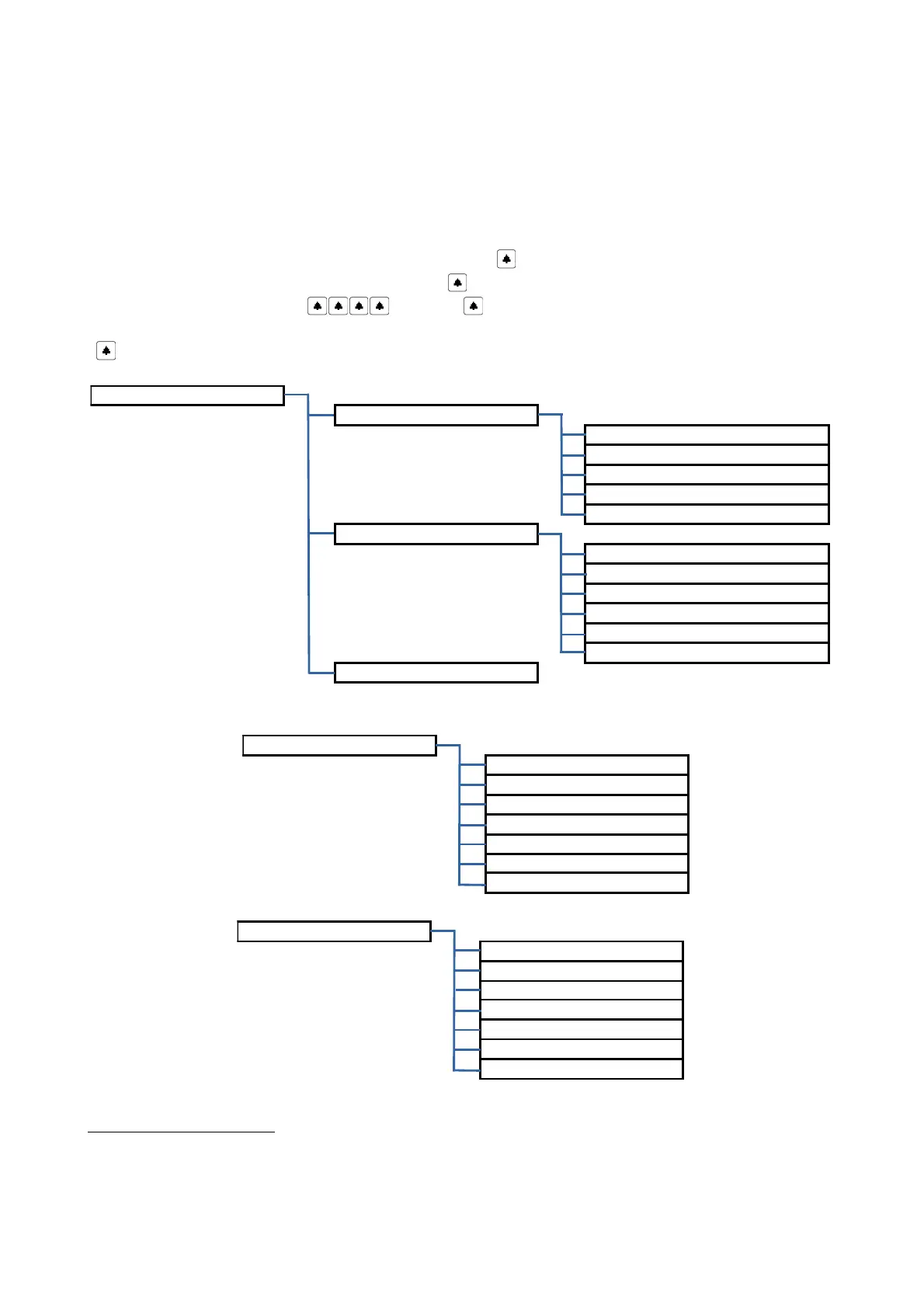
5 . Menu „Settings”
The Settings menu may differ depending on whether we use service (fitter) code or user code.
Administrator has more options concerning the changes of individual parameters, has the access to settings
unavailable for regular users and also has the option to lock the access for users to some of the settings.
Fitter gains access to the settings menu pressing the key „ ” four times (display should show “CODE S:”),
giving the service code and confirming with the key . In case of an exemplary service code 12345678, the
sequence should be as follows: 12345678 .
Alternatively, if a service RFID tag exists in the system, the setting menu may be entered pressing the key
„ ” four times and then placing RFID tag to the reader
9
.
9
Applies to Optima SL255R, Optima SL255RC
18



 To Next Page