5.1 Service programs
5.1.1 Flats numeration
Add range – range of flats number, with which the connection can be established, if a selected
number is outside the range, the following message appears "NUMBER NOT FOUND",
Delete numeration – deletes all added ranges,
Assignment NO <-> HS – unit processing the flat number to physical address of handset
NO means the flat number and HS is the handset.
Moreover, this function allows manual edit of the physical address assigned to the flat number.
Extra numeration – allows to set 6 extra assignments NO<->HS, more than one number to one
handset adress.
ABCD Numeration – allows to edit 15 numbers of flats with literal extensions, eg. 10A, 10B,
10C etc. One number can be related with maximum 9 letters.
Handsets cooperating with the digital entry phone system Optima are addressable within the range 1 to 255
by setting proper keepers in the handset. Number set using this method is a physical address of a handset.
Flat number consists of 4 digits selected on the panel keyboard by user. Optima panels have wide options
concerning mapping the flat numbers with handsets physical addresses. This is made by defining the flats
number ranges. By default, the panel has one range of flat number defined: 1 to 255. Individual number of
flats correspond to the same physical addresss of handsets (table 4).
21
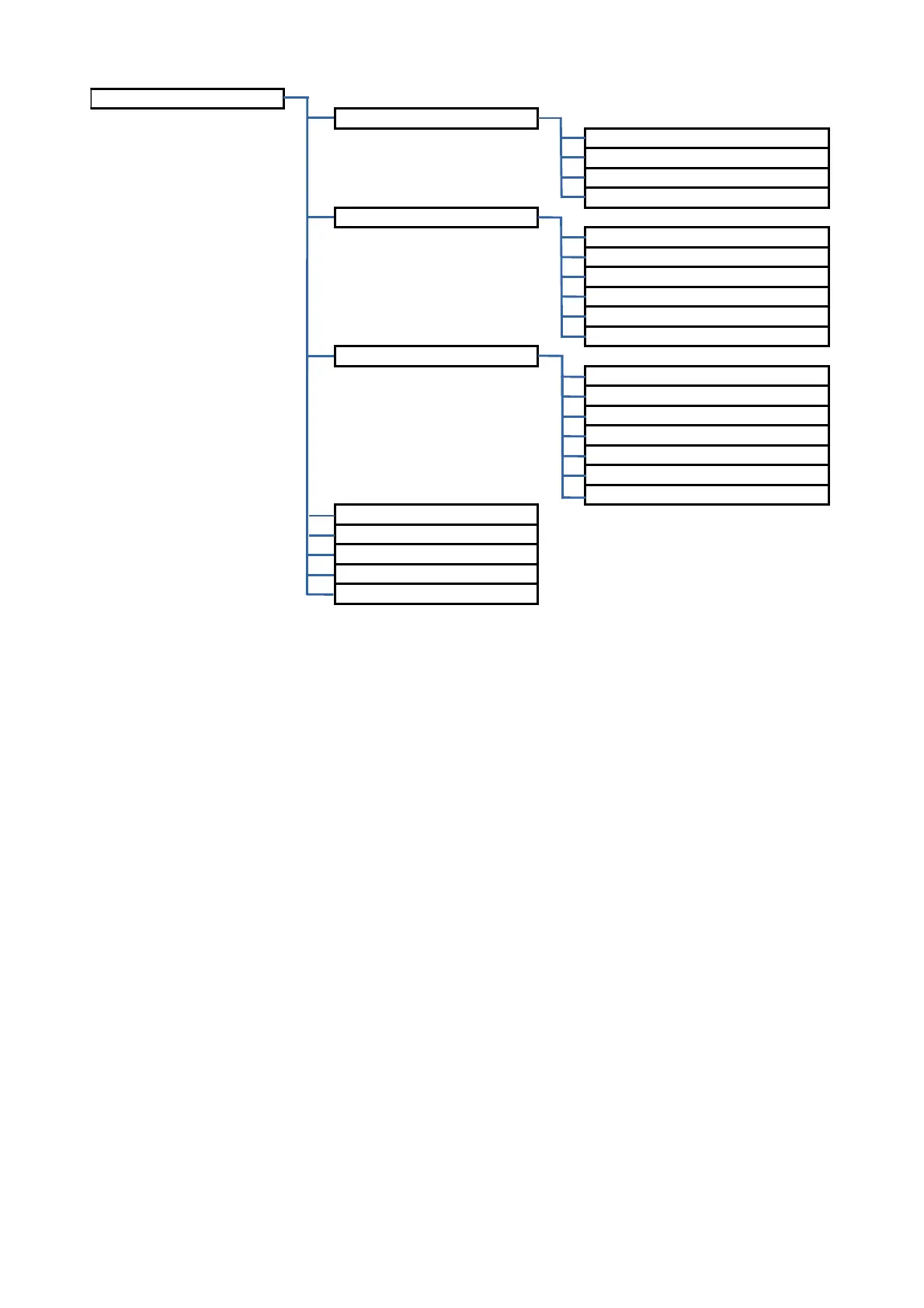
Individual Settings
Ring and Talking
Ring Tone
Ring Loudness
Ringing Time
Handset As Door Ring
Electrical Lock Unlocking
Unlocking F. Handset
Unlocking by RFID Tag
Unlocking by Code
RFID Tag Usage Confirmation
Entry Code Usage Confirmation
Wrong Code Usage Confirmation
Relay Activation
Unlocking F. Handset
Unlocking F. Videomonitor
Unlockiing by RFID Tag
Unlocking by Code
RFID Tag Usage Confirmation
Entry Code Usage Confirmation
Wrong Code Usage Confirmation
Entry Code
RFID Tags Edition
Turn off Handset
Activate Office Mode
Fast Entry Time



 To Next Page