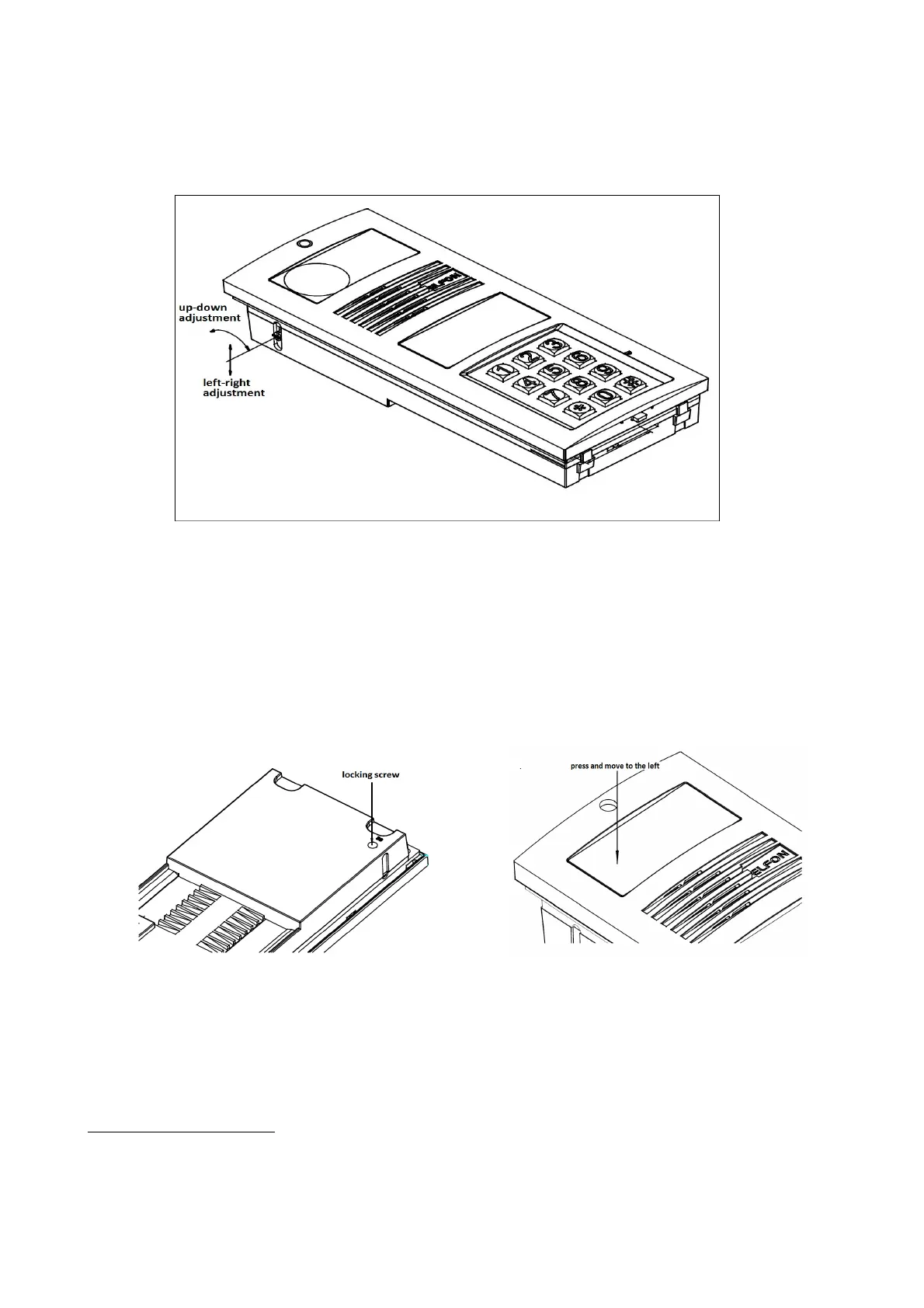
As necessary, the last stage of the video system installation is adjustment of Optima SL255RC panel camera
lens location. To do that, use a joystick, access to which is provided on the side wall of the panel cover
(Figure 6). Adjustment of the panel camera lens angle of inclination is possible within the range 15 degrees
to each direction.
3.2 Replacing address tag
Fitter can place its own address tag in the panel address field.
3
To do that, loosen the locking bolt in the
back part of the panel plastic cover in hole identified BS (glass lock, figure 7). Then, depressing left part of
the address field glass, slide the glass to left in order to remove it (figure 8). Place own tag in a foil
protection under the address window glass. Having placed the whole element in the address field,
remember to screw the locking bolt.
3
Applies to version Optima SL255
14



 To Next Page