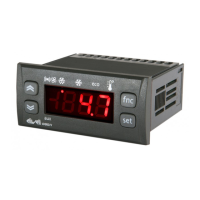
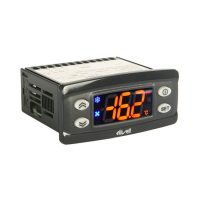
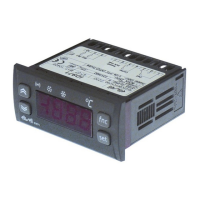
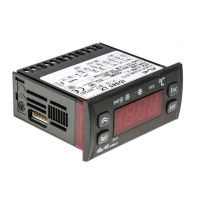
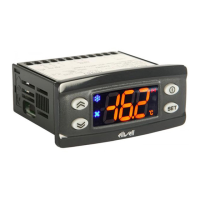
UP
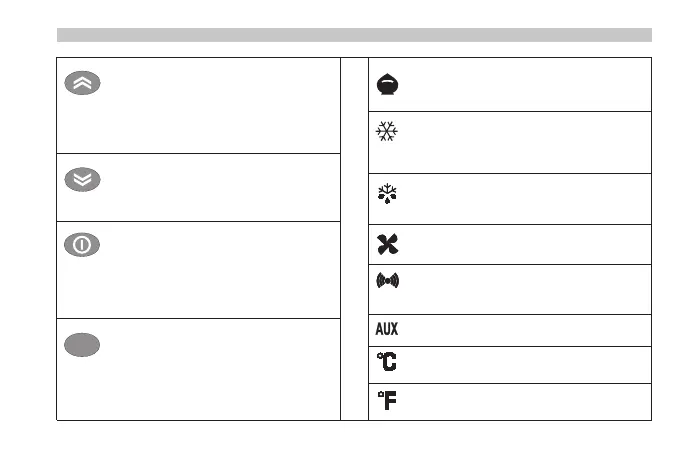
Press and release
Scrolls through menu items
Increases values
Press for at least 5 secs
Activates the Manual Defrost function
DOWN
Press and release
Scrolls through menu items
Decreases values
STAND-BY (ESC)
Press and release
Returns to the previous menu level
Confirm parameter value
Press for at least 5 secs
Activates the STAND BY function
(when outside the menus)
SET (ENTER)
Press and release
Displays alarms (if active)
Opens Basic Commands menu
Press for at least 5 secs
Opens the Programming menu
Confirms commands
Reduced Set/Economy LED
Flashing: Reduced set active
5
Compressor LED
Permanently on: Compressor Active
Flashing: Delay, protection or blocked
start-up.
Defrost LED
Permanently on: Defrost Active
Flashing: Manual or D.I activation
Fan LED
Permanently on: Fans active
Alarm LED
Permanently on: Alarm on
Flashing: Alarm acknowledged
Aux LED Depending on model
°C LED
Permanently on: °C setting (dro = 0)
°F LED
Permanently on: °F setting (dro = 1)


 To Next Page