12 FAP User
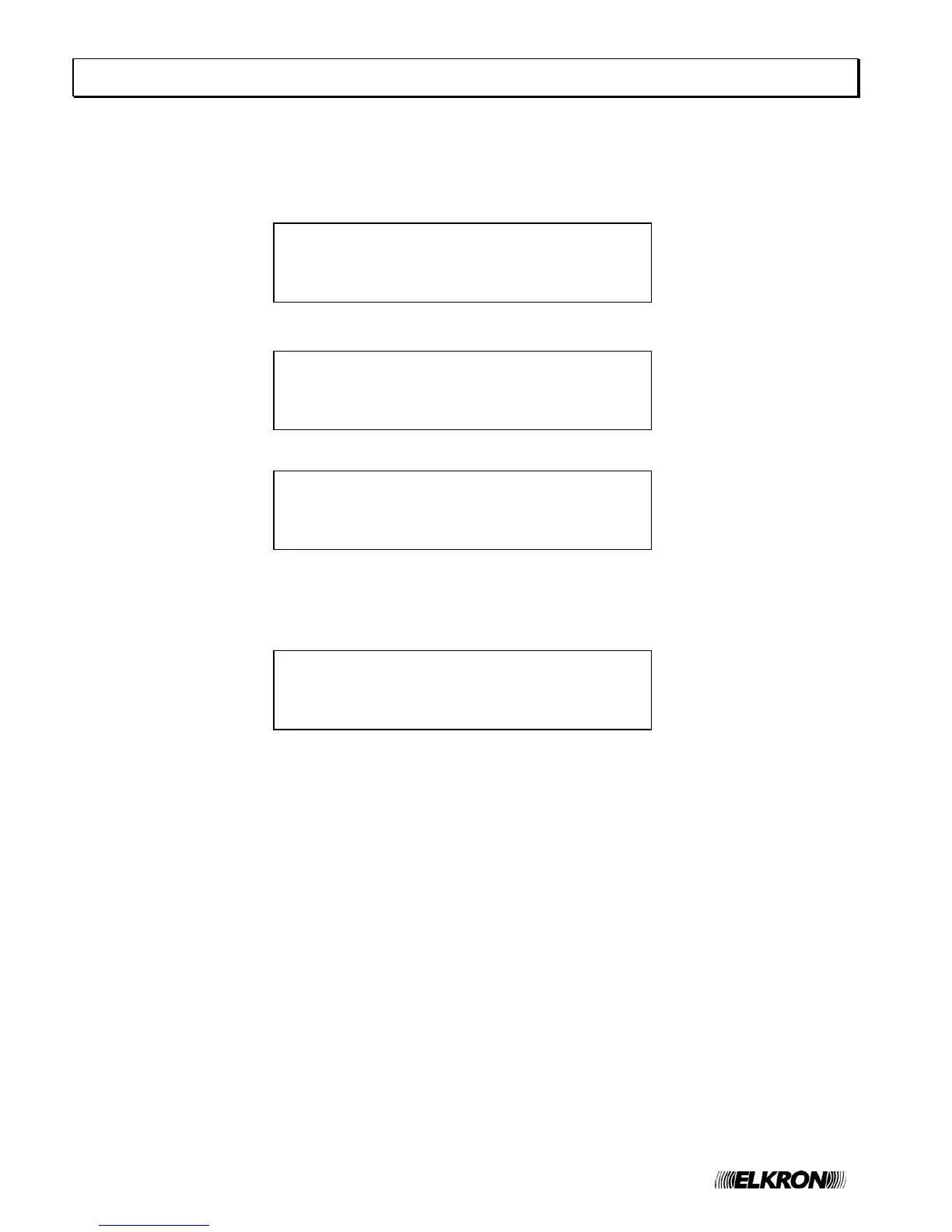
[1] INCLUDE/EXCLUDE CIRCUIT
[2] INCLUDE/EXCLUDE POINTS/ZONES
[3] INCLUDE/EXCLUDE PERIPHERALS
[4] INCLUDE/EXCLUDE OUTPUTS
[1] INCLUDE/EXCLUDE POINTS
[2] INCLUDE/EXCLUDE ZONES
[3] INCLUDE/EXCLUDE GROUPS OF POINTS
[4] INCLUDE/EXCLUDE GROUPS OF ZONES
[1] INCLUDE/EXCLUDE PRINTER
[2] INCLUDE/EXCLUDE MODEM
[3] INCLUDE/EXCLUDE LCD ANNUNCIATORS
[4] INCLUDE/EXCLUDE SLAVE PANELS
[1] INCLUDE/EXCLUDE SIREN OUTPUT
[2] INCLUDE/EXCLUDE SIREN RELAY
[3] INCLUDE/EXCLUDE AC/EXCL. RELAY
[4] INCLUDE/EXCLUDE FAULT RELAY
12 INCLUDE/EXCLUDE PUSHBUTTON
When the control panel is monitoring the field it is possible to include or exclude circuits, zones, groups, points,
functions or equipment connected to the control panel without switching over to the programming phase.
The access to this menu requires the level 2 password, if enabled.
By pressing INCLUDE/EXCLUDE, the following menu will be displayed:
By selecting 2, the following menu will be displayed:
By selecting 3, the following menu will be displayed:
The item related to inclusion and exclusion of SLAVE control panels is only shown if the control panel is configured as
MASTER.
By selecting 4, the following menu will be displayed:
After selecting the required option, the inclusion or exclusion operation will be carried out in the same way and with
the same menus used during programming.
Please, refer to the Programming manual for further information.
NOTE: if a circuit is included or excluded, the relevant detection line will be powered off in the case of exclusion and
powered on as soon as the circuit is included again.
The power-on of the line could last long (even a few minutes) and during this time the control panel does NOT carry
out any monitoring of the field. Therefore, possible alarms occurring on other lines during this time will not be
detected.
In order to prevent any problems due to alarms detected by a detector/module and not promptly accepted by the
control panel, the inclusion/exclusion menu is considered a shortcut for the corresponding programming menu.
Therefore, the password needed to access this menu is the one required to access the programming menu (level 3
password). As a result, if the passwords are enabled and the user previously entered a password of a lower level, the
suitable password will be requested.


 To Next Page