FAP User 7
6 EXCLUSION DISPLAY
During the scanning phase it is possible to know the state of the active exclusions regarding the equipment
connected with the control panel, the abstract entities (zones, groups), the devices and the detection lines.
A few examples are reported below.
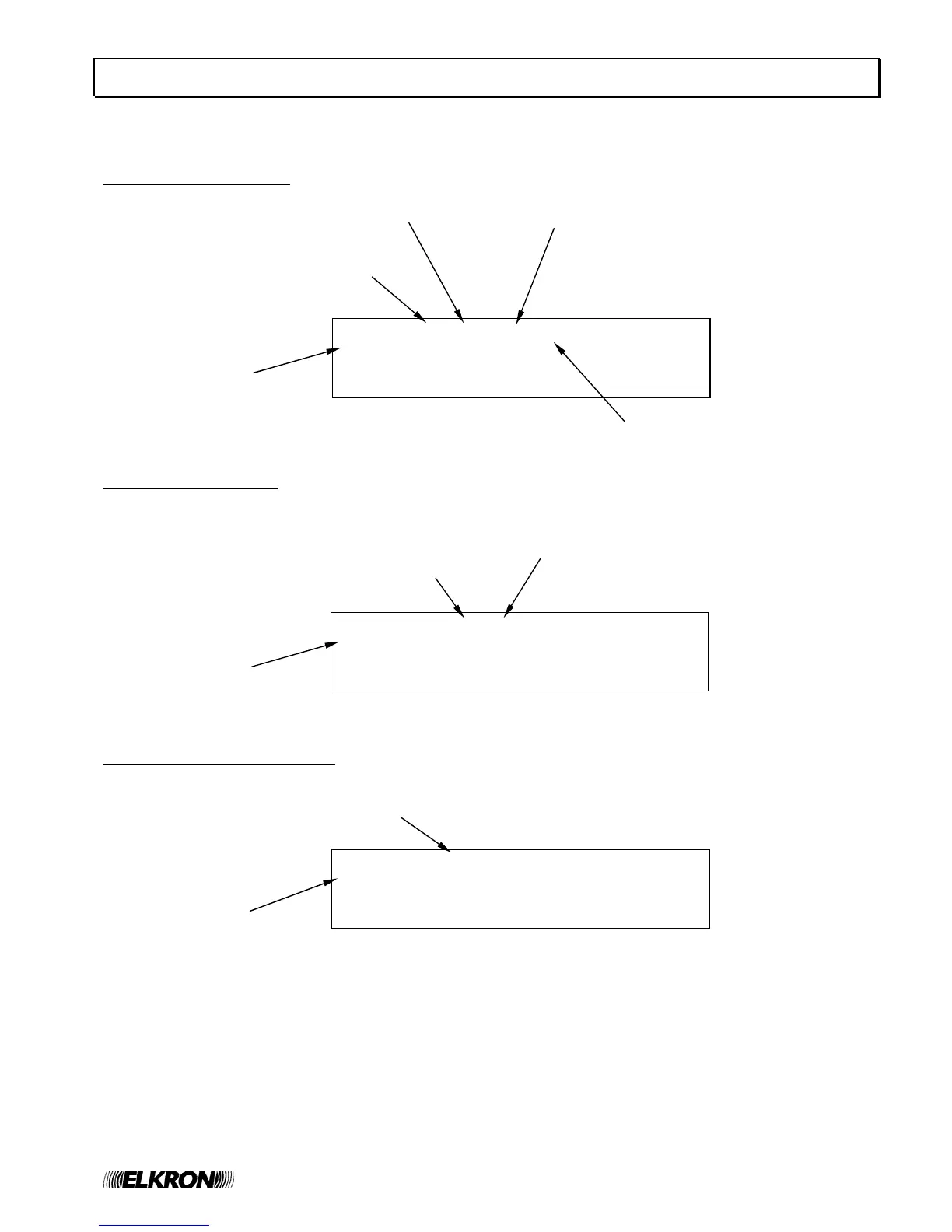
Display of excluded device
Display of excluded zone
Display of excluded remote panel
EXCL. Z020 C01 P018 SM ZA000
KITCHEN DETECTOR GF000
FF000
>EX001
Point name
Zone which the point belongs to
Address of excluded point
Point type
Circuit of excluded point
EXCL. ZONE 020 FR ZA000
FIRST FLOOR GF000
FF000
>EX001
Zone name
excluded zone number
Zone type (see appendix)
EXCL. REMOTE PANEL 05 ZA000
PANEL NAME GF000
FF000
>EX001
Panel name
Type of exclusion


 To Next Page