FAP User 9
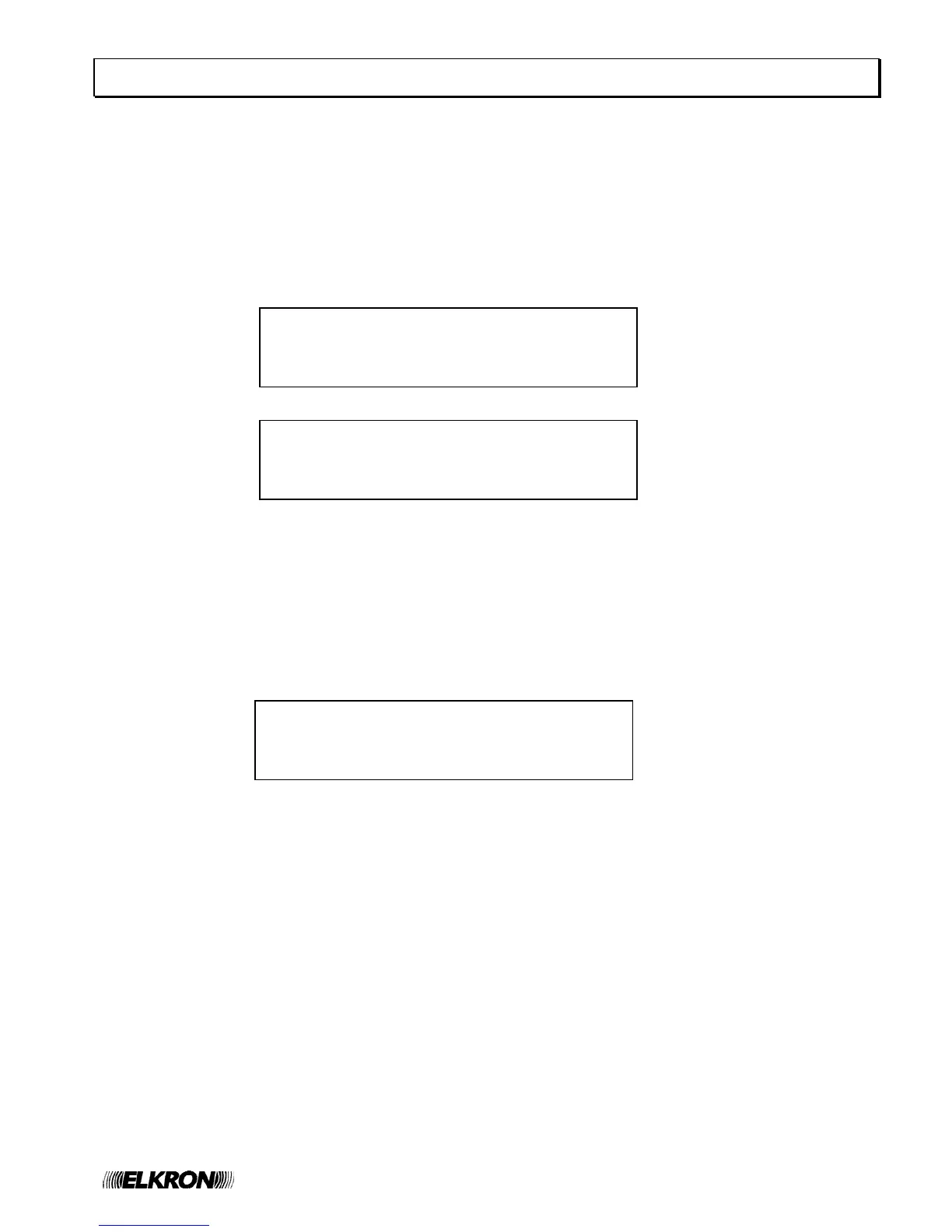
MAINT. Z020 C01 P018 SM GP000
KITCHEN SMOKE DETECTOR GZ000
>MN001
SP000
SLAVE 050 HANGAR GP000
MAINT. Z020 C01 P018 SM GZ000
MN000
>SP001
SLAVE 050 HANGAR GP000
ACTIVE EXCLUSIONS 007 GZ000
MN000
>SP001
8 SLAVE CONTROL PANEL DISPLAY
This section is valid only if the control panel is configured as a MASTER and it is connected to a network of SLAVE
control panels.
Any event occurring on a SLAVE control panel is notified to the MASTER control panel, which shows it by using two
rows, according to the following rules:
• the first row shows the address and name of the SLAVE control panel affected by the event,
• the second row equals the first row used by the SLAVE control panel to show the event on its own display
For instance, suppose that the SLAVE control panel with address 50 and named “HANGAR” is affected by a
maintenance event on a smoke detector.
This SLAVE control panel, then, shows the following message on its display:
The MASTER control panel to whom the SLAVE control panel is connected shows the following information:
This message says to the user that the smoke detector, located on circuit 1 in the SLAVE 50 and having the address
18, requests a maintenance intervention.
Moreover, it says that the SLAVE control panel with address 50 is also named “HANGAR”.
Alarms, faults and maintenance events occurring on a SLAVE control panel are displayed on the MASTER control
panel’s display according to the aforementioned rule (address and name of the SLAVE control panel plus the first row
of the event shown in the SLAVE control panel).
The events of exclusion/inclusion occurring on a SLAVE control panel are handled in a different way.
If a SLAVE control panel is affected by at least one exclusion, the MASTER control panel shows a message like this:
This message indicates the number of elements currently excluded on the SLAVE control panel (in the example,
there are 7 active exclusions on the SLAVE control panel).
If all the currently excluded elements are re-included, the above message is not shown anymore.
In the case the user wants to receive further information on the events occurring in the SLAVE control panel (for
instance, the name of the point requiring maintenance, or detailed information on the excluded elements), it is
necessary to get to the event log of the SLAVE control panel.
The event log of the SLAVE control panel can be accessed directly from the MASTER control panel’s display. In order
to do this, it is necessary to view any event of the SLAVE control panel of interest in the MASTER control panel’s
display and then press OK.
By pressing OK again when the log of the SLAVE panel is shown in the MASTER panel’s screen, a menu (protected
by level 2 password) is shown which allows the MASTER to send commands (e.g. GLOBAL RESET,
ACKNOWLEDGEMENT, SILENCE/REARM SIREN, etc.) to the SLAVE panel.
For further information on this topic, please refer to the programming manual.


 To Next Page