elmeg IP630 / en / elmeg IP630 / web_configurator.fm / 8/24/16
Template bintec-elmeg, Version 1, 01.07.2014
34
elmeg IP630
bintec elmegConfiguring other settings with the Web configurator
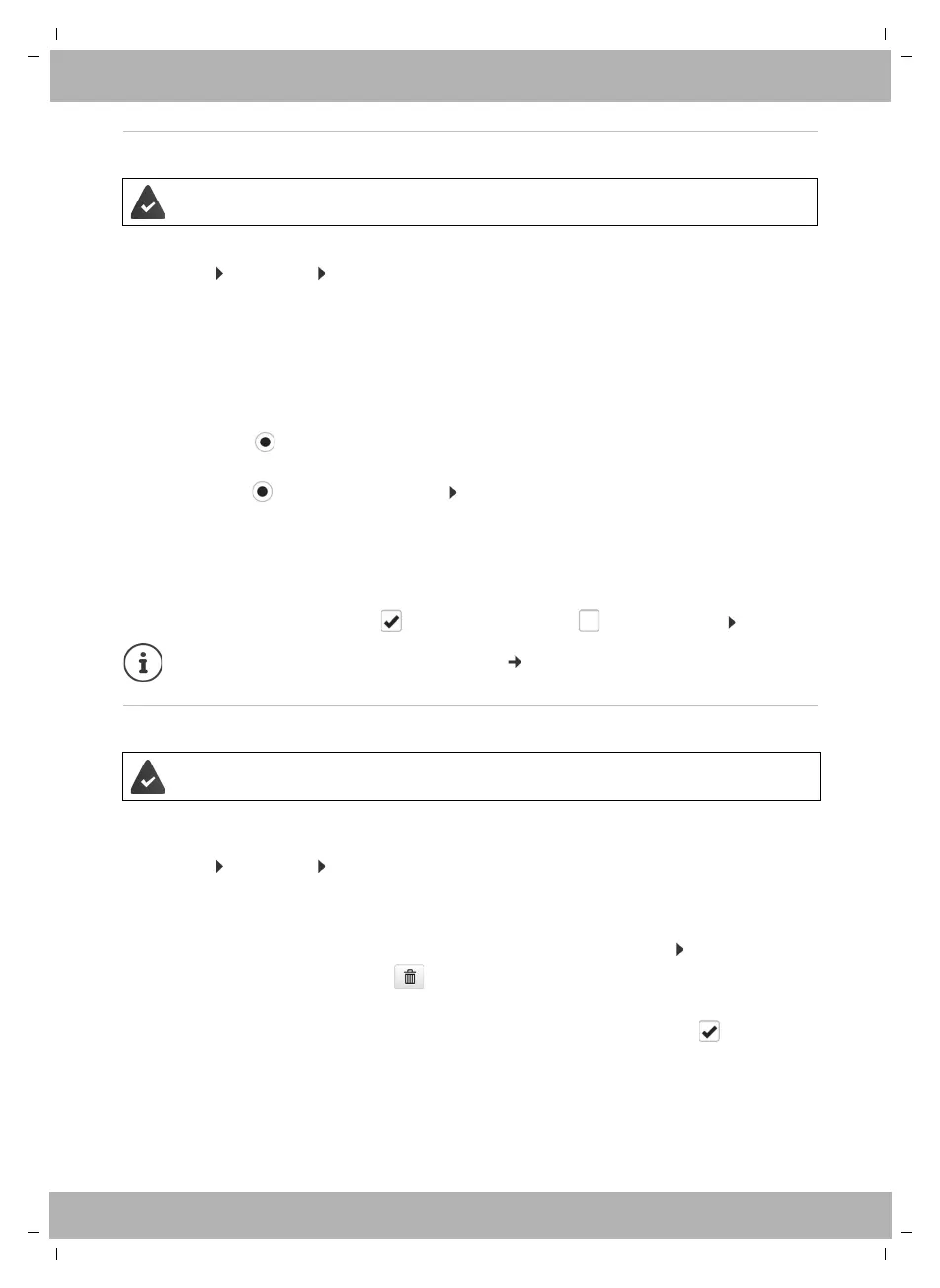
Setting up Call Divert
Forwarding incoming calls to another number or a network mailbox.
¤ Settings Te lep hony Call Divert
For each connection (Incoming line):
Specifying the destination of diverted calls:
¤ Check the box under Voicemail
or
¤ check the box under Target number enter the number, to which calls are to be
diverted
For diverting calls when No Answer:
¤ From the Delay list, select the period after which Call Divert should be activated.
Activating/deactivating Call Divert:
¤ Select the option under Active ( = activated) / deselect ( = not activated) Set
Do not Disturb
Block phone numbers and/or all anonymous calls. Calls from blocked numbers are not sig-
nalled.
¤ Settings Te lep hony Do not Disturb
The black list contains all the blocked numbers.
The provider/the PABX supports this function.
All Calls Forward all incoming calls.
When Busy Forward incoming calls when the line is busy.
No Answer Forward incoming calls after a defined period if they are not accepted.
Setting up Call Divert via the display menu: page 19
The provider/the PABX supports this function.
Activate the black list: ¤ Set the switch next to DND list to Yes
Block a number: ¤ Enter Name and Phone number of the call click on Add
Delete an entry: ¤ Click next to the entry
Delete all entries: ¤ Click Delete all
Block all anonymous calls: ¤ Activate the option Block anonymous callers ( = activated)
Save the settings: ¤ Set



 To Next Page