ENGLISH
OPERATION
PROCEDURE
85
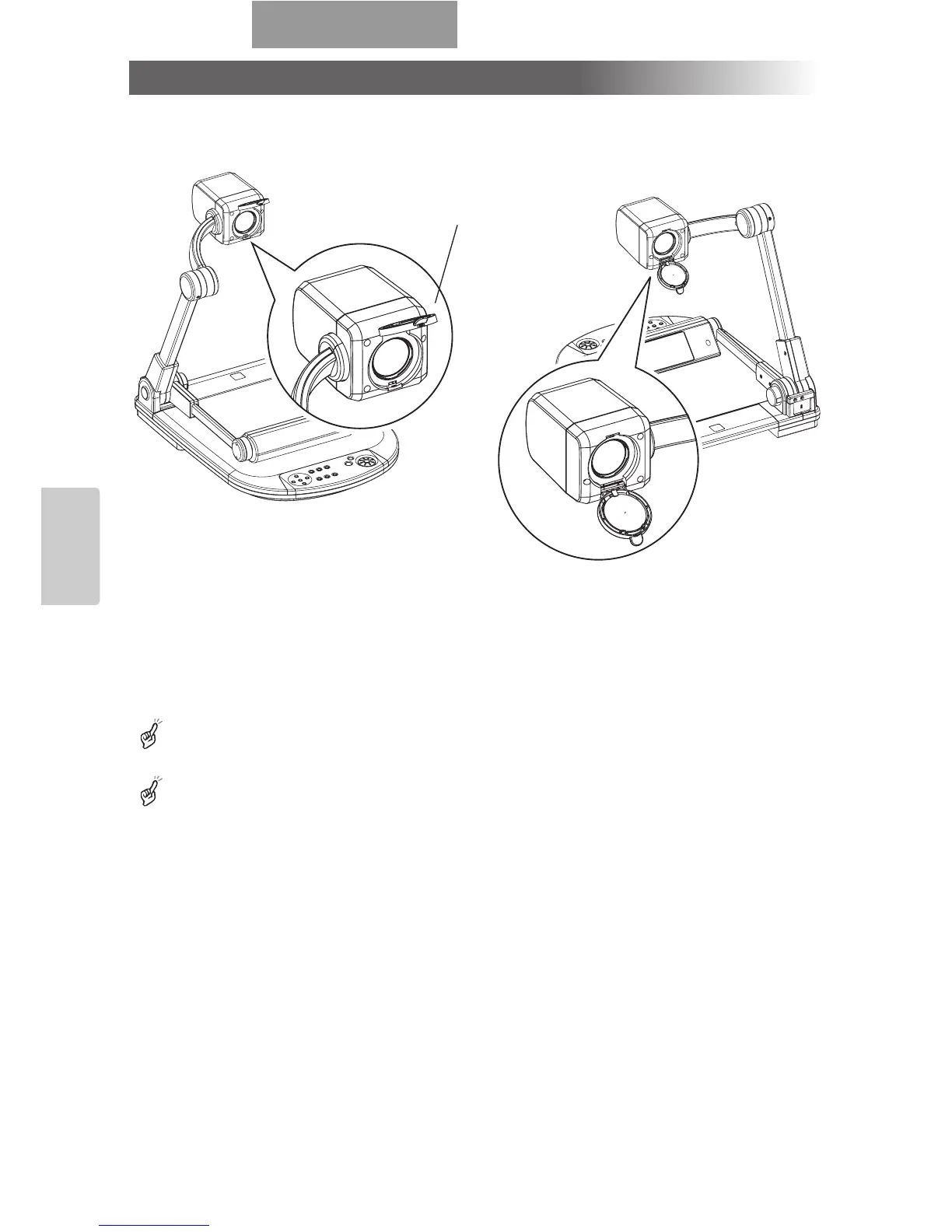
When the camera head is set horizontally, wall, distant view, etc. can be shot.
When the object is in the distant view, open the close-up lens holder forward.
To shoot horizontally, turn the image by 180° by pressing the [IMAGE ROTATION] button or setting the
OSD accordingly.
Shooting enabled range when the close-up lens holder is opened:
TELE (Telescopic): 500mm –
∞
from the zoom lens
WIDE (Wide-angle): 50mm –
∞
from the zoom lens
Shooting off the stage
<Forward shooting> <Backward shooting>
Close-up
lens holder



 To Next Page