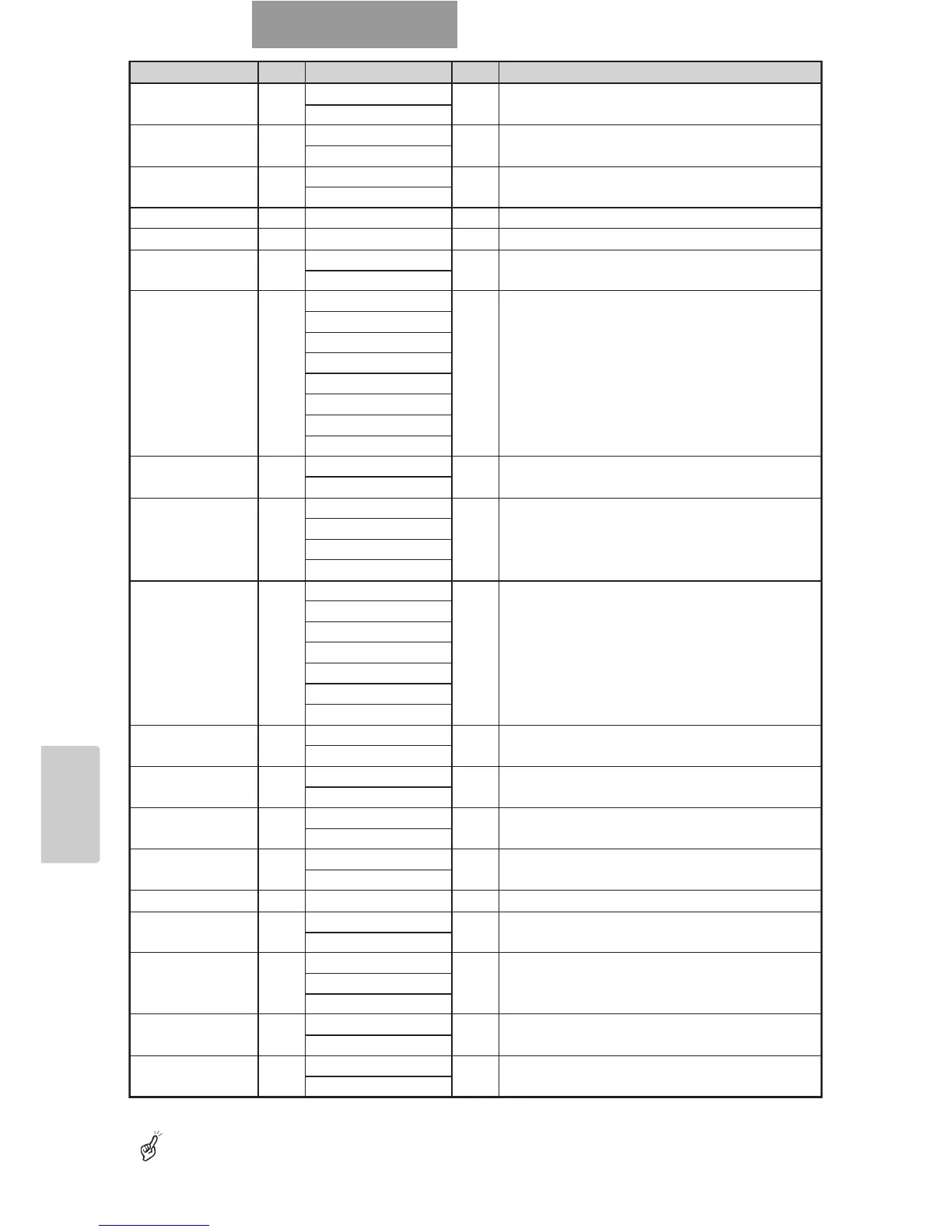
Function
Command
Parameter Data Contents
File delete DE 0 (Current) ■■ To delete an image file in the SD card
1 (All)
File lock SL 0 (Current) ■■ To lock an image file in the SD card
1 (All)
File unlock SU 0 (Current) ■■ To unlock the locked image file in the SD card
1 (All)
Format SF 0 ■■ To format the SD card
Image save CA 0 ■■ To save the image in the SD card
USB mode UM 0 (Mass Storage) ■■ To switch the USB mode
1 (Application)
Gamma setting GM 0 (γ = 0.63) ■■ To set the gamma value of the image
1 (γ = 0.56)
2 (γ = 0.50)
3 (γ = 0.45)
4 (γ = 0.42)
5 (γ = 0.38)
6 (γ = 0.36)
7 (γ = 0.33)
Image rotation RO 0 (0°) ■■ To turn the image
1 (180°)
Edge effect AP 0 (OFF) ■■ To set the edge enhancement
1 (Low)
2 (Mid)
3 (High)
White balance AW 0 (Manual) ■■ To switch the white balance mode
1 (Auto)
2 (One Push)
3 (R
_
Up)
4 (R
_
Down)
5 (B
_
Up)
6 (B
_
Down)
Text CT 0 (OFF) ■■ To set the contrast
1 (ON)
Posi/Nega NP 0 (Posi) ■■ To set the Posi/Nega
1 (Nega)
Color/B&W CB 0 (Color) ■■ To set the Color/B&W
1 (B&W)
Local lockout LL 0 (OFF) ■■ To invalidate the operation of the front operating
1 (ON) panel and wireless remote control
Default DF 0 ■■ To reset to the default settings
Status request QS 0 ■■ To inquire about the unit state
2
ROM version QR 0 ■■ To inquire about the ROM version
1
2
ACK check SA 0 (OFF) ■■ To switch the ACK check mode
1 (ON)
CR addition SC 0 (OFF) ■■ To switch the CR addition settings
1 (ON)



 To Next Page