48
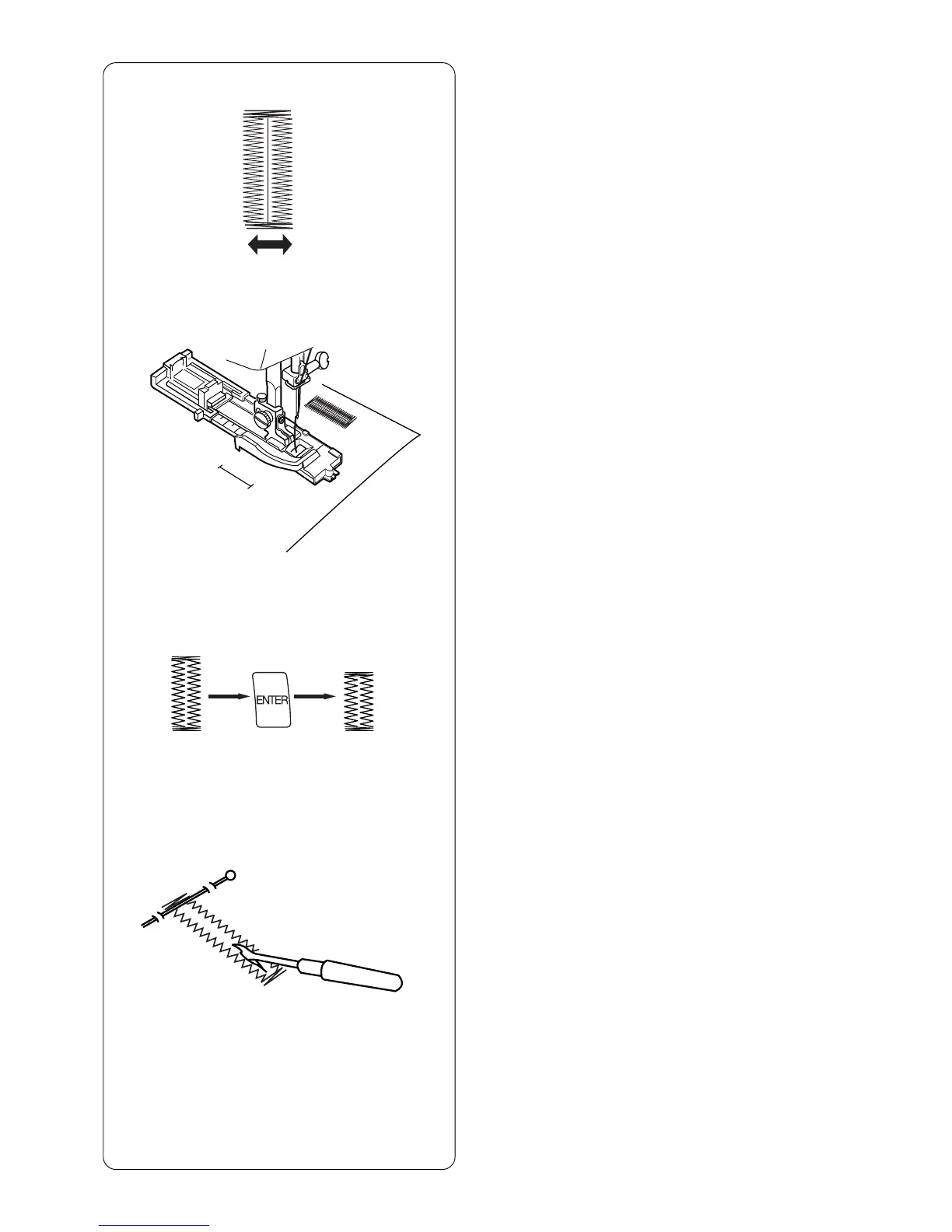
Start sewing – front bartack, lockstitch. Machine
will automatically stop when buttonhole is
completed.
Sewing Additional Buttonholes
To sew another buttonhole the same size - raise
foot, move fabric, lower foot and sew.
Reset Buttonhole Size
To sew a buttonhole a different size (or to adjust
stitch length), reset the machine by pressing
“ENTER” key or reselect buttonhole. Sew new
buttonhole size using same method.
Cutting Open Buttonhole
Place a pin just inside the bartack at each end to
prevent accidentally cutting bartacks. Cut
buttonhole open with the seam ripper.
Troubleshooting Tips
If there is a difference in stitch length (density)
between the right and left sides of the buttonhole, use
the fine adjustment screw. See page 19.



 To Next Page