EasyManua.ls Logo

ELPRO 905U - Chapter Six TROUBLESHOOTING; 6.1 Diagnostics Chart

ELPRO 905U
85 pages
Print Icon
To Next Page IconTo Next Page
To Previous Page IconTo Previous Page
Loading...
Chapter Six Troubleshooting
man_905-105_2.16 Page 63
Chapter Six TROUBLESHOOTING
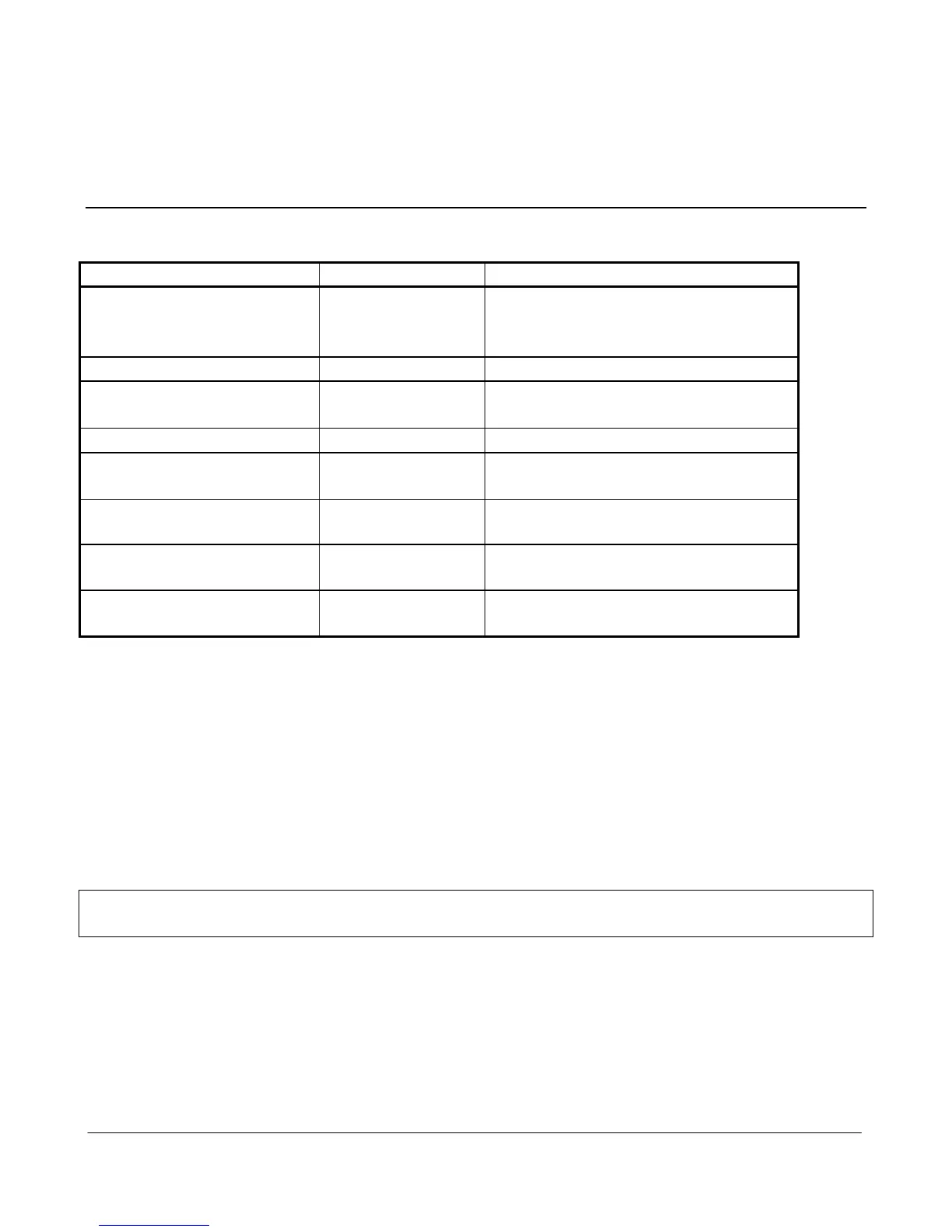
6.1 Diagnostics Chart
INDICATOR
CONDITION
MEANING
OK LED OFF
Continuously
Battery Voltage low
CPU failure
+24V supply failure/overload
OK LED ON Continuously
Normal Operation
PWR LED ON
Continuously
Supply available from SUP1/SUP2
Supply available from solar panel
TX LED ON
Flashes briefly
Radio transmitting
RX LED ON
Flashes briefly
Radio Receiving
Serial port communicating
RX LED ON
Flashes
continuously
Module in Configuration Mode
RX LED ON
Continuously
Test Button press in Configuration
Mode
No transmission on change
of state
Unit not configured correctly - re-
configure and check operation
The green OK LED on the front panel indicates correct operation of the unit. This LED extinguishes on
failure as described above. When the OK LED extinguishes shutdown state is indicated. In this state, all
digital outputs turn OFF and the +24V supply turns off.
On processor failure, or on failure during start-up diagnostics, the unit shuts down, and remains in
shutdown until the fault is rectified. The unit also shuts down if the battery voltage falls below 10.8 volts.
This is a protection feature designed to protect the battery from deep discharge in case of extended period
without supply voltage.
Note: During diagnostic testing, it is likely that the module will reset and restart. This will affect the
output signals.


Table of Contents

Related product manuals