19
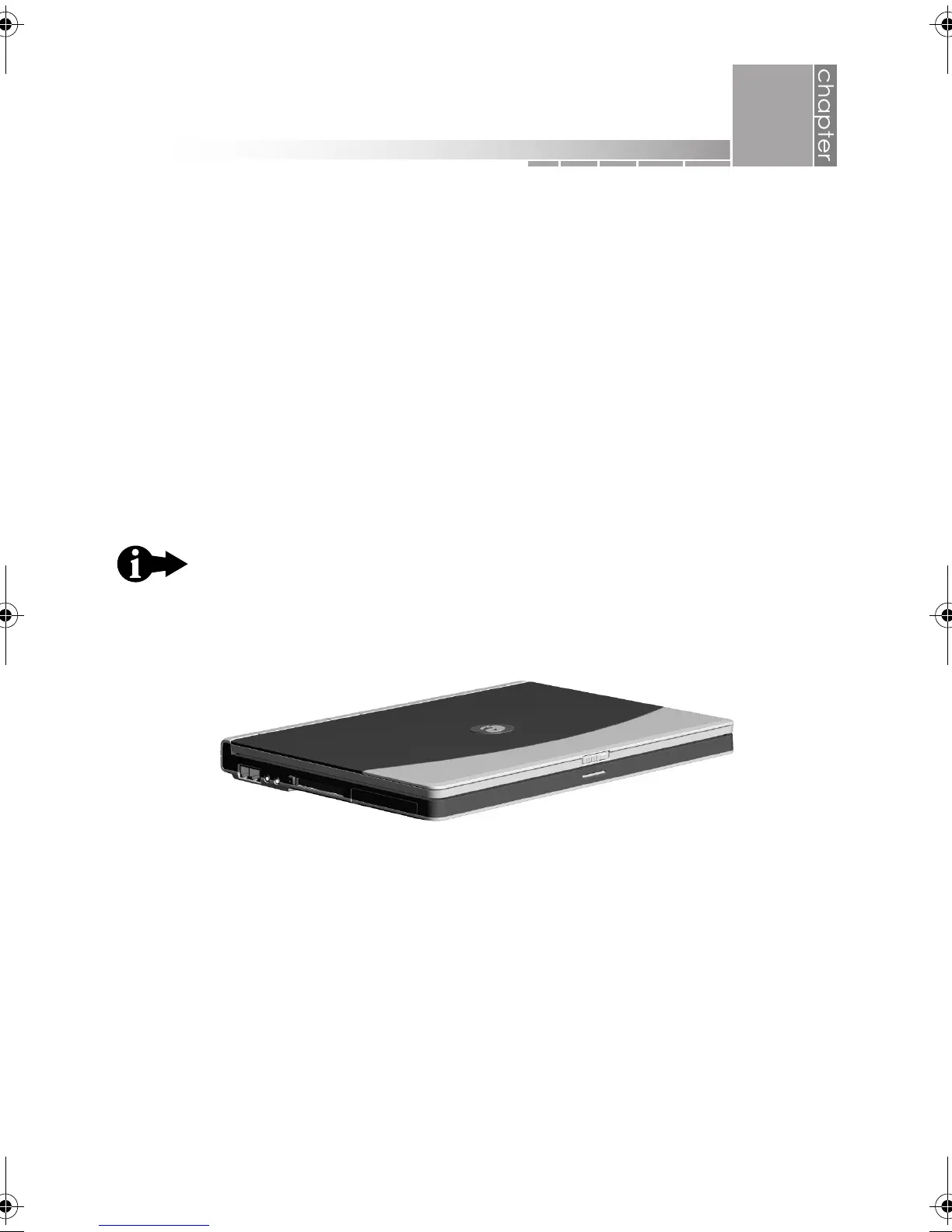
Before you begin using your eMachines notebook, let’s look at it from different
views and tour its basic features.
This chapter looks at your notebook from the following views:
❂ open
❂ left side
❂ right side
❂ back
❂ bottom
This chapter provides a quick overview of the external features
on your notebook. As you begin using your notebook, refer to
chapter 3, “using your notebook,” for more detailed information
on these features.
2
quick tour
AACR53700001K4.book Page 19 Friday, September 5, 2003 1:52 PM












 To Next Page