Chapter 3: Setting Up and Getting Started
24
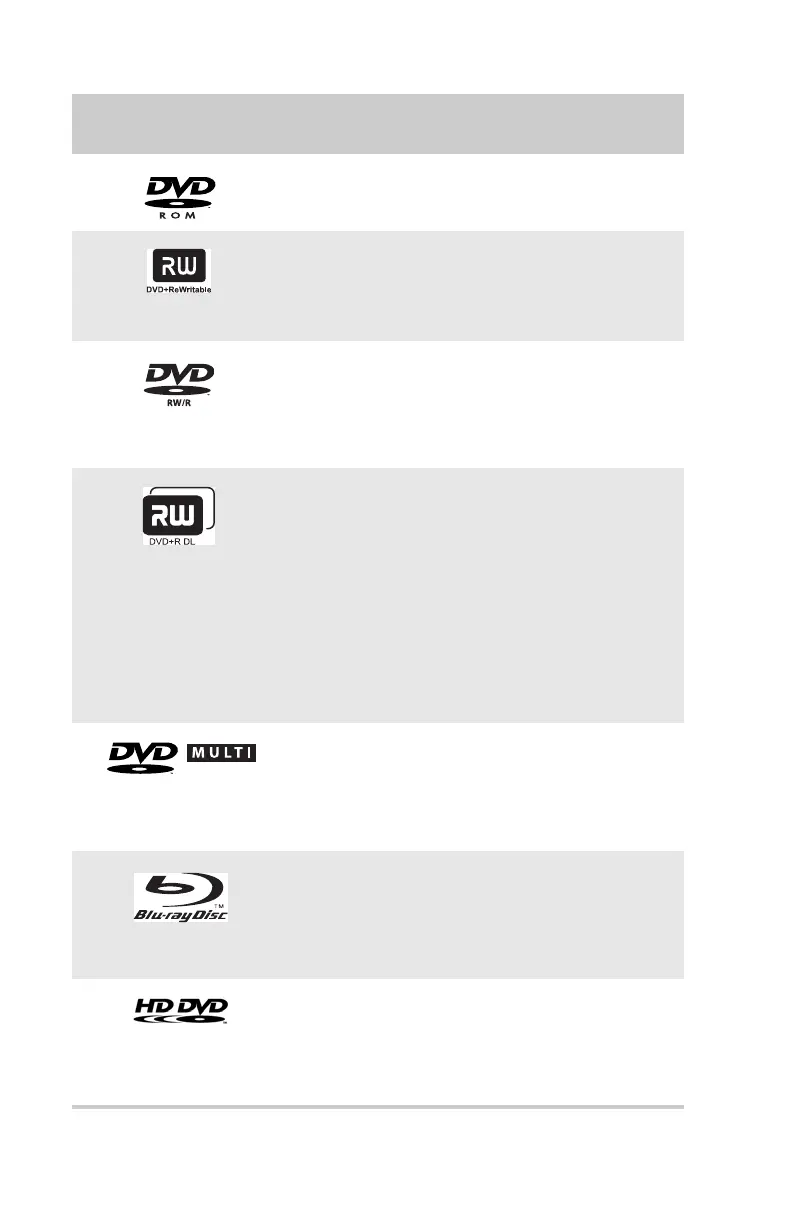
DVD
Installing programs, playing
audio CDs, playing DVDs, and
accessing data.
DVD+RW
Installing programs, playing
audio CDs, playing DVDs,
accessing data, and recording
video and data to CDs and
DVD+R or DVD+RW discs.
DVD R/RW
Installing programs, playing
audio CDs, playing DVDs,
accessing data, and recording
video and data to CDs and
DVD+R, DVD+RW, DVD-R, and
DVD-RW discs.
Double layer
DVD+RW
Installing programs, playing
audio CDs, playing DVDs,
accessing data, and recording
video and data to CDs and
double layer DVD+R discs.
Note: To use the double layer
capability of the double layer
recordable DVD drive, the blank
DVDs you purchase must state
Double Layer, Dual Layer, or DL.
Using other types of blank
media will result in less
capacity.
DVD-RAM/-RW
Installing programs, playing
audio CDs, playing DVDs,
accessing data, and recording
video and data to CDs and
DVD-RAM, DVD-R, or DVD-RW
discs.
Blu-ray Disc
Installing programs, playing
audio CDs, playing DVDs,
playing Blu-ray Discs, accessing
data, and recording video and
data to CDs, DVD-RAM, DVD-R,
DVD-RW, and Blu-ray discs.
HD-DVD
Installing programs, playing
audio CDs, playing DVDs and
HD-DVDs, accessing data, and
recording video and data to
CDs, DVD-RAM, DVD-R, DVD-RW,
and HD-DVD discs.
If your optical drive has
this logo...
Your drive type
is...
Use your drive for...
RECORDER
8512635.book Page 24 Friday, July 27, 2007 11:21 AM















 To Next Page