Chapter 6: Troubleshooting
78
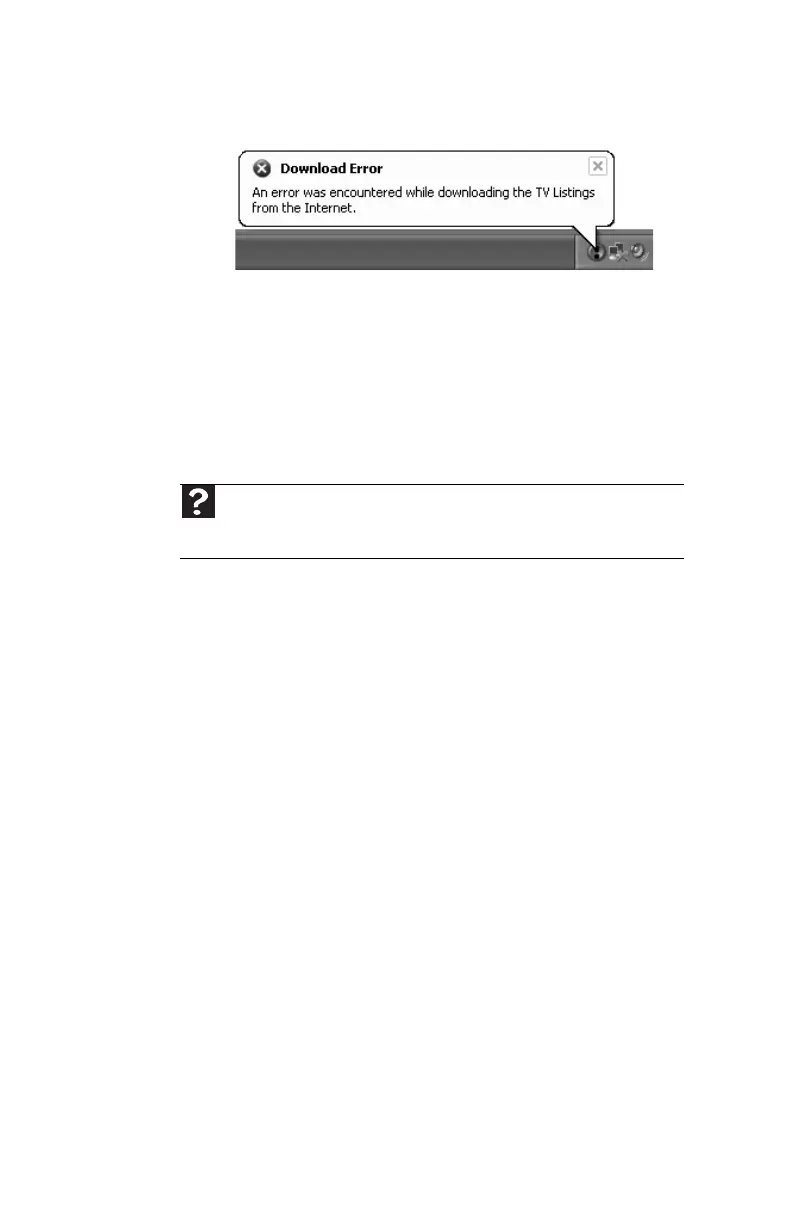
You get the following “Download Error” message when the
computer tries to update the Program Guide:
• You must be connected to the Internet to update the
Program Guide. Make sure that your Internet account is
set up and connected to the computer. For information
about manually updating the Program Guide, see
“Manually updating the Media Center Program Guide” in
your online User Guide.
Memory
You see a “Memory error” message
• Use a third-party diagnostic program to help determine
if a memory module is failing.
You see a “Not enough memory” error message
• Close all programs, then restart your computer.
Memory card reader
Drive letters for the memory card slots do not appear in the
My Computer window
• Reboot your computer.
Modem (cable or DSL)
• See the documentation that came with your modem for
additional troubleshooting information.
Help
For more information about troubleshooting memory errors, click Start,
then click Help and Support. Type memory error in the Search box, then
press E
NTER.
8512635.book Page 78 Friday, July 27, 2007 11:21 AM















 To Next Page