EMCS User Guide
- 3 -
Quick Start Guide
Program Mode (via keypad):
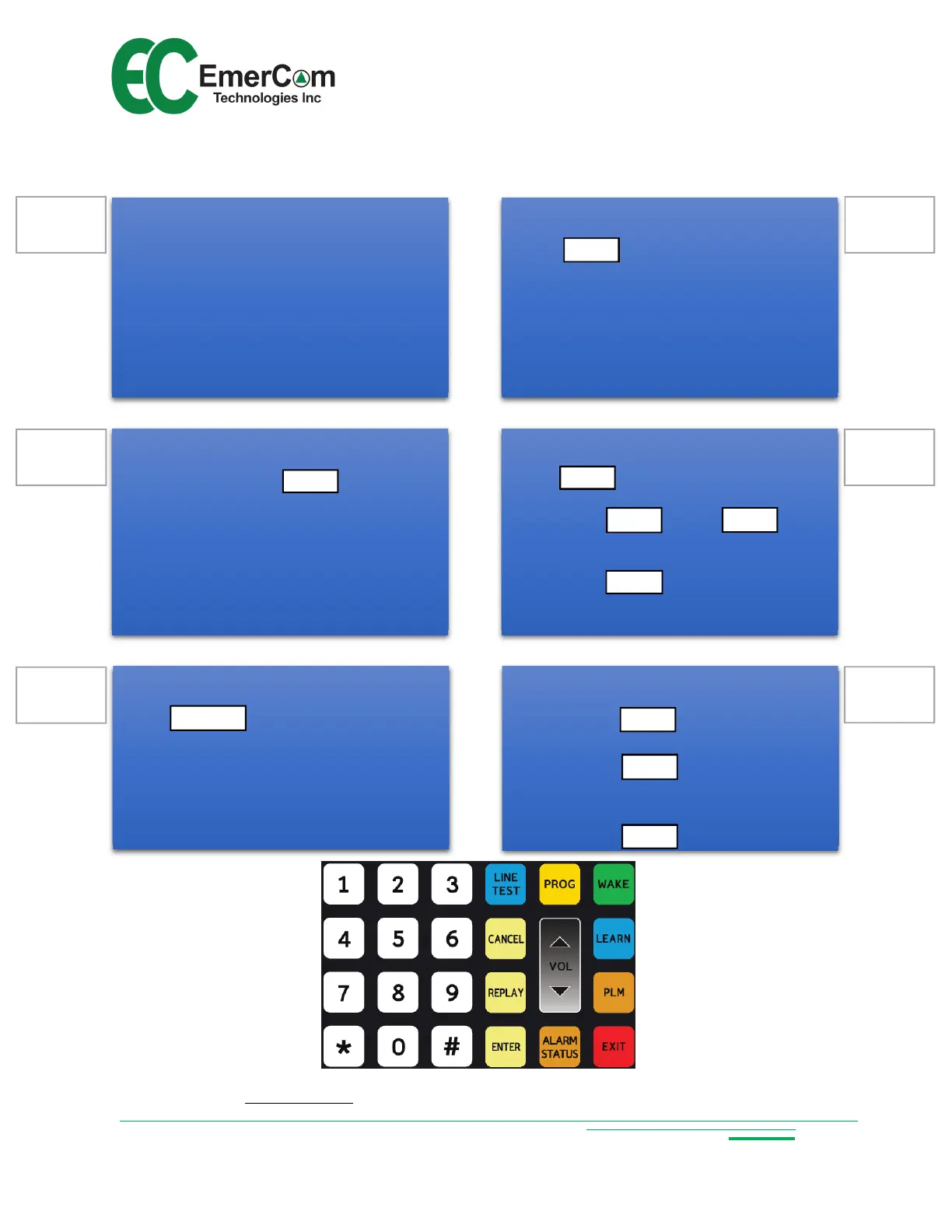
Touch PROG to enter programming mode.
Change parameters by selecting:
<Cmd #> ENTER <value> ENTER
Review parameters by selecting:
<Cmd #> REPLAY
See 6.1 for complete Cmd list
Configure PLM Groups:
Touch
Select Group # on 24 button keypad
Touch
Icons in selected group light up
Touch icon to toggle to default Grp 1
Customer Care: Call 1-844-EMERCOM (1-844-363-7266) for assistance.
Wake unit:
Lift handset and touch to activate
the 24 button keypad
or
Call into the EMCS-MR from a remote phone
and enter remote programming mode
(see 6.3)
WAKE
ENTER
5
6
1
ENTER
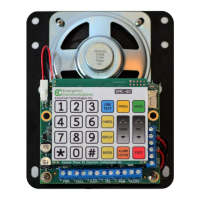
Connect wiring:
Cab Phones
Phone lines (TEL 1 and/or 2)
Remote Phones to MR
EMC-ALRMs to lobby alarm boards
Video triggers to I/O device
Power (PWR IN)
NiMH battery (BAT)
4
Line test:
Touch . The LINE TEST LED will
turn on and the EMCS goes off-hook. Wait
for dial tone then use the keypad to dial a
test number (e.g. a cellphone). Hang-up to
disconnect from the called party ending the
call.
LINE TEST
24 button touch keypad
PLM
Learn Mode:
Touch . If a phone line is detected,
respond to prompt for TEL or Intelli-Split
mode. Otherwise, select LOBBY for internal
calling only. Learn Mode searches for:
Cab Phones (Stations)
Phone lines (TEL 1 and/or 2 or None)
LEARN
2
3
PROG
ENTER
ENTER
R
EPLAY


 To Next Page