3.4 Configure the Gateway
To complete initial configuration for the gateway, follow the steps below.
This will have to be done be done for both networks.
Procedure
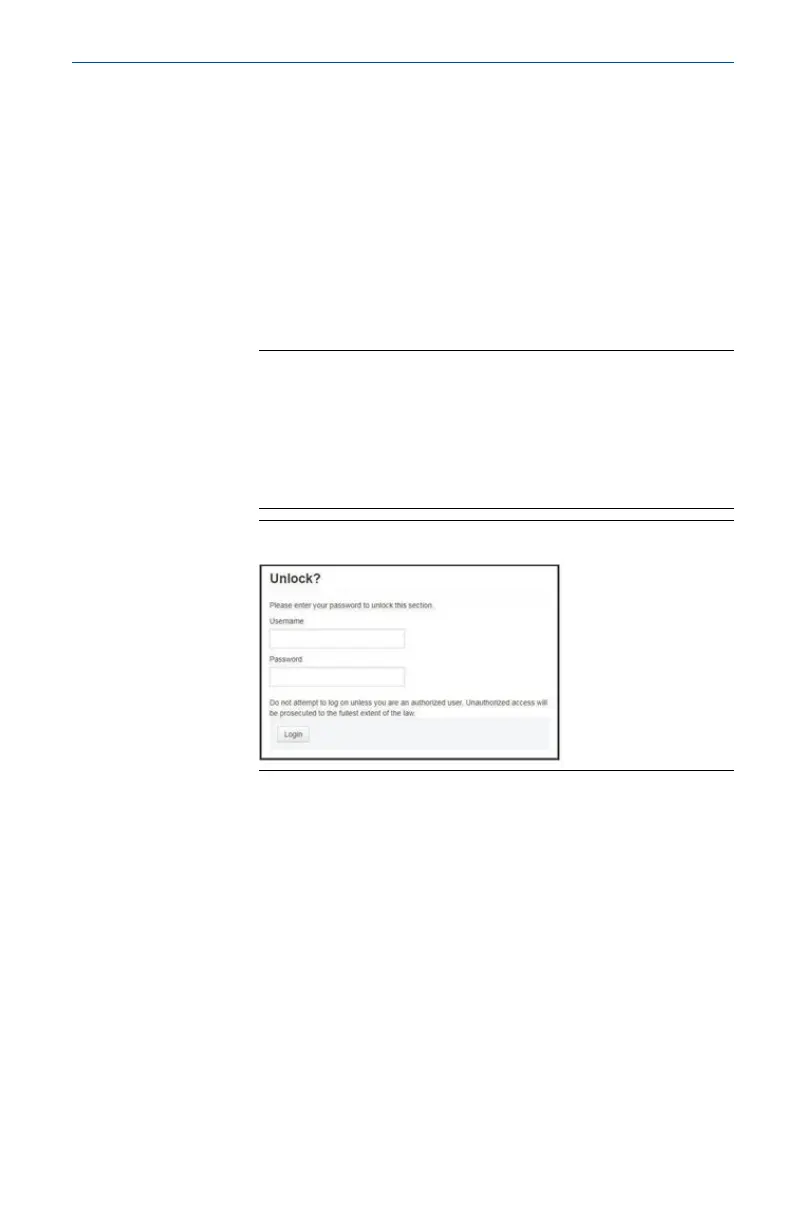
1. Access the default web page for the gateway at https://
192.168.1.10.
a) Log on as Username: admin
b) Type in password: default
Note
If the gateway has been connected properly, a security
certificate alert will be displayed in the web browser. Proceed
to the gateway web interface and log-in using the following
default credentials. Password should be changed after initial
sign-in. See Section 3.5 for changing username and
passwords.
Figure 3-8: User Name and Password
2. Navigate to System Settings → Gateway → Ethernet
Communication to enter the Network Settings.
a) Configure a static IP Address or set for DHCP and enter a Host
Name.
July 2022 Quick Start Guide
Quick Start Guide 15



 To Next Page
 Loading...



