3.3 Disable proxies
This procedure may be necessary when using a Chrome browser with
Windows operating systems.
Procedure
1. Open web browser.
2. Navigate to Settings → Advanced.
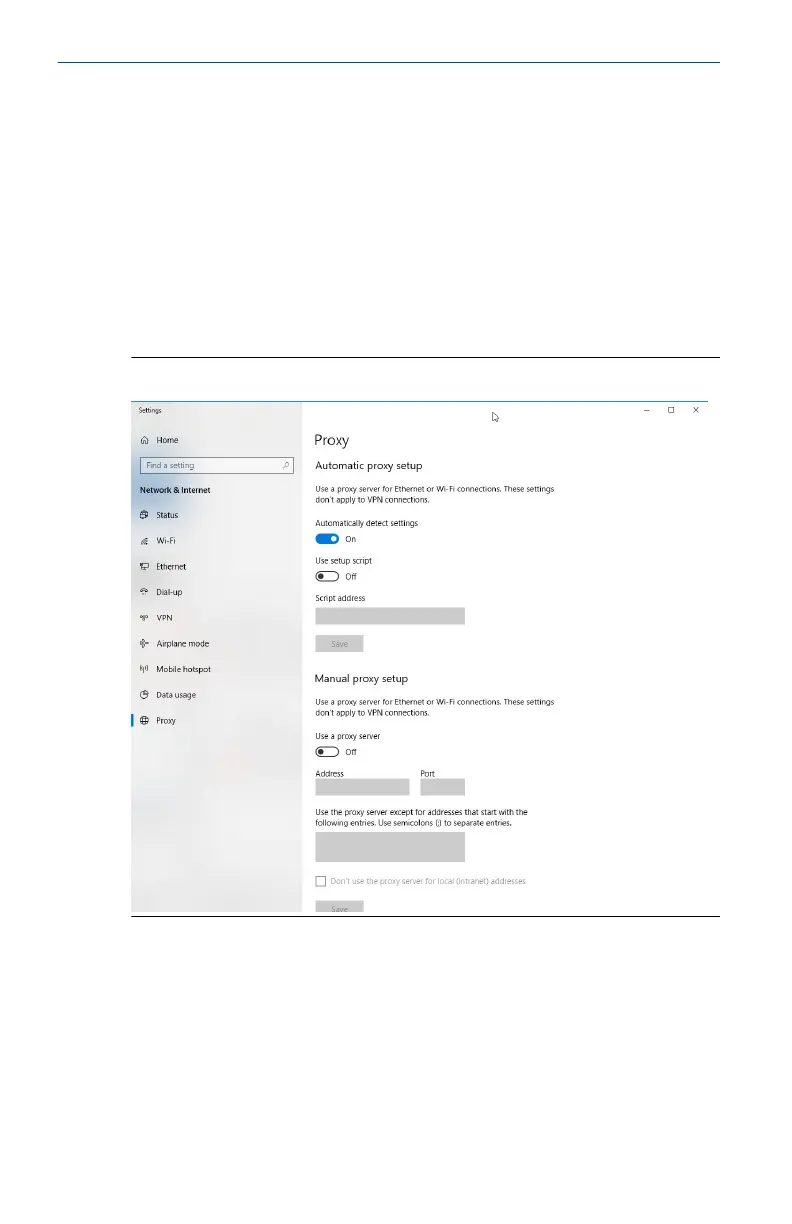
3. In the System section, click Open proxy settings.
Example
Figure 3-7: Proxy settings menu. Only use if a proxy is needed.
Quick Start Guide July 2022
14 Emerson.com



 To Next Page
 Loading...



