S600 Instruction Manual
Navigational Arrows
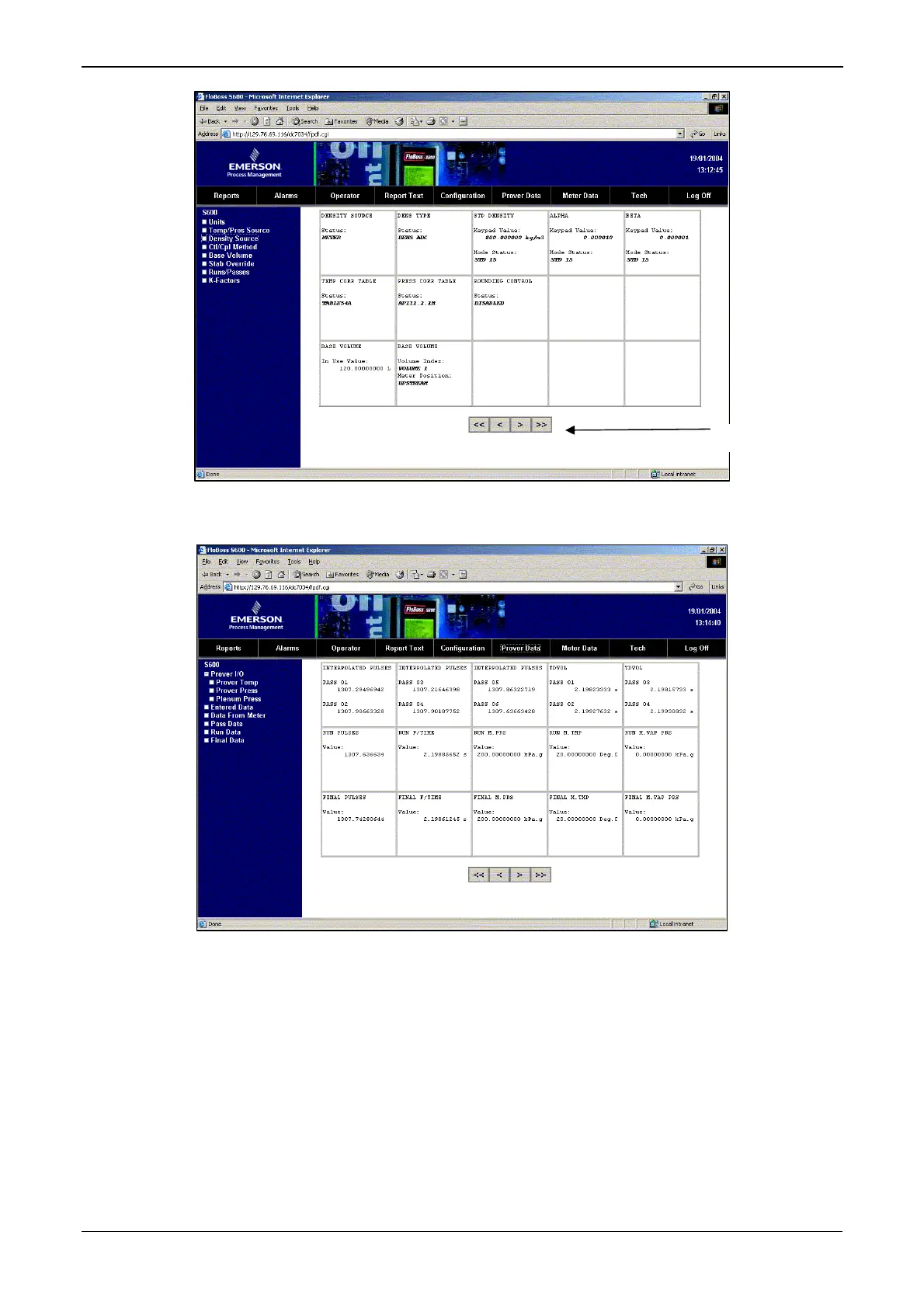
Figure 6-4. Operator Menu (on Density Source Screen)
Figure 6-5. Prover Data Menu (on Prover I/O Screen)
Some of the screens allow you to interact with the S600. If the text
appears in bold, you can change the data. If the text appears in red, the
object is in an alarm state. The system sends any modifications you
make to a screen to the S600 as you make them.
Revised Jan-07 Webserver Access 6-5



 To Next Page
 Loading...