S600 Instruction Manual
2.4 Installing the S600
Refer to the following procedures for installing the various S600
components, including the front panel, panel-mounted unit, and plug-in
board.
2.4.1 Unpacking the S600
Unpack the S600 carefully and inspect parts for visual damage.
Note: Do not discard packaging material until after you have identified
all pieces of the shipment and you are confident that all parts are
working correctly.
2.4.2 Removing the Front Panel
To begin the mounting process, remove the front panel from the S600:
1. Ensure power has been removed from the S600.
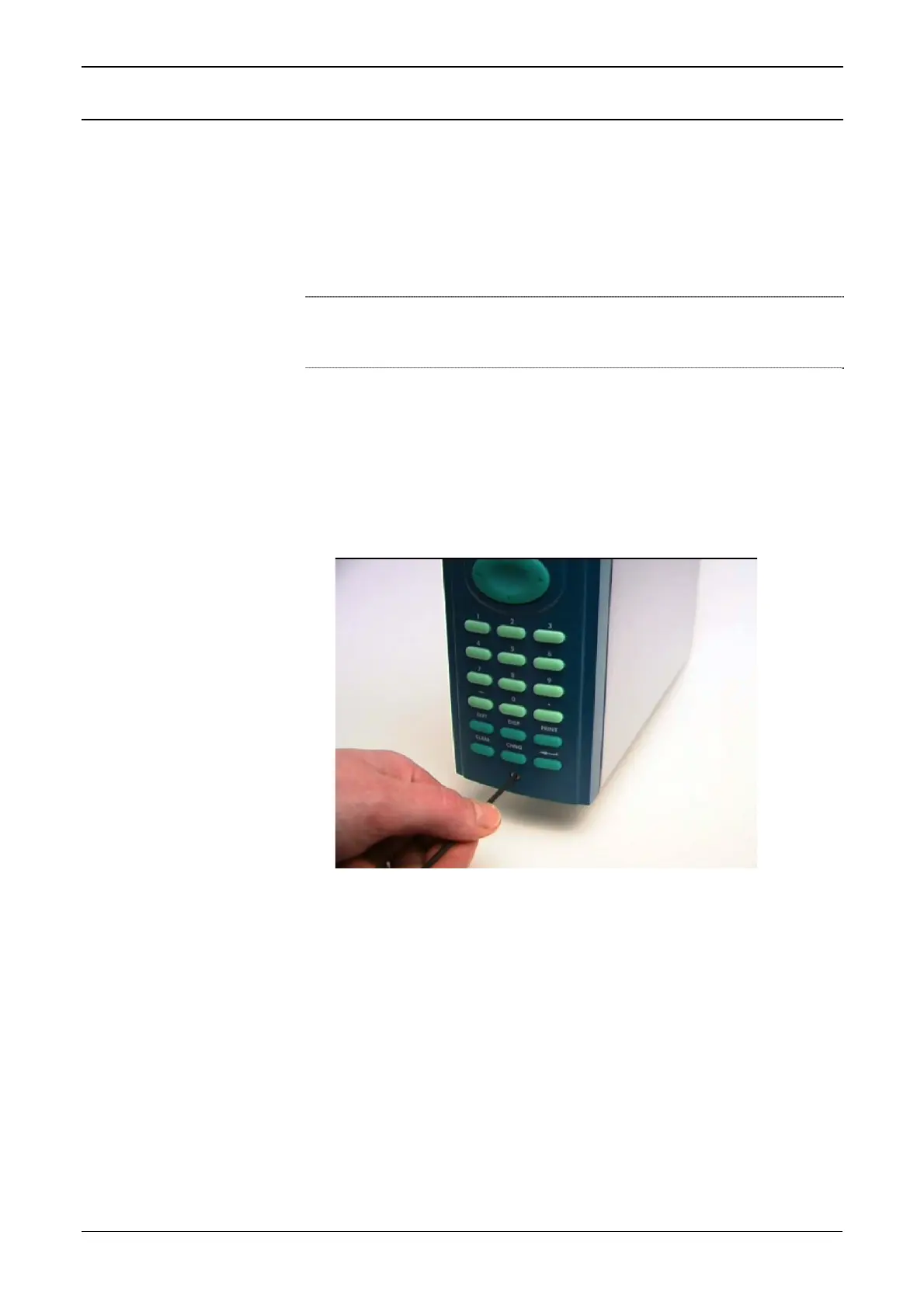
2. Using a 2.5 mm Allen key, remove the hex cap screw from the
bottom center of the front panel (refer to Figure 2-2).
Figure 2-2. Removing the Front Panel
3. Carefully slide the front panel up 4 mm (0.15 in) to allow it to clear
the retaining groove at the top of the case, and then allow the panel
to come forward to clear the panel case completely (refer to Figure
2-3).
Revised Jan-07 Installation 2-3



 To Next Page
 Loading...