S600 Instruction Manual
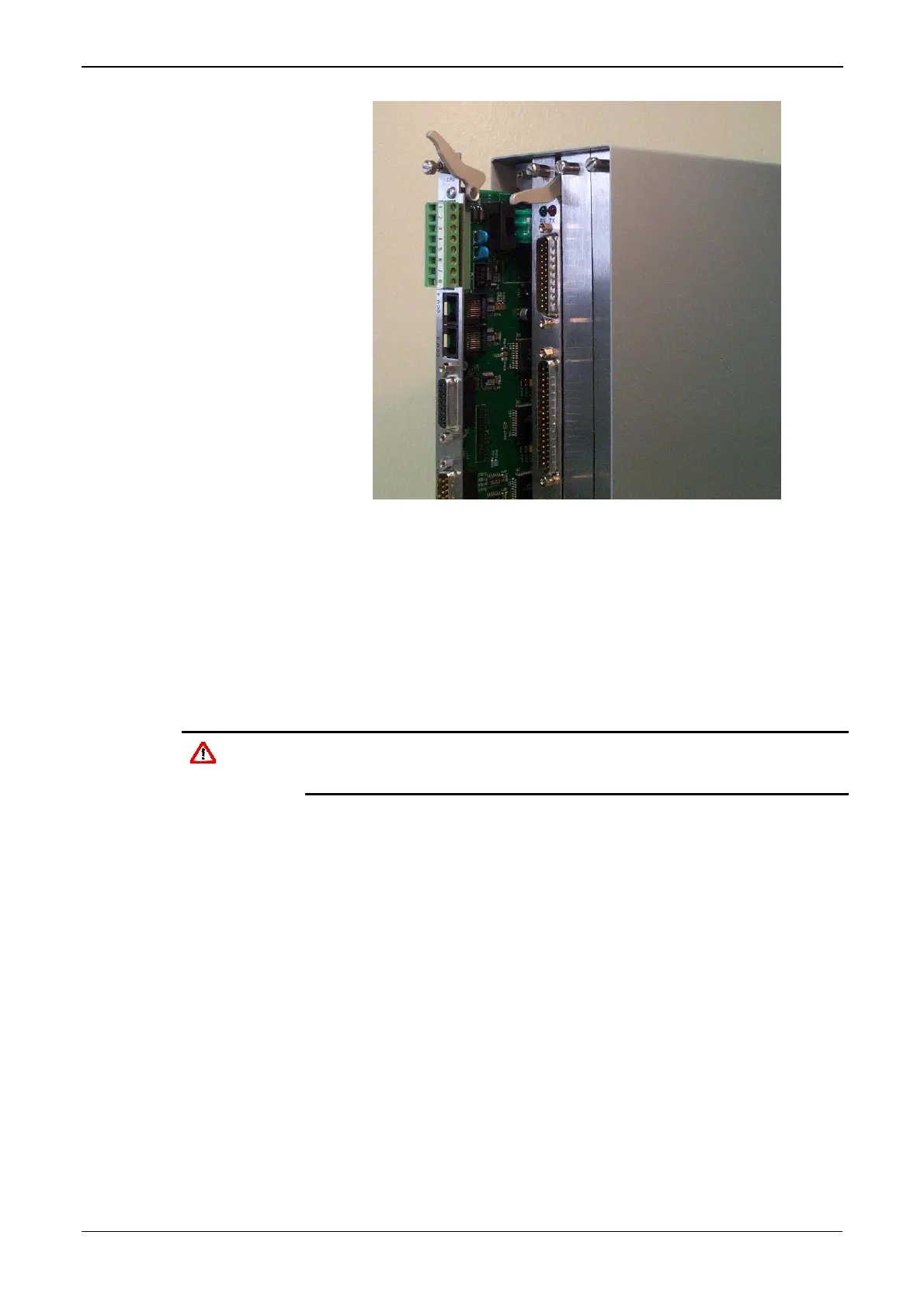
Figure 2-10. Board Ready for Removal or Insertion
To install a plug-in board:
1. Carefully align the boards with the guides (located at the top and
bottom of the case). Gently slide the board into the case until it
mates fully with the appropriate connector on the backplane.
2. Press each of the two ejectors securely into place once the board is
fully inserted.
Caution
Inserting and locating a plug-in board along the guides does not
require excessive force. Take care not to twist or otherwise distort the
boards during the installation.
3. Secure the board with the retention screws (two per board).
Revised Jan-07 Installation 2-9



 To Next Page
 Loading...