6.7 Save/send configuration
About this task
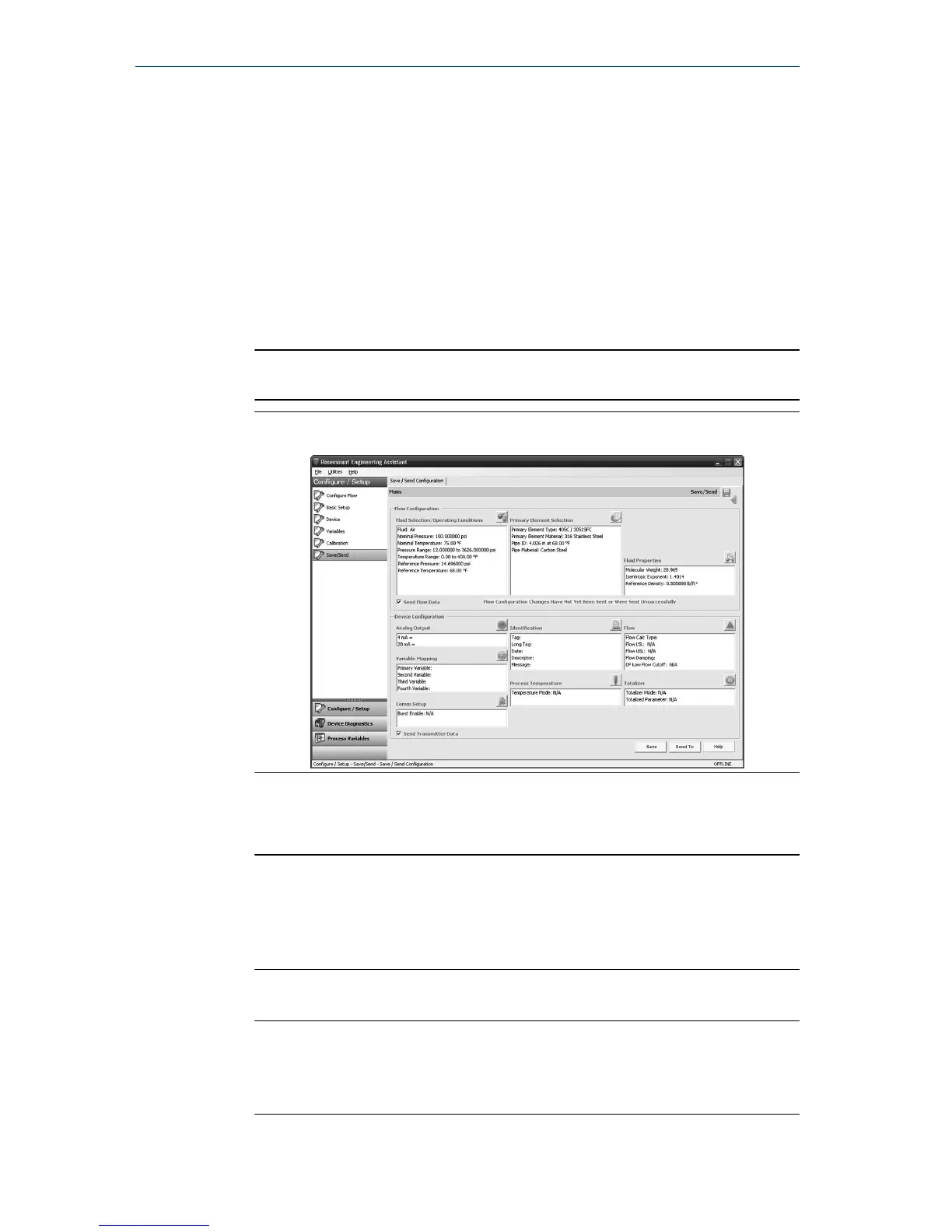
The Save/Send Configuration tab shown in Figure 6-7 allows you to verify, save,
and send the configuration information to the transmitter with the fully
compensated mass and energy flow feature board.
Procedure
1. Review the information under the Flow Configuration and Device
Configuration headings.
Note
For more information, see Verifying device configuration.
Figure 6-7: Save/Send Configuration Tab
2. Select the icon above each window to edit the configuration
information in these windows.
Note
The user will be notified if the configuration has been modified since it
was last sent to the transmitter. A warning message will be shown to
the right of the Send Flow Data and/or Send Transmitter Data check
boxes.
3. To send the configuration, select the Send To button.
Note
The Send Flow Data and Send Transmitter Data check boxes can be used
to select what configuration data is sent to the transmitter. If either
check box is unselected, the corresponding data will not be sent.
Quick Start Guide October 2018
24 Rosemount 3051SMV



 To Next Page
 Loading...





