EasyManua.ls Logo

Emerson Rosemount 3051S Series - User Manual

Emerson Rosemount 3051S Series
60 pages
Print Icon
To Next Page IconTo Next Page
Loading...
Quick Start Guide
00825-0100-4803, Rev GB
January2024
Rosemount
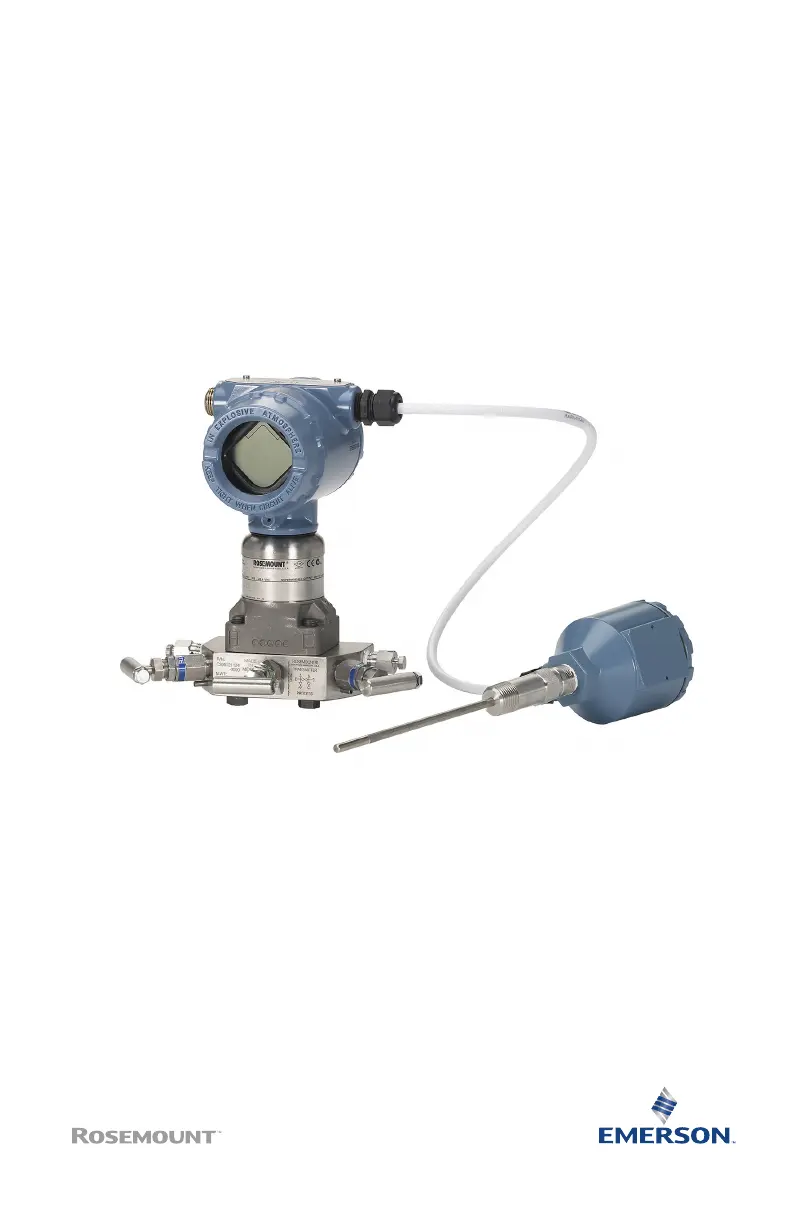
3051S and 3051SF
Series Flow Meter MultiVariable
Transmitters

Other manuals for Emerson Rosemount 3051S Series

Questions and Answers

  • P
    pcurtisAug 12, 2025
    What to do if Emerson Measuring Instruments indicates 'High Variation Detected'?
    • J
      John KellerAug 13, 2025
      If the Emerson Measuring Instruments diagnostic indicates 'High Variation Detected' when no diagnostic event has occurred, it is likely due to a fast change in the value of the process variable. To resolve this, increase the learning/monitoring period to better filter out increases in standard deviation.
  • D
    danielnathanAug 16, 2025
    How to fix Low Variation Detected on Emerson Measuring Instruments?
    • B
      Brian MartinezAug 16, 2025
      If Emerson Measuring Instruments detect Low Variation/CV due to a plugged impulse line (DP/AP/GP), follow the facility procedure to check for and clear any plugged impulse lines. For DP device installations, examine both lines, as the diagnostic cannot determine if the plug is on the high or low side. Conditions that cause plugging on one side might eventually affect the other side. If aeration decrease or reduction in variability in process are normal, reset and relearn. If not, check process and equipment for change in operating conditions. For example, a stuck control valve can reduce variability.
  • A
    Alexandria StewartAug 19, 2025
    What to do if Emerson Measuring Instruments diagnostic does not detect a known condition?
    • L
      Lisa FreyAug 19, 2025
      If the Emerson Measuring Instruments diagnostic does not detect a known condition, navigate to the SPM Status or Operational Values screen while the condition is present and the process is operating. Note the current statistical values and compare them to the baseline and threshold values. Adjust the sensitivity threshold values until the diagnostic trips.
  • B
    Brandon JonesAug 23, 2025
    What to do if Emerson Measuring Instruments diagnostic will not leave verifying mode?
    • S
      Scott HamiltonAug 23, 2025
      If the Emerson Measuring Instruments diagnostic will not leave verifying mode, it could be due to an unstable process. Try increasing the learning sensitivity checks on the Verification Criteria screen. If the issue persists, increase the learning verification period to match or exceed the cycle time of the process instability. If the problem still exists after maximizing the time, the process may not be suitable for Process Intelligence or Plugged Impulse Line diagnostic. Address the stability issue or disable the diagnostic.
  • M
    Michelle HooverAug 27, 2025
    Why does my Emerson Rosemount 3051S Transmitter SPM diagnostic show 'High Variation Detected'?
    • G
      gregg91Aug 27, 2025
      If the Emerson Transmitter SPM diagnostic indicates 'High Variation Detected' when no actual event has occurred, it's likely due to a rapid change in the process variable's value. To address this, increase the learning or monitoring period. This adjustment will help filter out increases in standard deviation, providing a more stable baseline for the diagnostic.
  • D
    doyleamandaAug 31, 2025
    What to do if Emerson Transmitter SPM diagnostic will not leave verifying mode?
    • D
      Debra IngramAug 31, 2025
      If the Emerson Transmitter SPM diagnostic won't leave verifying mode, it's probably because the process is unstable. Try increasing the learning sensitivity checks on the Verification Criteria screen. If that doesn't work, increase the learning verification period to match or exceed the instability cycle time. If the problem persists even at the maximum time, the process might not be suitable for SPM diagnostic. You can either correct the stability issue or turn off the diagnostic.
  • S
    Sean MarshallSep 4, 2025
    How to fix insufficient variability in Emerson Rosemount 3051S SPM diagnostic?
    • G
      Geoffrey BowenSep 4, 2025
      If the Emerson Transmitter SPM diagnostic status indicates insufficient variability and won't exit learning or verifying mode, it's likely due to very low noise in the process. You can turn off the insufficient variability check on the Verification Criteria screen. Keep in mind that doing so means the SPM diagnostic will no longer be able to detect a significant decrease in noise level.
  • T
    Theresa CunninghamSep 7, 2025
    What to do if Emerson Rosemount 3051S Transmitter SPM diagnostic does not detect a known condition?
    • K
      Kristen HallSep 7, 2025
      With the condition present and the process operating, navigate to the SPM Status or Operational Values screen. Take note of the current statistical values and compare them to the baseline and threshold values. Adjust the sensitivity values until the diagnostic trips.

Summary

About this guide

Safety messages

Provides essential safety warnings and precautions for installation and operation.

Mount the transmitter

Liquid flow applications

Procedure for mounting the transmitter for liquid flow applications.

Gas flow applications

Procedure for mounting the transmitter for gas flow applications.

Steam flow applications

Procedure for mounting the transmitter for steam flow applications.

Mounting brackets

Illustrates panel and pipe mounting brackets for different flange types.

Bolting considerations

Guidelines for proper assembly and bolting of flanges and adapters.

O-rings with flange adapters

Instructions for installing O-rings with flange adapters and inspection.

Consider housing rotation

Set the switches

Connect wiring and power up

Conduit electrical connector wiring

Wiring details for conduit electrical connectors GE or GM.

Power supply

Requirements for the DC power supply to ensure proper operation.

Install optional process temperature input

Procedure for installing an optional Pt 100 RTD sensor.

Engineering Assistant installation

System requirements

Minimum system requirements for installing the Engineering Assistant software.

Install Rosemount 3051 SMV Engineering Assistant

Step-by-step guide to install the Engineering Assistant software.

Connect to a personal computer

Procedure for connecting the transmitter to a PC using the Engineering Assistant.

Flow configuration

Online and offline modes

Explanation of the online and offline modes for the Engineering Assistant software.

Basic navigation overview

Overview of the basic navigation and screen components of the Engineering Assistant.

Launch Engineering Assistant

Procedure to launch the Engineering Assistant software for flow configuration.

Use Preferences tab

How to use the Preferences tab to select engineering units.

Select fluid for database liquid;gas

Procedure for selecting the process fluid from the database.

Fluid properties

Optional step to verify fluid properties like density and viscosity.

Select primary element

Procedure for selecting the primary element (e.g., orifice plate) for flow measurement.

Save;send configuration

Procedure to review, save, and send the flow configuration to the transmitter.

Verifying device configuration

Trimming the transmitter

Zero trim

Detailed procedure for performing a zero trim using the Field Communicator.

Safety instrumented systems installation

Product certifications

Rosemount 3051 SMV;3051 SFx

Certifications specific to the Rosemount 3051SMV and 3051SFx models.

USA

Product certifications for the USA, including Explosionproof and Intrinsically Safe.

Canada

Product certifications for Canada, including Explosionproof and Intrinsically Safe.

Europe

Product certifications for Europe, including ATEX Flameproof and Intrinsic Safety.

International

International certifications, including IECEx Flameproof and Dust.

Brazil

Product certifications for Brazil, including Flameproof and Intrinsic Safety.

China

Product certifications for China, including Flameproof and Dust Ignition-proof.

EAC - Belarus, Kazakhstan, Russia

EAC certifications for Flameproof, Dust Ignition-proof, and Intrinsic Safety.

Japan

Japan Flameproof product certifications.

Republic of Korea

Republic of Korea certifications for Flameproof and Intrinsic Safety.

Combinations

Lists various combinations of certifications for the product.

Additional certifications

Details on additional certifications like ABS and Bureau Veritas Type Approval.

Declaration of conformity

China RoHS

Emerson Rosemount 3051S Series Specifications

General IconGeneral
Measurement TypeDifferential, Gage, Absolute, Level
Accuracy±0.04% of span
Output4-20 mA HART, FOUNDATION Fieldbus
Process Temperature Range-40 to 121 °C (-40 to 250 °F)
Material316L SST, Alloy C-276, Monel, Tantalum
Power Supply10.5 to 42 VDC (depending on options and approvals)
Communication ProtocolsHART, FOUNDATION Fieldbus, PROFIBUS PA, WirelessHART
ServiceLiquid, Gas, Steam
Warranty5 years
Response Time100 ms
DiagnosticsAdvanced diagnostics
Certifications/ApprovalsATEX, IECEx, CSA, FM
Process Connection1/4–18 NPT, 1/2-14 NPT
Electrical Connection1/2–14 NPT, M20 x 1.5
Operating Temperature-40°C to 85°C (-40°F to 185°F)
Storage Temperature-40 to 185°F (-40 to 85°C)
Protection RatingIP66/67, NEMA 4X
Pressure RangeUp to 20, 000 psi (1378.95 bar)

Related product manuals