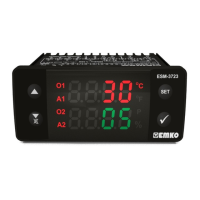
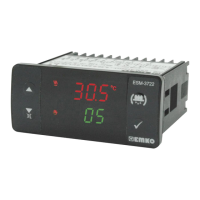
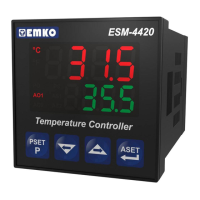
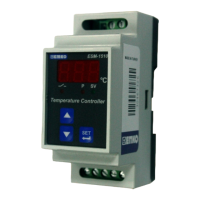
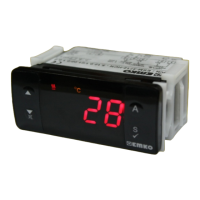
If no operation is done in programming or Set value mode for 20 seconds, device
turns to main operation screen automatically.
i
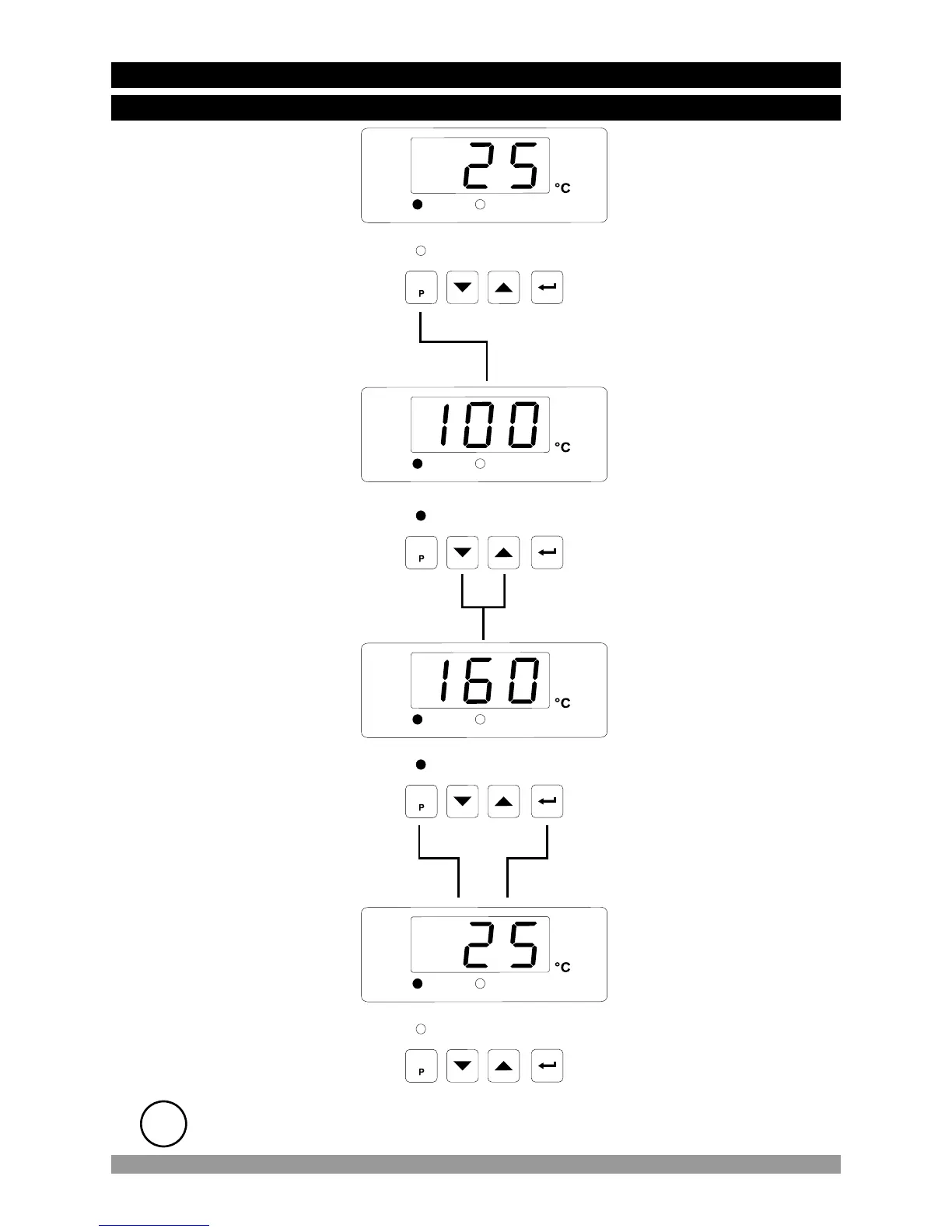
SET value can be
changed with increment
and decrement buttons.
Press Enter button for
saving SET value.
Press SET button again to
exit without saving SET
value.
When SET button is
pressed, SET led lights on
and SET value is seen on
display.
Main Operation Screen
SET Value Screen
SET Value Screen
For both conditions, SET
led lights off and it turns to
main operation screen.
24
OUT
SET
PROG
SET
OUT
SET
PROG
SET
OUT
SET
PROG
SET
OUT
SET
PROG
SET
4.4 Changing and Saving Set Values
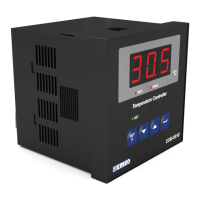
4.4.1 ESM-9910 with One Relay
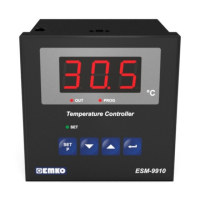
Main Operation Screen


 To Next Page