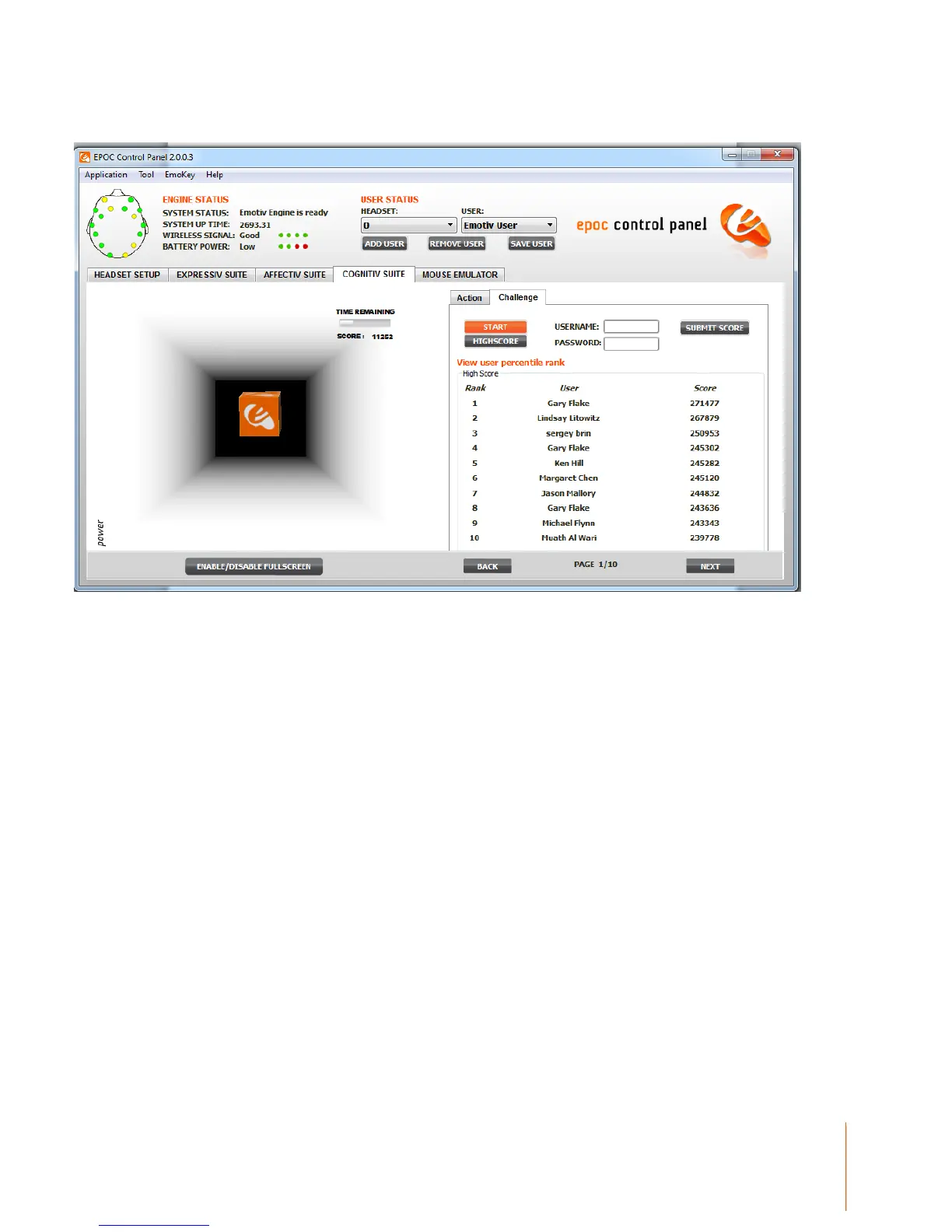
Figure 16 Cognitiv Challenge Tab
You click to START button to begin playing. After you finish playing, you can click to SUBMIT
SCORE to submit score to emotiv’s website.
The HIGHSCORE button displays the highest score
3.4 Mouse Emulator
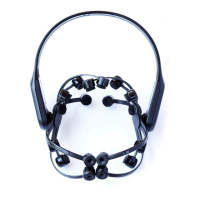
The EPOC neuroheadset comes with a built-in 2-axis gyroscope which enables a range of
additional functions. One possible use is mouse cursor control.
3.4.1 Understanding the Mouse Emulator Tab
The Mouse Emulator Tab in the EPOC Control Panel allows you to activate the neuroheadset’s
gyroscope and link it to the control of your computer’s mouse cursor.


 To Next Page