eMKW-TD0054-21- Page 18
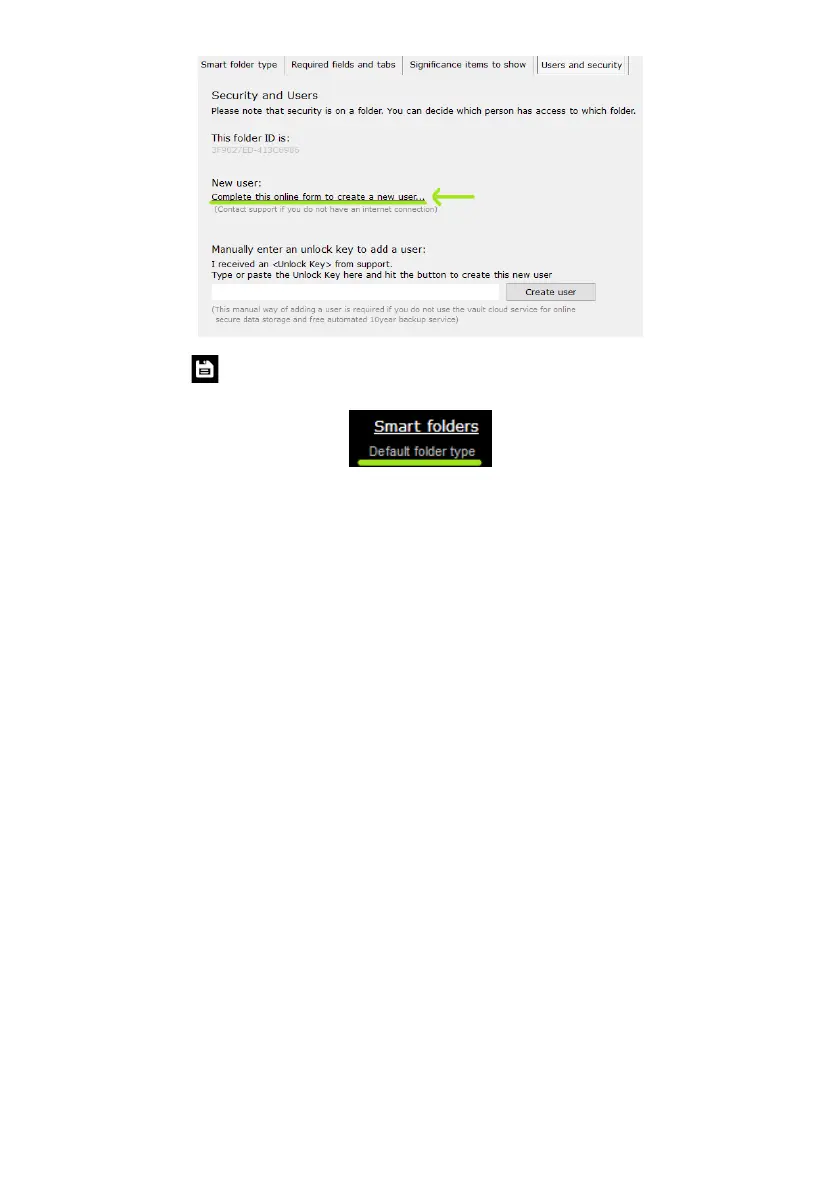
Click the save icon to save changes. The folder type will be displayed at the top right hand corner of
your screen.
Listed below are the different types of smart folders and how you can use them.
Hearing Conservation Screening Program for South Africa (PLH and Milestone/STS)
Using this smart folder type simplifies the method of testing to identify early hearing loss and to calculate
measures for compensation.
Which tests can I perform in this folder type?
● Milestone Baseline & STS Screening (Standard Threshold Shift)
● PLH Baseline, Screening, Entry, Follow-up, Periodic and Exit (Percentage Loss of Hearing)
How do I start testing?
1. After adding a patient to the smart folder, click on +Note/Test to open a new test.
2. This next menu below will appear for you to select the relevant test you want to perform. The
test will begin automatically when you click on a button. You can return to the normal interface
by clicking on the button "Select a new Test / Note / Interpretation / Notification" in the top
left corner.
3. At any point during the test you can manually take over by clicking on pause.
4. Save the test once it is completed.



 To Next Page