eMKW-TD0054-21- Page 19
Baseline Tests
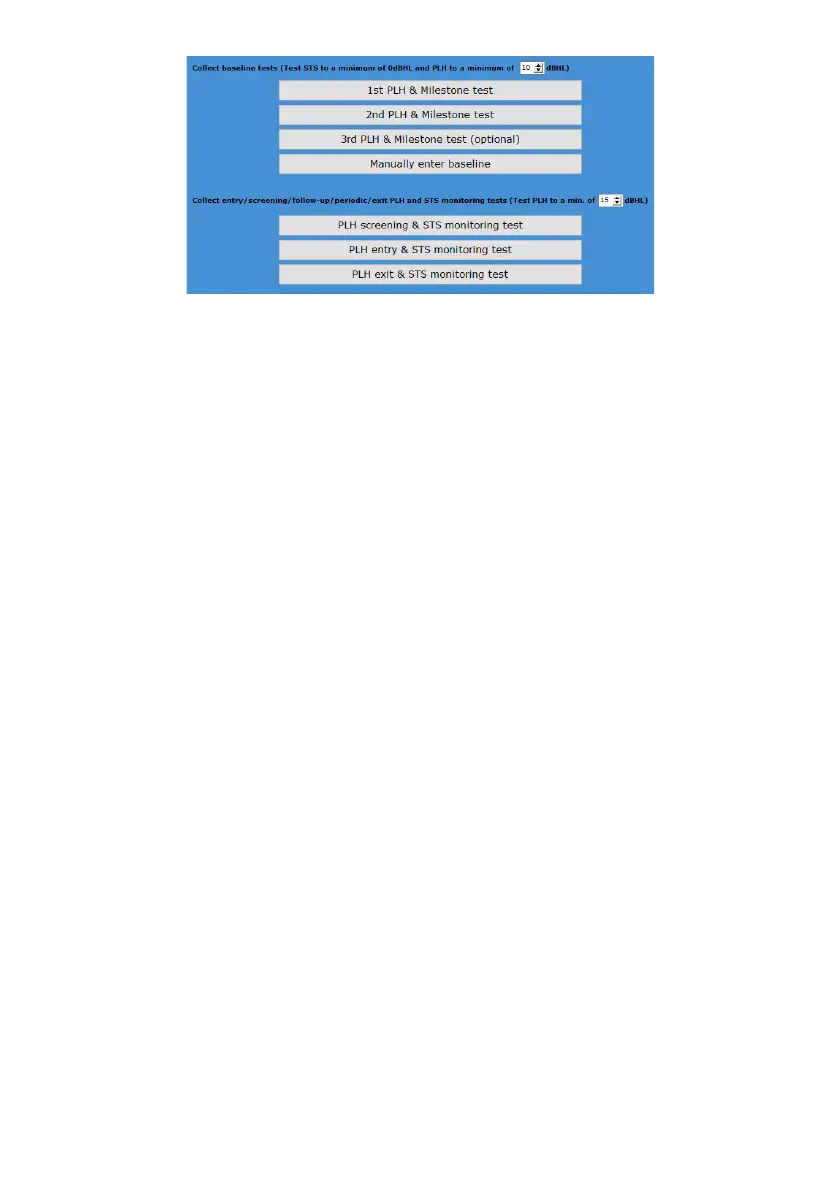
● If you want to collect a baseline result, select from the top section.
● Complete two baseline tests, or even a third if you suspect the patient is malingering.
● Manually enter the baseline results of the patient if they were tested before, but are new in
the KUDUwave database.
● Adjust the dB level to limit the test. By default this is set to 10dB
Follow Up Tests
● If the patient already has a baseline result in the database, and you want to collect a follow-up
result, select the type of test from the bottom section.
● Adjust the dB level to limit the test. By default this is set to 15dB
Hearing Screening for Children and Adults (WHO)
This folder is designed to screen masses efficiently and effectively using World Health Organization
guidelines.
Which tests can I perform in this folder type?
● Pure tone test which finds thresholds between 25 - 45 dB HL at 1kHz, 2kHz and 4kHz for
Children
● Pure tone test which finds thresholds between 25 - 45 dB HL at 500Hz, 1kHz, 2kHz and 4kHz
for Adults.
How do I start testing?
1. After adding a patient to the smart folder, click on +Note/Test to open a new test.
2. The menu below will appear for you to start the automatic test. You can return to the normal
interface by clicking on the button "Select a new Test / Note / Interpretation / Notification" in
the top left corner.
3. At any point during the test you can manually take over by clicking on pause.
4. Save the test once it is completed.



 To Next Page