eMKW-TD0054-21- Page 22
Hearing Conservation Screening for Sappi
This folder type is relevant to the corporation Sappi in South Africa only.
OSHA
Using this smart folder type simplifies the method of testing to identify early hearing loss and to calculate
measures for compensation.
Which test can I perform in this folder type?
● Pure tone test which finds thresholds between 25 - 90 dB HL at 500Hz, 1kHz, 2kHz, 4kHz
and 8kHz.
● Milestone Baseline & STS Screening (Standard Threshold Shift)
How do I start testing?
1. After adding a patient to the smart folder, click on +Note/Test to open a new test.
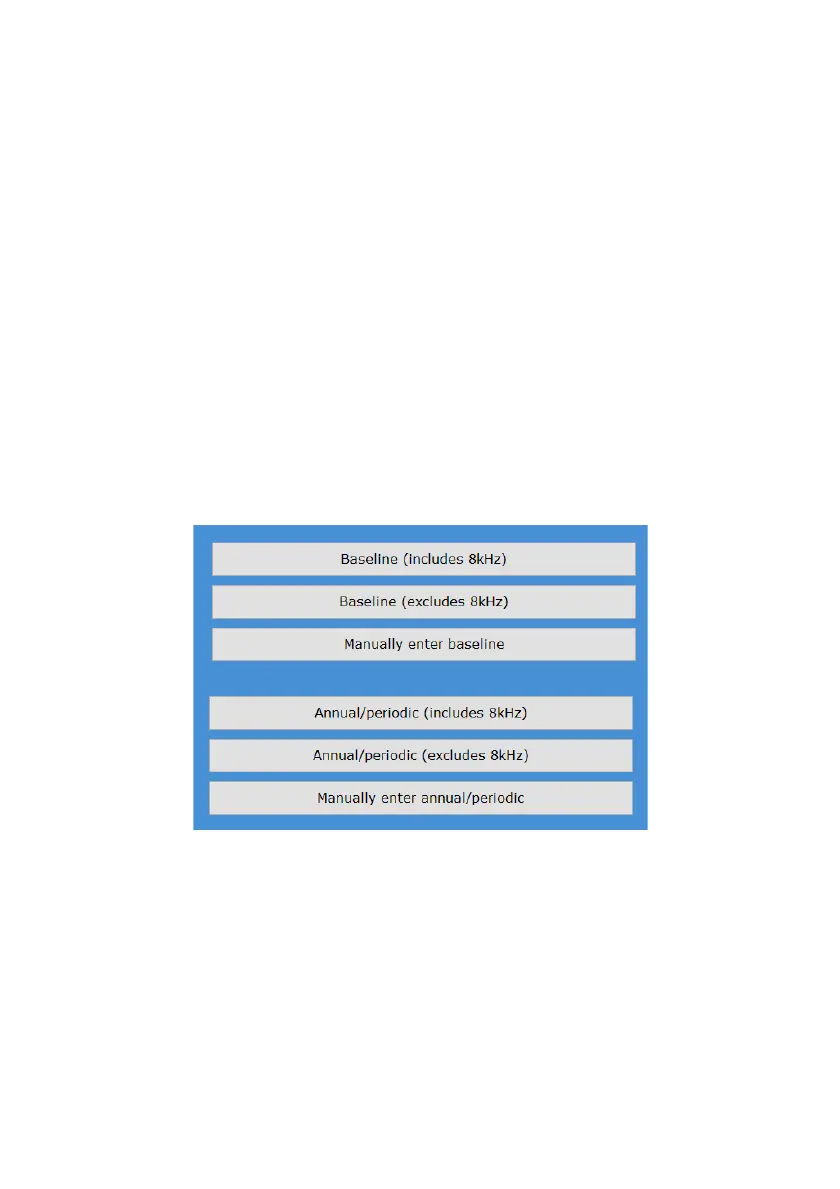
2. The menu below will appear for you to start the automatic test. You can return to the normal
interface by clicking on the button "Select a new Test / Note / Interpretation / Notification" in
the top left corner.
3. At any point during the test you can manually take over by clicking on pause.
4. Save the test once it is completed.
Baseline Tests
● If you want to collect a baseline result, select from the top section, either including or excluding
8kHz.
● Manually enter the baseline results of the patient if they were tested before, but are new in
the KUDUwave database.
Follow Up Tests
● If the patient already has a baseline result in the database, and you want to collect a follow up
result, select the type of test from the bottom section, either including or excluding 8kHz.



 To Next Page