eMKW-TD0054-21- Page 35
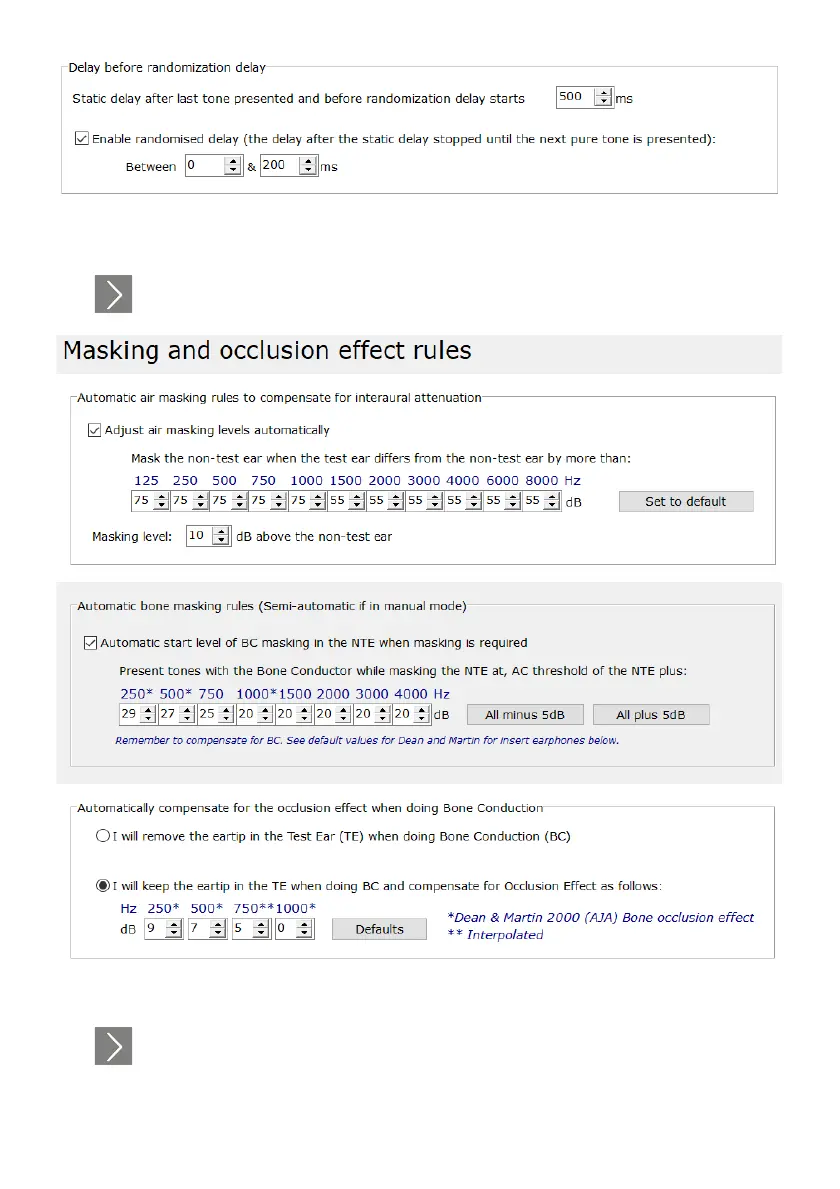
Lastly, you can edit the time frame before tones are presented, either increasing or decreasing delays
and the randomized delays.
Click , to move on to the “Masking and Occlusion effect rules” page.
Deselect these check boxes if you want to mask manually during the test.
Click , to move on to the “Conditioning page”.



 To Next Page