eMKW-TD0054-21- Page 41
provided.
To extend the testing screen to view the extended high frequencies more clearly, click on the
EHF button.
To hide or view the ambient noise sound bars, click on this icon.
To utilize the Stenger test, click on the Stenger button. For more information
on how to use this test please read our blog found here:
https://emoyo.net/post-kudu/stenger-test-and-patient-response-
monitoring-with-kuduwave/
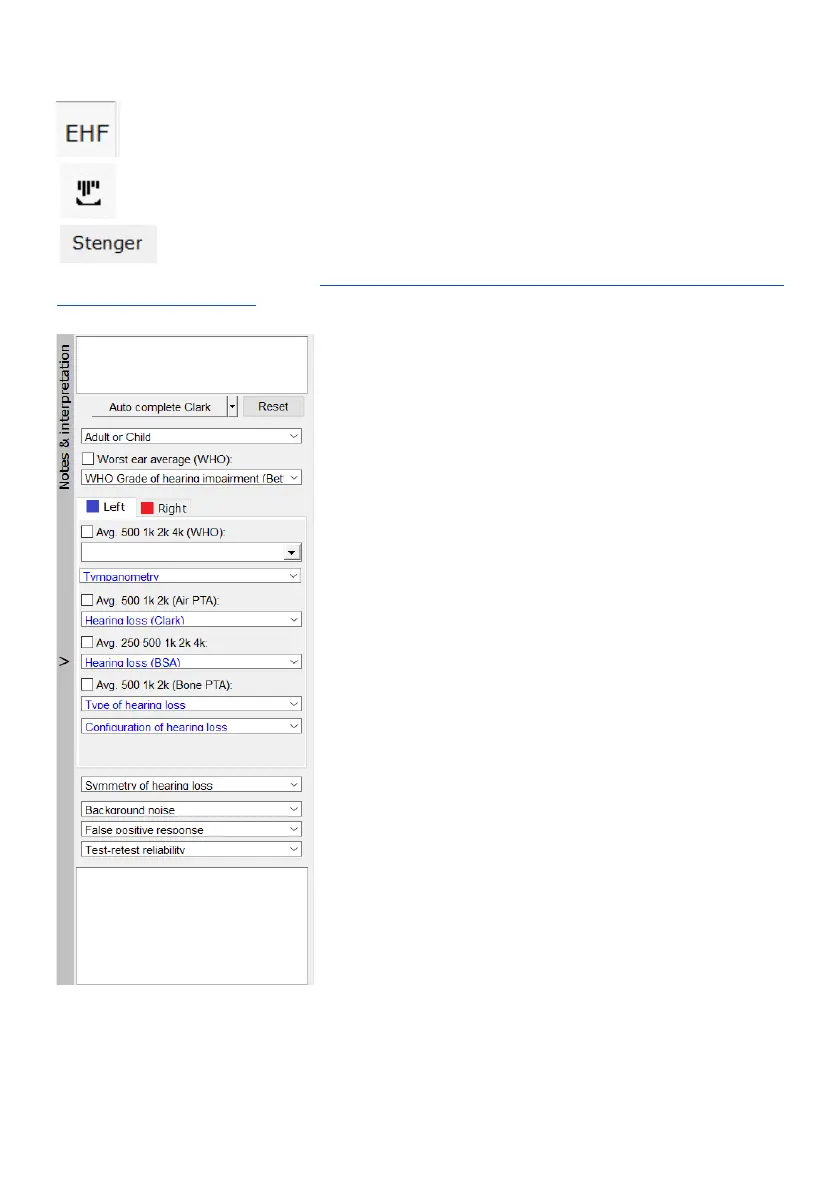
Notes and Interpretations
Under this side panel, any notes regarding the audiometry test or
patient notes can be made and saved to the audiogram report.



 To Next Page