eMKW-TD0054-21- Page 40
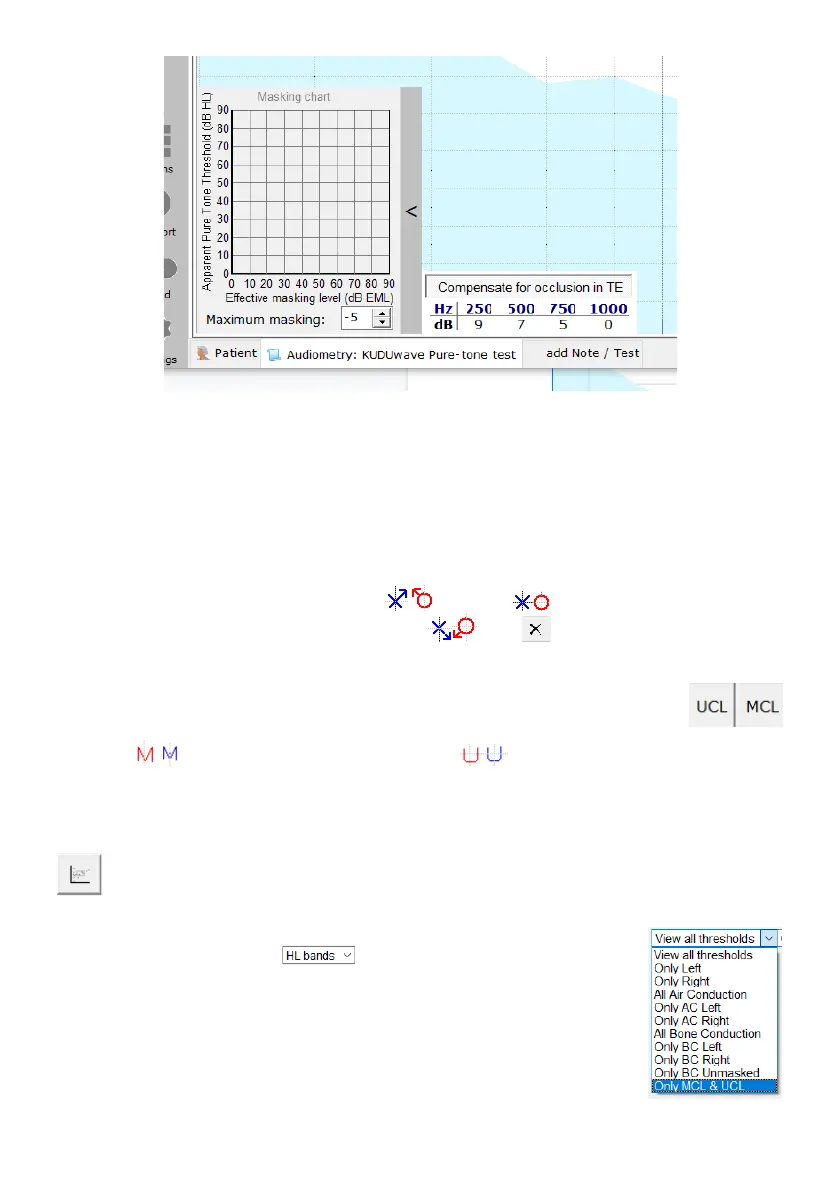
When using the plateau masking method during bone conduction testing, the masking chart automatically
populates the effective masking levels (EM) and the apparent threshold. This indicates the effective
masking level that was required in order for the tester to establish a threshold in the test ear by masking
the non-test ear.
Marking the Threshold
The KUDUwave uses markers stipulated in ISO standards and which are relevant for air conduction using
insert earphones and forehead placement for bone conduction. The blue crosses/red circles on the side
bar are to mark the minimum plateau threshold , threshold and the points the patient did not
respond as a result of maximum output level reached . Use to delete.
To determine and plot the Most Comfortable Loudness (MCL) and Uncomfortable
Loudness (UCL) levels on the audiogram, click MCL/ or UCL. The MCL and
UCL are mostly used to provide an indication of the gain level of the hearing aid which
will be most comfortable for the patient. On the KUDUwave audiogram, the MCL is
marked as for each ear, and the UCL is marked as for each ear.
Counselling Tools
When counselling a patient or person interested in the testing results, use this button to view
the speech area of the patient. On the screen it will show the various consonants and vowels
available to the patient and also shows the intensity of sounds i.e. a baby crying or a dog barking.
This is available on the test viewing page after the test has been saved as well.
Another feature you can use is applying hearing loss bands to the screen. To view
the hearing loss bands, click on and select one of the options from the
menu (Clark, WHO, BSA).
Other Features
The test view is automatically set to view all thresholds. Edit this by selecting which
thresholds you would like to view on the screen from the drop down menu



 To Next Page