eMKW-TD0054-21- Page 74
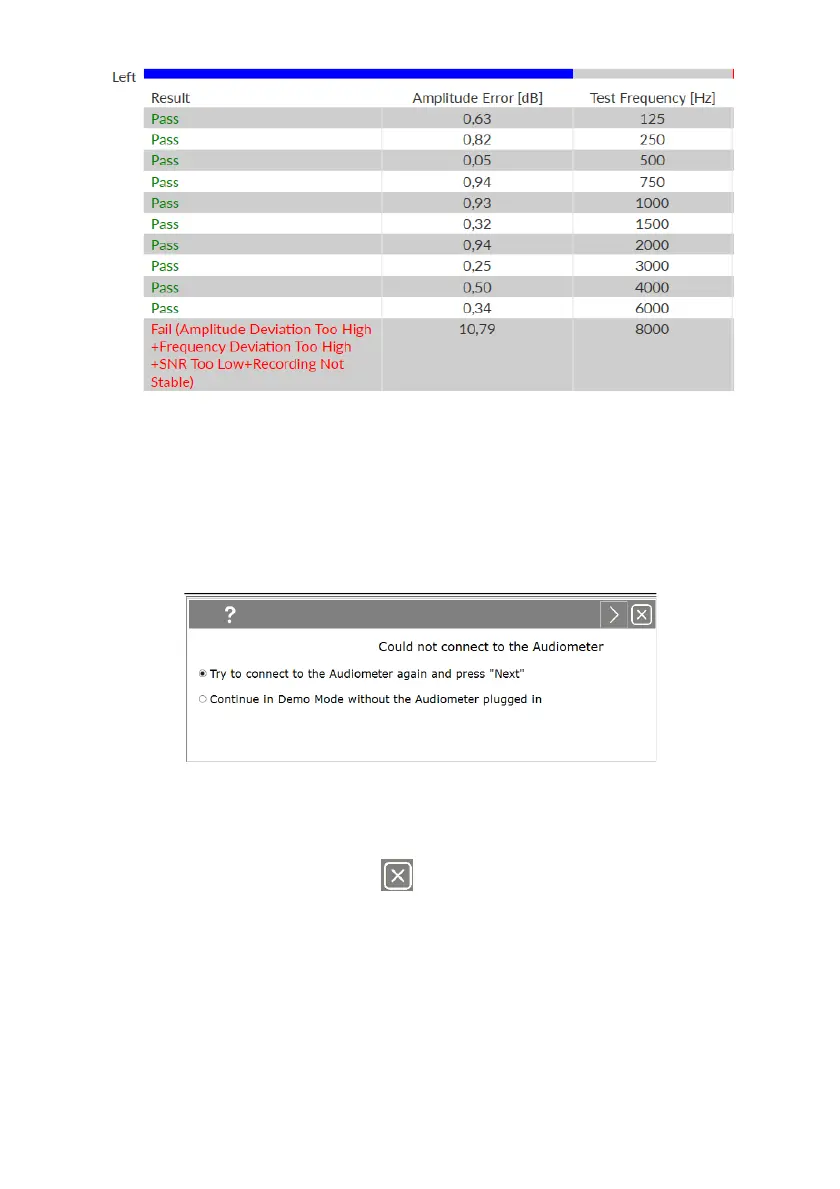
If the test still fails after you have followed the instructions then your KUDUwave could be out of
calibration. Contact eMoyo to book a calibration.
Troubleshooting
Computer is not able to connect to the KUDUwave
If the computer is not able to connect to the KUDUwave, the following message will pop up.
This means that the KUDUwave audiometer was not plugged in correctly.
Please follow these steps to correct the problem:
1. Cancel the current test by selecting in the top right corner.
2. Go to Support and click on “Remove old drivers”
3. Follow the instructions given by the software. Unplug the KUDUwave from your computer,
wait a few seconds, and plug it back in ensuring that both the KUDUwave and response button
are firmly plugged in.
4. Restart the test.



 To Next Page