Page 104
PROFESSIONAL MODE
1.6 Monitoring
04. 07. 2015 10:44
Message list
DiffTemp
Volume ow
Coll.Emerg.OFF
Sensor balancing
1.6.2 dT monitoring
04. 07. 2015 10:44
dT coll/stor
t max.coll/tank
Monitoring of
30.0K
10min
---
1.6.3 Phi monitoring
04. 07. 2015 10:44
ow rate RO1
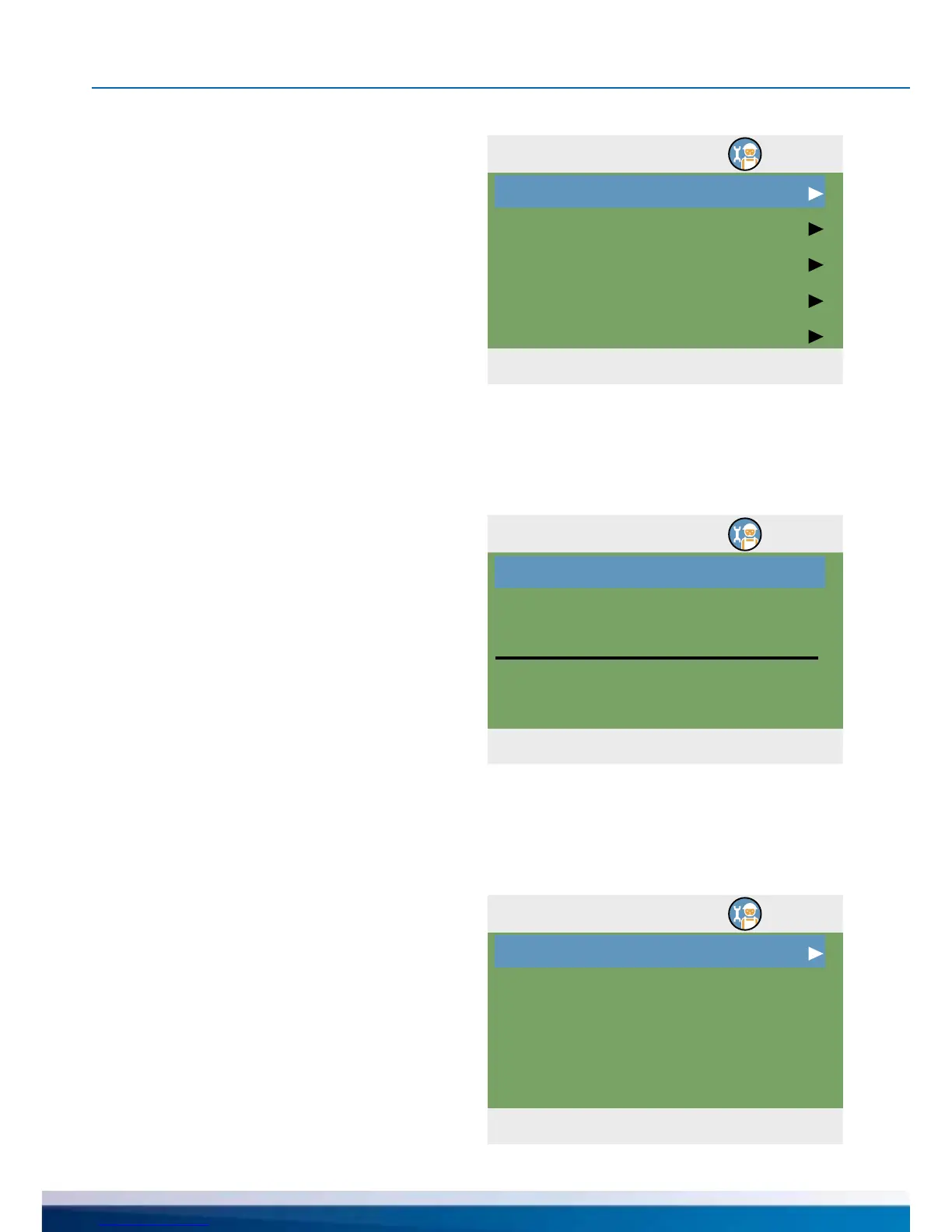
The following items appear under ›1.6. Moni-
toring‹ next to the operation mode menus:
- ›DiffTemp‹
- ›Volume ow‹
- ›Coll.Emerg.OFF‹
- ›Sensor balancing‹
Call up the menu item ›DiffTemp‹.
›Phi monitoring‹ accesses any
ow menu for which volume ow
sensors have been congured.
Select appropriate submenu.
›dT monitoring‹ is used to dene the
criteria which lead to fault detection.
›dT coll/stor‹ is used to dene a differential
temperature between collector and tank, and
›t max.coll/tank‹ for the relevant period of
time.
If ›dT coll/stor‹ is exceeded within ›t max.
coll/tank‹, the controller detects a fault.
With ›Monitoring of‹, the monitoring of the
feed and return temperature
of the heat counter can be selected.
Continue with ›Volume ow‹.


 To Next Page