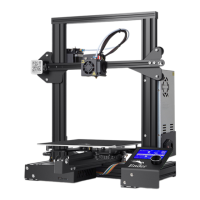
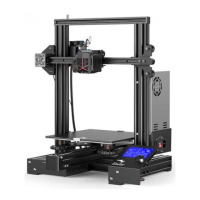
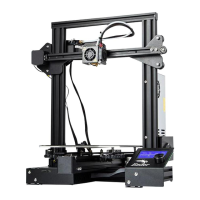
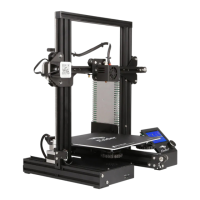
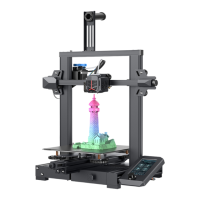
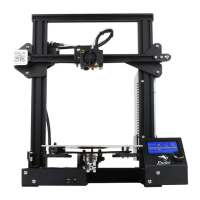
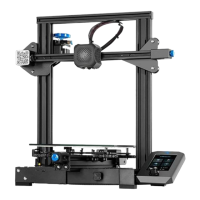
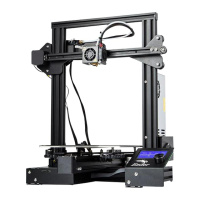
4. Bed Leveling
4
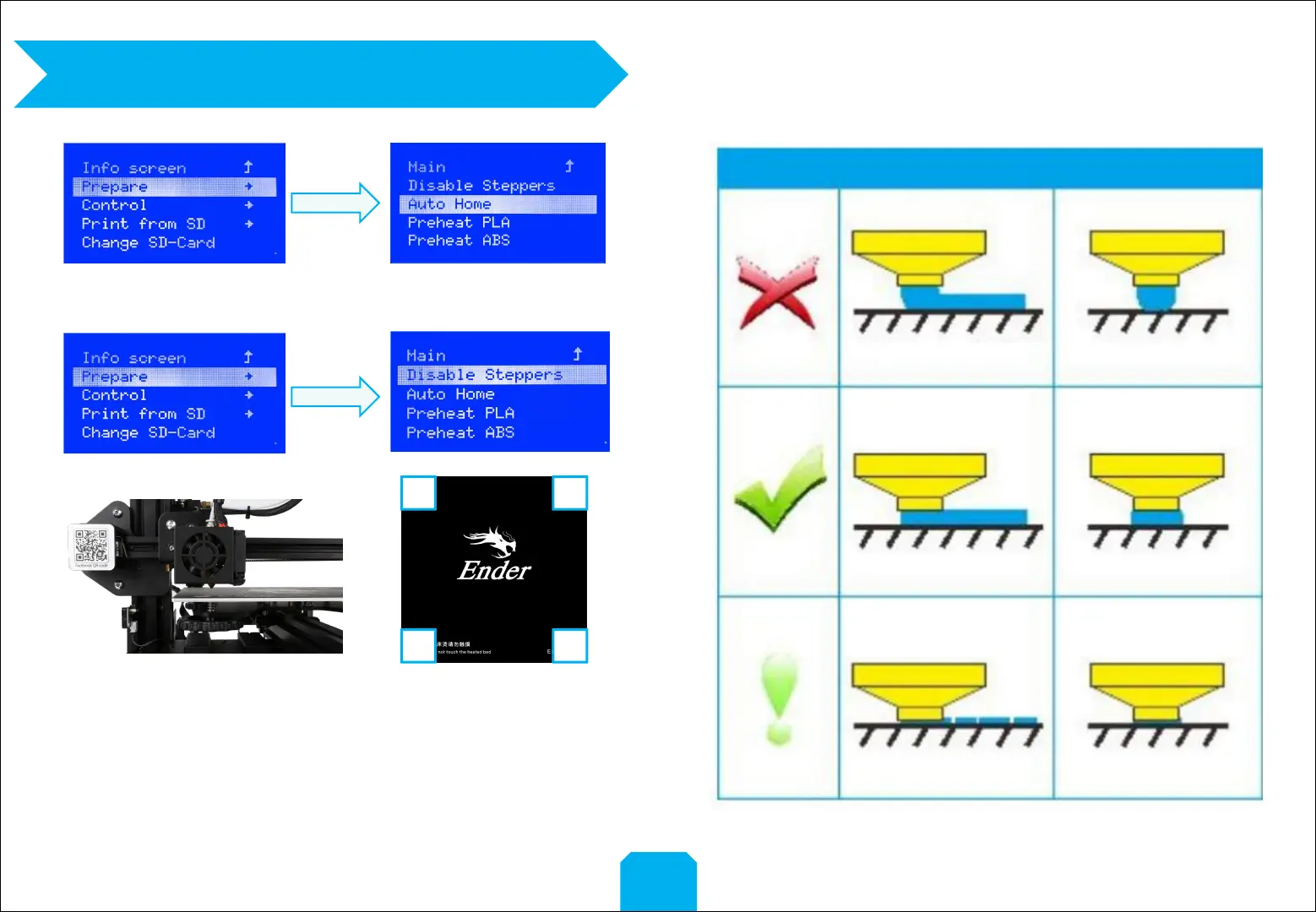
1. Prepare →Auto Home. Wait for the nozzle to move to the
left/front of the platform.
2. Prepare→Disable Steppers
3. Move the nozzle to the front/left leveling screw and adjust the platform
height by turning the knob underneath. Use a piece of A4 paper (standard
printer paper) to assist with the adjustment, making sure that the nozzle
lightly scratches the paper.
4. Complete the adjustment on all 4 corners
5. Repeat above steps 1-2 times if necessary.
1 2
34


 To Next Page