On pressing , the latest test result saved in the
meter’s memory will be displayed on the screen
along with the date and time. Press and hold to
scroll through the test results.
Note
Use the button to scroll through the test results, starting
from the most recent and ending with the oldest. Press
to return to the result seen previously.
After checking the stored test result, press the
S
button to
turn off the meter.
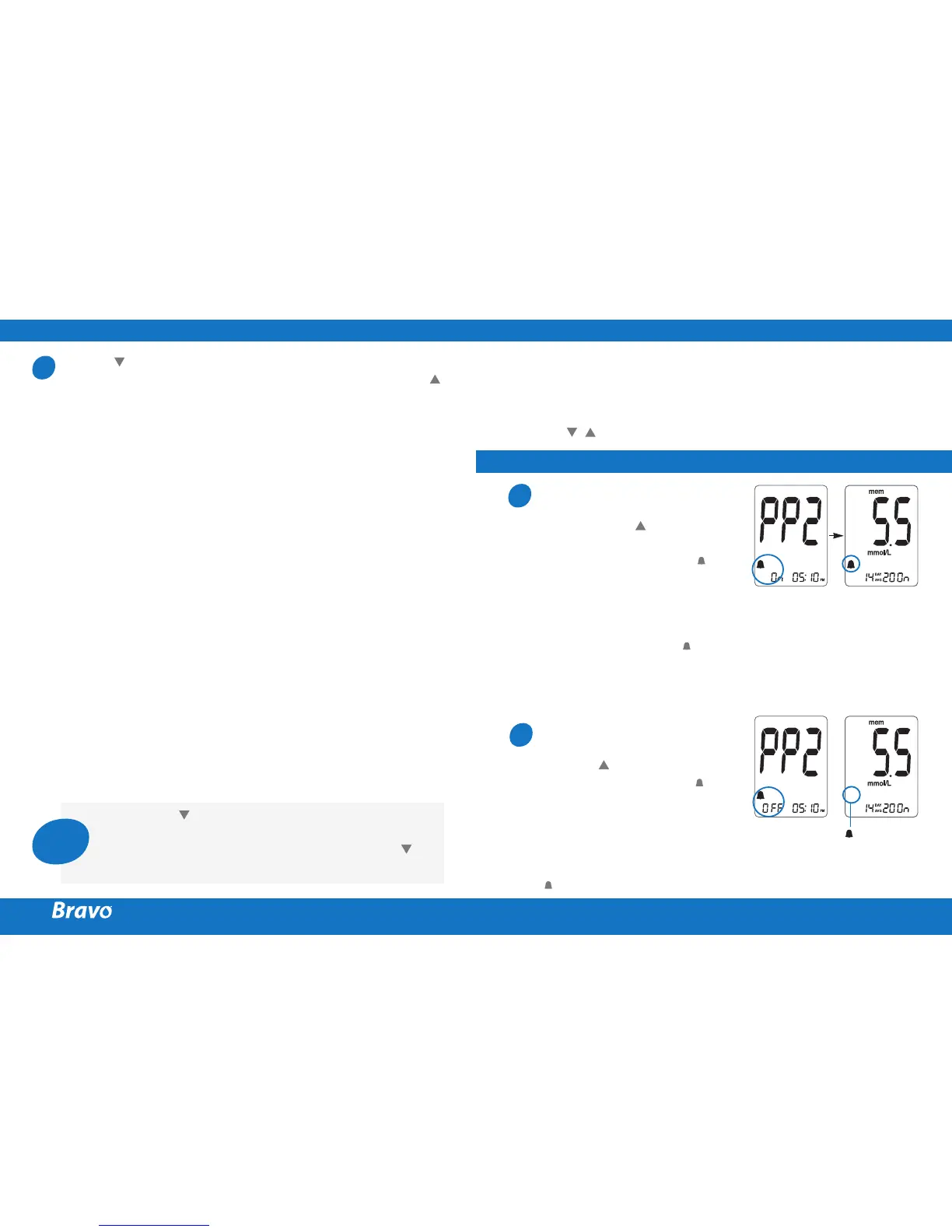
Setting the PP2 alarm On
Without inserting a test strip,
press and hold for 3 seconds
to set the post-meal alarm. The
‘PP2’ character, the bell ( ) icon
and then the ‘On’ character will
be displayed. The screen will
then automatically change to
the memory check mode.
At this time, the bell ( ) icon,
indicating that the PP2 alarm
has been set, will be displayed
on the screen.
Setting the PP2 alarm OFF
To turn off the PP2 alarm, press
and hold for 3 seconds. The
‘PP2’character, the bell ( ) icon
and then the ‘OFF’ character
will appear on the screen.
Then the screen will change
automatically to the memory
check mode without the bell
( ) icon being displayed.
1
2
SETTING THE ALARM FUNCTION
SETTING THE POST-MEAL ALARM (PP2 ALARM)
Four types of alarms can be set in the meter: one post-meal
alarm (PP2 alarm) and three time-set alarms (alarm1 ~ 3).
The PP2 alarm goes off 2 hours after setting the alarm.
The alarms ring for 15 seconds and can be silenced by
pressing , or the
S
button or by inserting a test strip.
3
Icon vanishes



 To Next Page