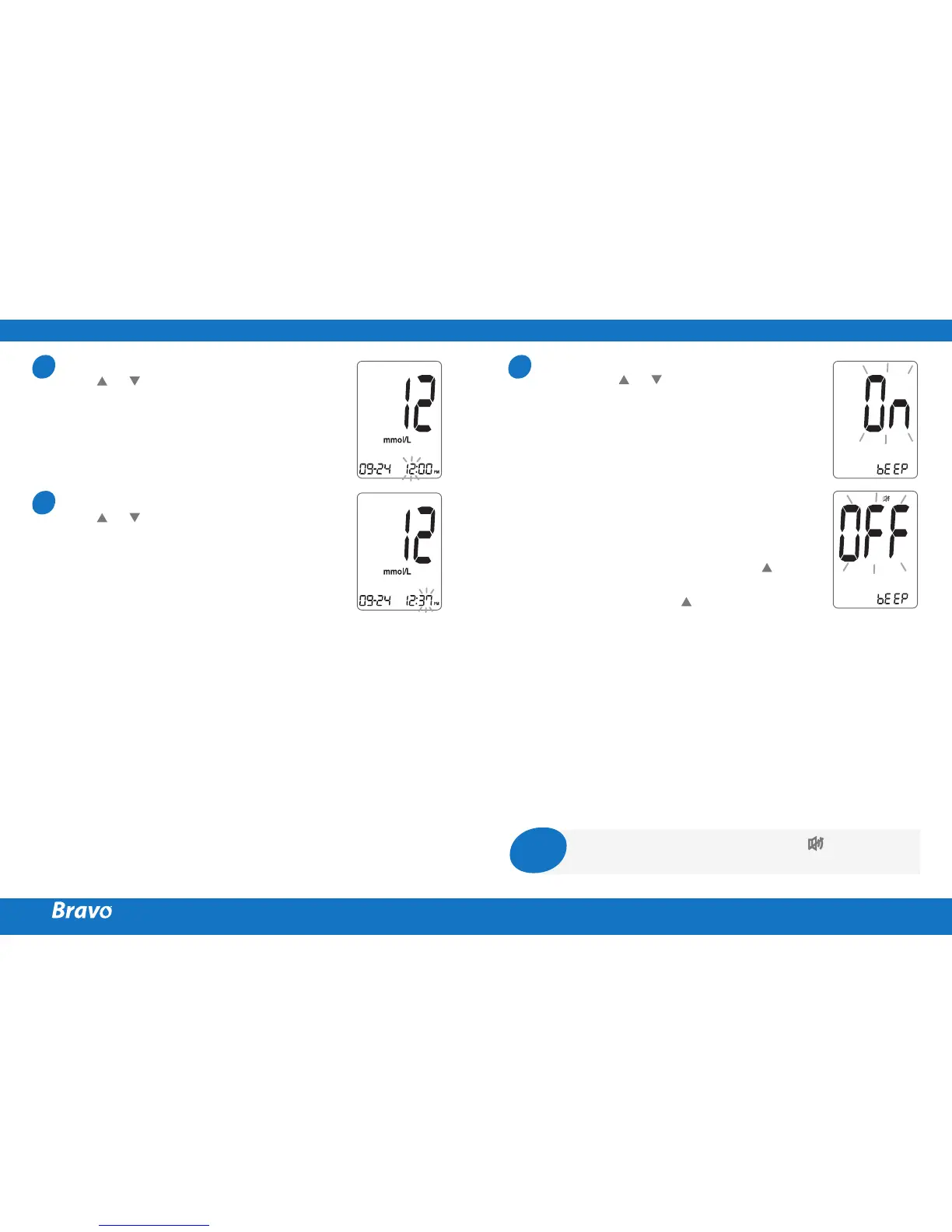
Setting the Hour
Press or until the correct hour appears.
After the hour is set, press the S button to
enter the minute setting mode.
Setting the Minute
Press or until the correct minute
appears. After setting the minute, press the
S button to enter the sound setting mode.
6
7
Setting the Sound On/OFF
On pressing or , the screen will display
On or OFF. Press the
S
button to confirm
the selection.
The meter will beep in the following
instances if set to On.
meter
the test strip and the test starts
S
button or button
to turn on the meter
button to set the
post-meal (PP2) alarm
test
If the sound is set to OFF, none of the
sound functions will work.
8
Note
Only when the sound is set to OFF, icon appears
on the display.



 To Next Page