52
iRAS
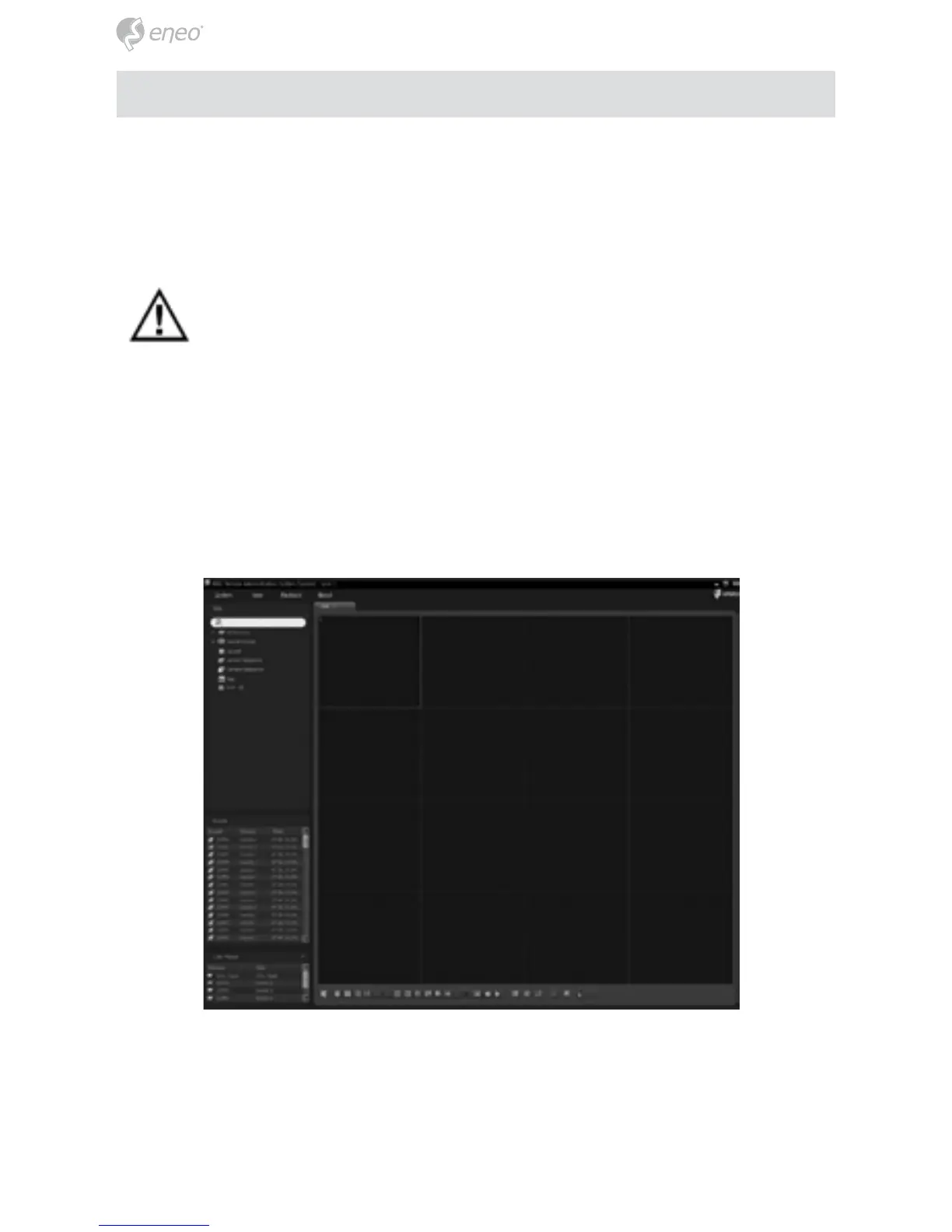
iRAS program, which is designed to be used with remote digital video recorder, is
an integrated software program that controls system management, video monitoring,
video recording and image playback of multiple remote sites.
CAUTION: If an older version of iRAS software is installed on your
computer, a screen appears asking you to upgrade the software. In this
case, you are required to upgrade the software according to the instruc-
tions in the screen.
Insert the installation CD and install the iRAS software following the instructions.
After installing the iRAS software, run the iRAS program as follows: Go to the Start
menu on the PC → Click iRAS → Enter login information. Install the iRAS software
following the instructions.
NOTE: For detailed instructions on operating the iRAS program, refer to the User’s
Manual on the software CD.



 To Next Page